
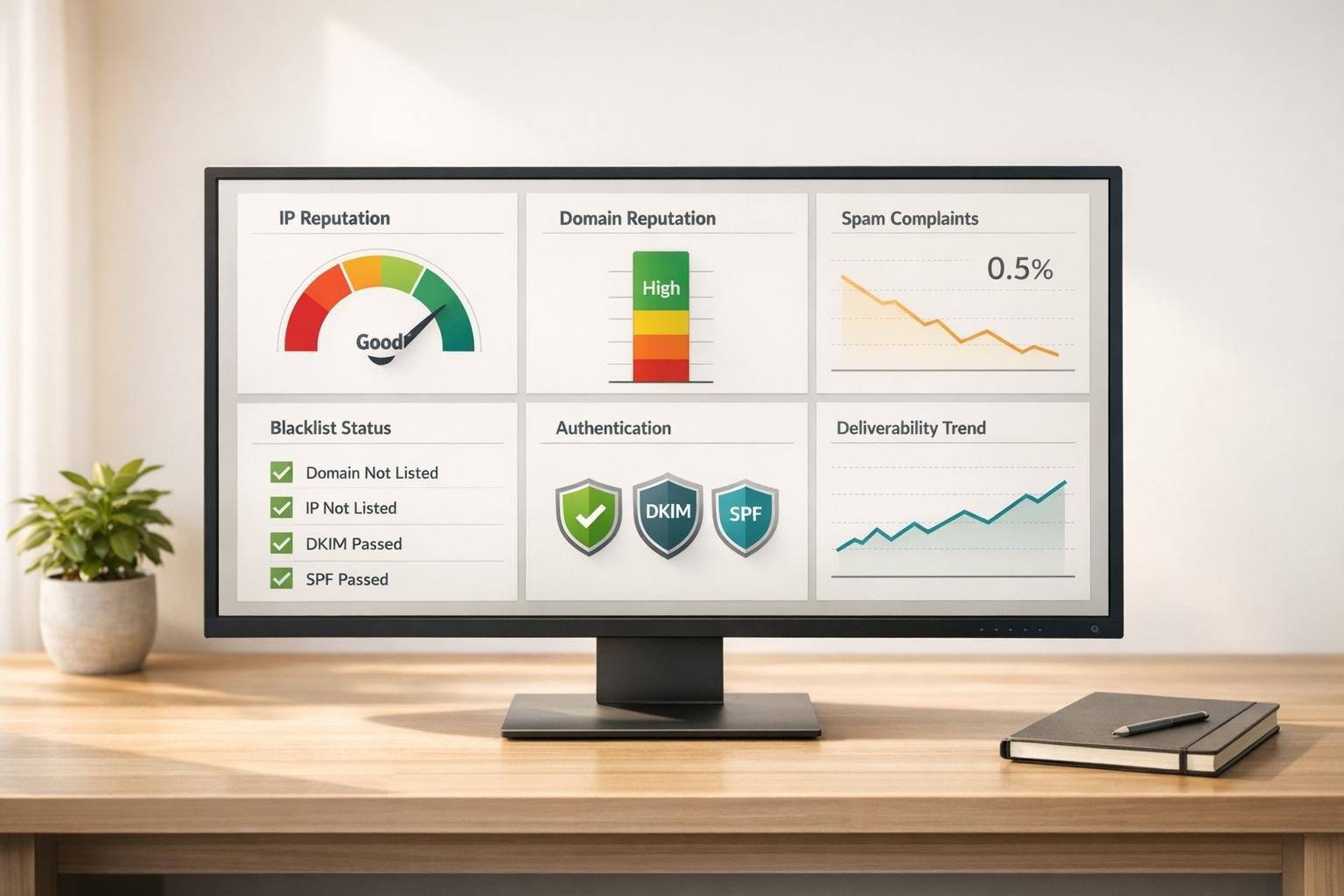
Monitoring your sender reputation is critical to ensuring your emails land in inboxes rather than spam folders. A strong sender reputation can boost email deliverability rates up to 95%, while a low score can drop it to as low as 15-20%. To maintain a healthy reputation, monitor metrics like spam complaints (keep below 0.1%), authentication protocols (SPF, DKIM, DMARC), and regularly clean your email list.
Here are the top tools to help you track and improve your sender reputation:
- Google Postmaster Tools: Free insights into Gmail’s evaluation of your domain and IP reputation.
- Microsoft SNDS: Tracks IP reputation for Outlook, Hotmail, and MSN users.
- Sender Score by Validity: Assigns a score (0-100) to your IP for a quick trustworthiness snapshot.
- BarracudaCentral: Monitors IP/domain reputation and blacklist status with real-time alerts.
- Talos Intelligence by Cisco: Provides global reputation data and automated alerts for changes.
- Mail-Tester: Evaluates emails for spam risk and deliverability issues.
- MXToolbox: Comprehensive blacklist monitoring and diagnostics for email deliverability.
Quick Tip: Use these tools regularly to spot issues early. Daily checks for spam complaints and blacklist status, weekly reputation tracking, and monthly email list cleanups can keep your campaigns on track.
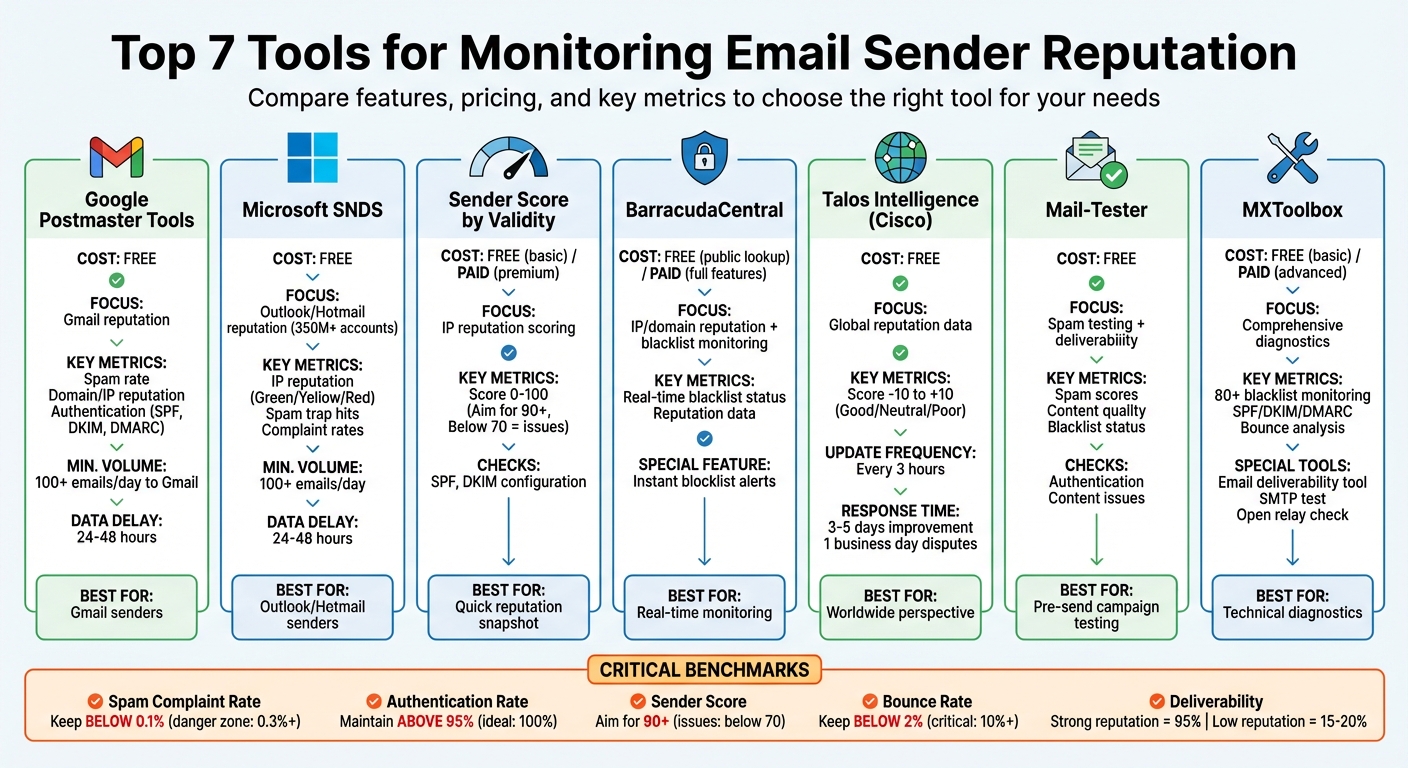
Top 7 Email Sender Reputation Monitoring Tools Comparison
5 tools to measure email reputation
sbb-itb-112c64b
Top Tools for Monitoring Sender Reputation
Understanding why sender reputation is critical is one thing, but having the right tools to monitor it is another. Let’s dive into some of the most reliable tools that can give you direct insights from major email providers. These tools can help you identify potential issues before they disrupt your email deliverability.
Google Postmaster Tools
Google Postmaster Tools offers a direct look at how Gmail evaluates your emails. It’s completely free and provides key metrics like spam complaint rates, domain and IP reputation, and authentication status (SPF, DKIM, and DMARC). To get started, you’ll need to verify your domain ownership by adding a TXT record to your DNS. Additionally, you must send at least 100 emails per day to Gmail users, with data typically appearing after a 24- to 48-hour delay.
In September 2025, Google upgraded to the V2 interface, retiring the older version. The new Compliance Status dashboard is especially helpful for bulk senders (5,000+ emails daily), as it checks for DMARC compliance and one-click unsubscribe headers. Keeping your spam rate low is crucial – Google advises staying below 0.1%, as rates exceeding 0.3% can lead to serious deliverability problems.
"Google Postmaster Tools is your only free, direct line into how Gmail judges your sending reputation." – Vatsal Shah, TrulyInbox
One example highlights how maintaining a 0.0% spam rate helped a new domain improve its reputation from "no data" to "Low" and eventually "Medium" in just 18 days. If your reputation takes a hit, reducing your email volume by 50% and pausing cold outreach can aid recovery, though it may take several weeks.
Let’s move on to a key tool for Outlook and Hotmail senders.
Microsoft SNDS (Smart Network Data Services)
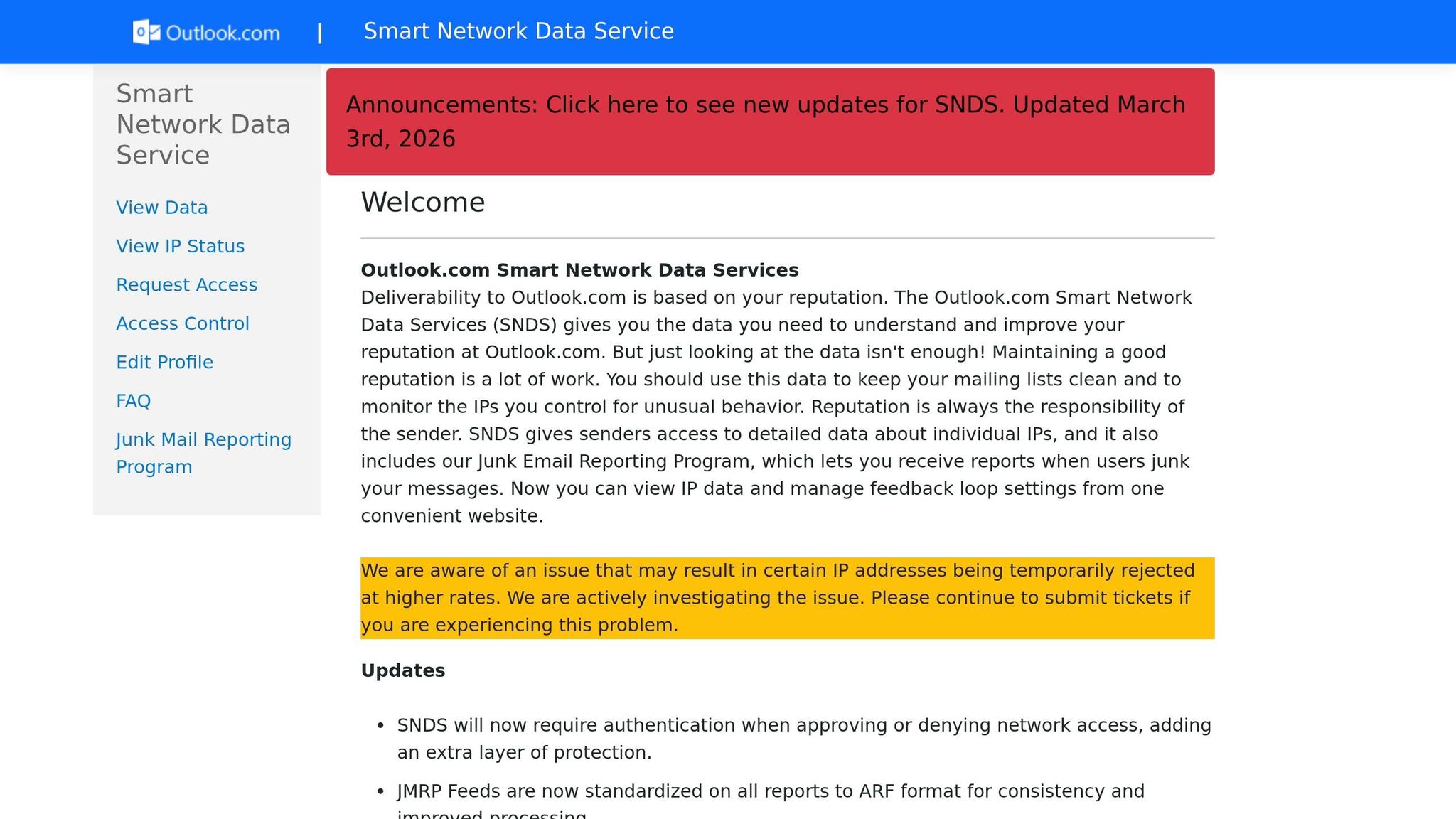
Microsoft SNDS is tailored for those sending emails to Outlook, Hotmail, Live, and MSN users – over 350 million accounts in total. This free tool focuses on IP reputation rather than domain reputation, so you’ll need a dedicated IP address to use it. To sign up, you must verify ownership of your IP through a valid WHOIS abuse contact email, where Microsoft will send an authorization link.
Once set up, SNDS categorizes your IP status as:
- Green: Less than 10% spam flags
- Yellow: Between 10–90% spam flags
- Red: More than 90% spam flags
SNDS also provides data on spam trap hits and complaint rates. A complaint rate below 0.1% is considered healthy, while rates over 0.5% signal trouble. If spam trap hits are detected, conducting a full list cleaning is recommended, as Microsoft does not disclose which addresses are traps.
"Microsoft SNDS is the only way to see how their filters perceive your sending [to Outlook and Hotmail]." – Daniyal Dehleh, Email Deliverability Expert
Keep in mind, SNDS does not support Office 365 or Microsoft 365 business accounts and is limited to consumer domains. Like Google Postmaster Tools, you’ll need to send at least 100 emails per day for data to populate, with a similar 24–48-hour delay.
Now, let’s look at tools that provide scoring and real-time alerts.
Sender Score by Validity
Sender Score by Validity assigns a reputation score ranging from 0 to 100 to your sending IP address, offering a quick snapshot of your email trustworthiness. Scores below 70 often indicate deliverability challenges. This tool also checks your SPF and DKIM configurations, helping you spot technical issues that might harm your reputation. While the basic lookup is free, advanced features like API access and custom alerts are available on the premium tier. For a well-rounded approach, Sender Score works best when combined with ISP-specific tools.
BarracudaCentral Reputation System
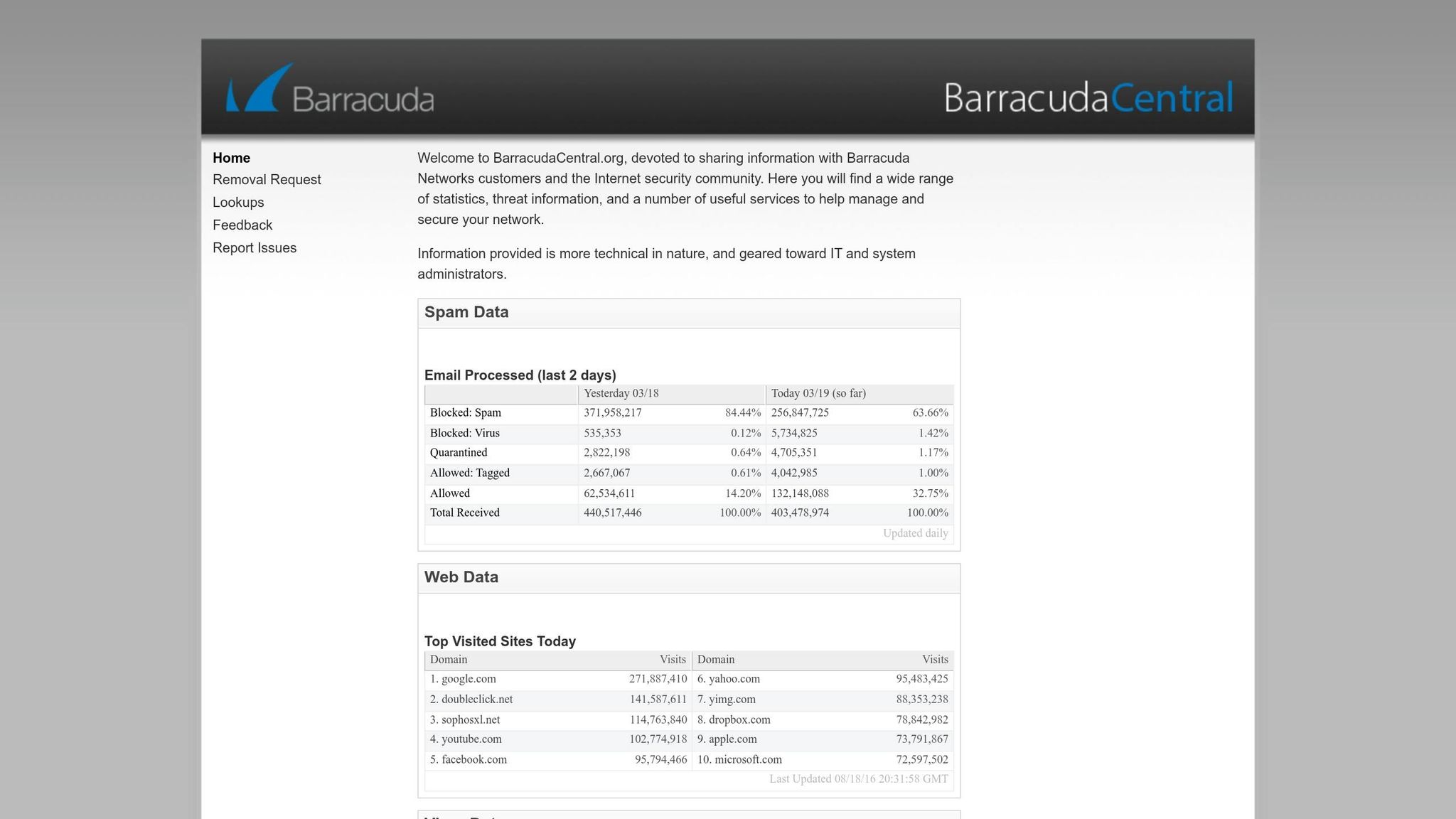
BarracudaCentral provides real-time data on IP and domain reputation, along with blacklist monitoring. While a Barracuda subscription unlocks its full capabilities, the free public lookup tool is a great starting point. One of its standout features is instant alerts if your IP gets blocklisted, enabling you to address deliverability problems before they affect your campaigns.
More Tools and Platforms for Reputation Monitoring
There are additional tools available that offer broad monitoring capabilities, helping to catch reputation issues across various networks. These tools are especially valuable for bloggers managing their own email lists or running campaigns through third-party services. They work well alongside the ISP-specific tools mentioned earlier.
Talos Intelligence by Cisco

Talos Intelligence collects real-time data from Cisco appliances around the globe, providing a worldwide perspective on your sending reputation. It assigns scores on a scale from -10 to +10 and categorizes reputation as Good, Neutral, or Poor. A standout feature is its Reputation Monitoring Service (RMS), which notifies users of improvements within 3 to 5 days and responds to disputes within one business day.
You can use Talos to check reputation data for IPv4/IPv6 addresses, CIDR ranges, domains, hostnames, and URIs, making it adaptable to various sending configurations. The RMS also allows you to set up "Monitor Groups" for specific IPs or domains, sending automated email alerts whenever your reputation status changes. If your IP is marked as "Poor", resolving the issue typically results in an automatic score improvement within a few days. Reputation data is updated every 3 hours, ensuring a balance between accuracy and server performance.
Mail-Tester
Mail-Tester is a versatile spam testing tool that integrates seamlessly with email marketing software. It evaluates your email campaigns based on spam scores, content quality, and blacklist status. To ensure accurate results, identify your sending IP within the email headers. Regular testing with Mail-Tester can help you spot authentication or content issues early, preventing potential deliverability problems.
MXToolbox
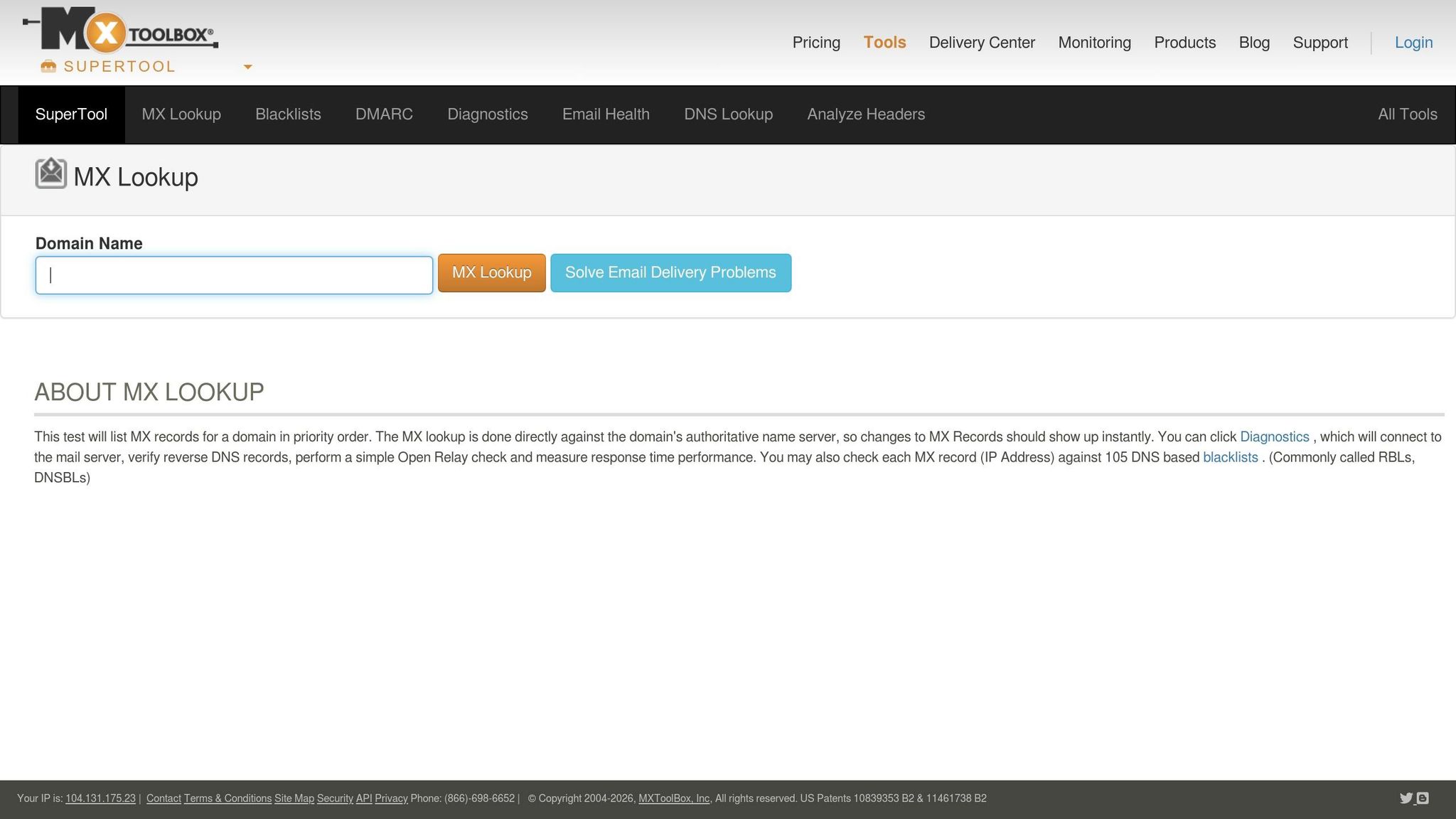
MXToolbox focuses on diagnostics and monitors your IP address against more than 80 DNS-based blacklists, including major ones like Spamhaus and SORBS. It offers a variety of tools to help maintain email reputation:
- Email Deliverability Tool: Reviews outbound messages by analyzing headers, IP blacklist status, and authentication records such as SPF, DKIM, and DMARC.
- Bounce Analysis Tool: Pinpoints common reasons for email bounces.
To run a test, send an email to pings@mxtoolbox.com. The report will provide insights into authentication and relay delays. If your IP is flagged, consider these steps: review outbound email logs for potential compromises, pause sends from the flagged IP, clean up your email lists by removing bounces and inactive recipients, and submit delisting requests to the relevant blocklist operators. Additionally, the SMTP Test Tool helps verify that your mail server does not allow open relay, a frequent cause of reputation issues.
How to Build a Regular Monitoring Routine
Using reputation monitoring tools is just the start. To keep your email deliverability on point, you need a consistent routine. Regular monitoring ensures small issues don’t spiral into major problems. The challenge is to stay thorough without wasting time, focusing on the metrics that truly matter for your email campaigns. Here’s how daily, weekly, and monthly checks can help keep things running smoothly.
Weekly and Monthly Monitoring Tips
Start with daily checks to stay ahead of potential issues. Use tools like MXToolbox or Spamhaus to check your blocklist status. A quick look at your domain reputation in Google Postmaster Tools can also alert you to sudden dips that might need immediate attention.
On a weekly basis, dig a little deeper into performance trends. Check ISP-specific reputation data to see where you stand – whether it’s "High", "Medium", "Low", or "Bad." Keep an eye on your spam complaint rate, which should stay below 0.1%. If it creeps toward 0.3%, you risk being blocked by Gmail. Don’t forget to check your Sender Score weekly; aim for a score of 90 or higher.
Monthly maintenance goes even further. Audit your DNS records – SPF, DKIM, and DMARC – to confirm everything is properly authenticated. Run a thorough blacklist check with tools like MXToolbox and clean up your email list by removing hard bounces and inactive subscribers. Before launching major campaigns, test your deliverability using seed accounts with tools like Mail-Tester.
How to Interpret Metrics and Take Action
Understanding your metrics is key to making the right adjustments. For example, your spam rate is a critical number. Google expects bulk senders to keep spam complaint rates below 0.1%, and anything nearing 0.3% can lead to serious issues. If you notice a spike, identify the specific campaign causing it. Look for potential problems like misleading subject lines or missing unsubscribe options.
"If you’re at ‘Medium,’ don’t get comfortable. It means you’re on thin ice. Treat it as a warning, not a passing grade." – Vatsal Shah, TrulyInbox
Your authentication rates should also remain high – ideally at 100%, but at least above 95%. If these rates drop, check that third-party tools, such as CRMs or email warm-up services, are correctly authorized in your SPF and DKIM records. Watch your bounce rates as well. Rates above 2% need attention, and anything over 10% calls for immediate list cleaning.
If your domain reputation falls to "Medium" or "Low", take action quickly. Cut your sending volume by 50% or more and pause any cold outreach until your reputation improves. Recovery can take time – expect 2–4 weeks to move from "Low" to "Medium", and 6–8 weeks to go from "Bad" to "High". Also, avoid sudden spikes in email volume, like jumping from 1,000 to 15,000 emails in a week, as ISPs may flag this behavior. Instead, increase your sending volume gradually.
Conclusion
Your sender reputation – essentially your email credit score – plays a crucial role in determining whether your emails land in inboxes or get flagged as spam. If you don’t monitor it consistently, you risk losing not just subscribers but also engagement.
"Your sender identity is essentially your digital reputation, and without proper monitoring, you might be bleeding deliverability without even knowing it." – Fergus Tierney, Labnify
For bloggers building an audience, ignoring reputation monitoring can mean losing readers and revenue. With the average email list shrinking by 28% annually, even the most compelling content can struggle to perform if your reputation isn’t up to par.
The tools we’ve discussed – like Google Postmaster Tools, Sender Score, and MXToolbox – offer the insights you need to safeguard your domain and grow your email list responsibly. To maintain a healthy email program, you’ll need to regularly check your reputation scores, keep spam complaint rates under 0.1%, and ensure authentication rates stay above 95%. These aren’t optional steps – they’re the backbone of effective email deliverability.
If you’re just starting out, free tools like Google Postmaster Tools and Microsoft SNDS are excellent starting points. As your list expands, consider supplementing these with additional monitoring tools to strengthen your email strategy. Consistent monitoring not only ensures better deliverability and engagement but also guarantees your content reaches your audience. For bloggers focused on long-term growth, reputation monitoring is the foundation that supports all your other email marketing efforts.
FAQs
How can I tell if a deliverability drop is caused by my IP or domain reputation?
To figure out if a drop in deliverability is tied to your IP or domain reputation, you can use some handy tools. For checking IP reputation, try platforms like Cisco Talos or MxToolbox. If you’re focusing on domain reputation, Google Postmaster Tools is an excellent resource. It offers detailed metrics to help you analyze the problem. These tools make it easier to determine whether the issue stems from your IP or your domain.
What should I do first if my domain or IP gets blocklisted?
If your domain or IP has been blocklisted, the first step is to verify and monitor the issue using tools like MailMonitor, MxToolbox, or Spamhaus. These platforms can help you confirm your blocklist status and provide real-time alerts about any issues.
Once you’ve confirmed you’re on a blocklist, follow the delisting instructions provided by these tools. At the same time, work on improving your sender reputation. Keep an eye on metrics like bounce rates, spam complaints, and authentication scores. Tools like Google Postmaster Tools or Sender Score can be invaluable for tracking and enhancing these metrics.
How long does it take to rebuild sender reputation after a spike in spam complaints?
Rebuilding your sender reputation after a surge in spam complaints can take anywhere from 2 weeks to over 12 weeks. The exact timeline depends on how severe the issue is and how diligently you apply corrective measures. This includes refining your email practices and addressing factors that might trigger spam complaints. Consistency is key to regaining trust.