

Looking to start a blog but unsure whether to choose WordPress or Blogger? Here’s a straightforward breakdown to help you decide:
- WordPress: Offers full control, customization, and scalability. Ideal for professional blogs, businesses, and those aiming to monetize through multiple channels like affiliate marketing, e-commerce, or memberships. Costs start at around $10/month for hosting and a domain.
- Blogger: Simple, free, and beginner-friendly. Best for casual bloggers or hobbyists who just want to focus on writing. Limited customization and monetization options, mainly relying on Google AdSense.
Quick Comparison
| Feature | WordPress | Blogger |
|---|---|---|
| Ease of Use | Moderate learning curve | Very easy to use |
| Customization | Extensive (30,000+ themes) | Limited (12 templates) |
| Ownership | Full ownership of content | Google-controlled |
| Monetization | Multiple options | Primarily AdSense |
| Cost | Starts at ~$10/month | Free (optional domain) |
Bottom line: Choose WordPress for flexibility and growth. Go with Blogger for simplicity and no upfront costs.
Main Differences Between WordPress and Blogger
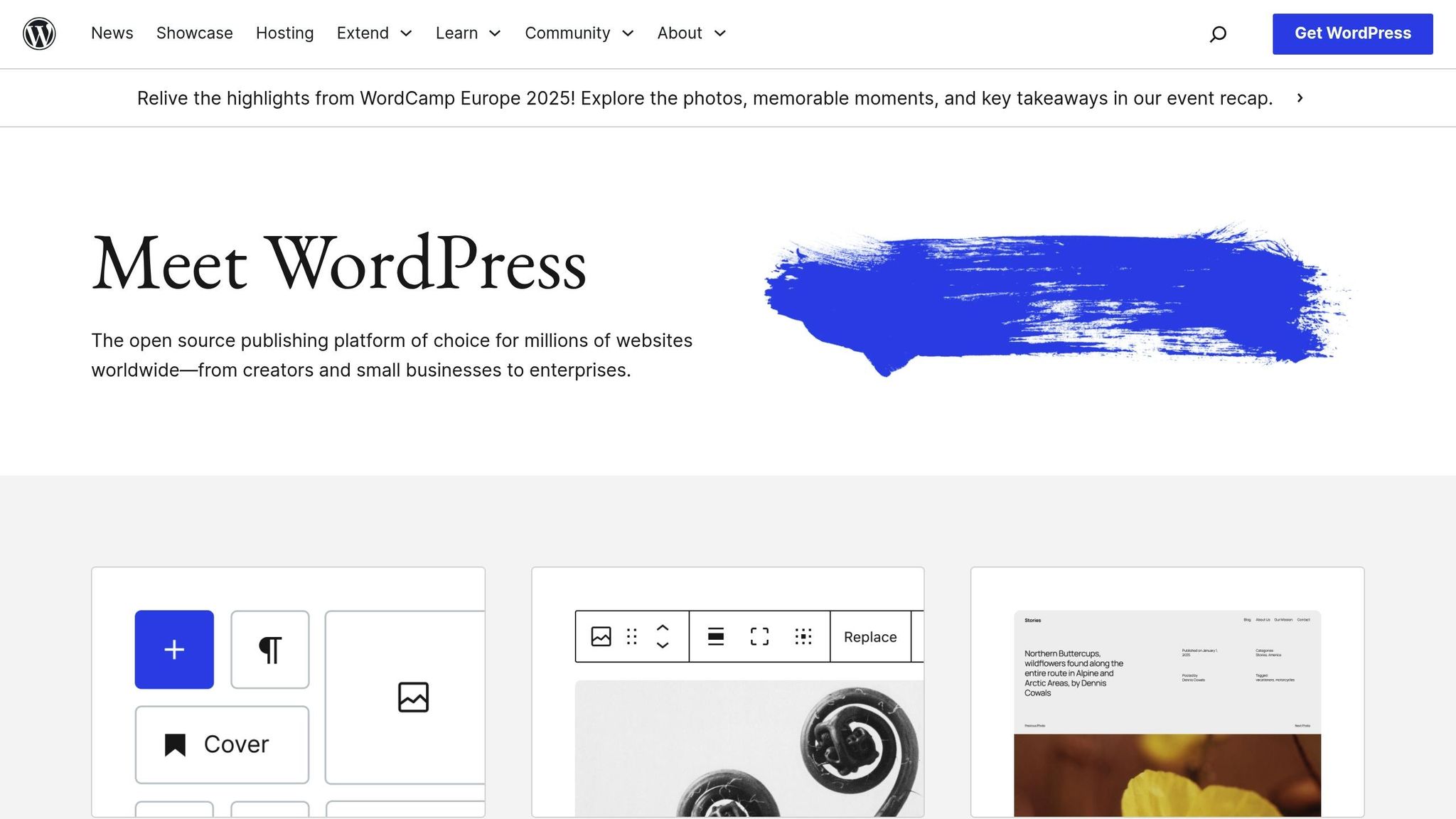
Platform Overview
At its core, the key distinction between WordPress and Blogger lies in ownership and control. WordPress is a self-hosted content management system (CMS) that hands you complete control over your website. This means you own your site, content, and data outright. You can export your content, switch hosting providers, and even modify your site’s code or database as needed.
Blogger, on the other hand, operates under a completely different model. It’s a Google-hosted platform, meaning your content resides on Google’s servers and is subject to their terms of service. While WordPress offers autonomy, Blogger binds users to Google’s ecosystem and policies.
One major drawback for Blogger users is the potential risk of service discontinuation, as Google often shifts its focus and strategies. While it’s possible to export your blog posts from Blogger, you may lose critical elements like template customizations, gadgets, layout settings, and even comment history during the process. WordPress users, however, enjoy unrestricted control and can decide how much data they share with third parties.
"With WordPress, your content, data, and entire website remain firmly in your control." – Liquid Web
These differences in control have a significant impact on how the platforms are used in real-world scenarios.
Common Use Cases
WordPress and Blogger cater to very different audiences, which is reflected in their usage statistics. WordPress powers about 43% of all websites and 97% of all blogs, while Blogger accounts for just 0.4% of blogs in the top 1 million websites. These numbers highlight the contrasting strengths and target users of each platform.
Blogger is a solid choice for hobby bloggers who want a no-fuss, content-focused platform. It’s perfect for personal journals, family updates, or casual writing projects where advanced features aren’t necessary. Its seamless integration with Google services, along with an easy-to-use AdSense setup, makes it appealing for those focused on basic ad revenue and straightforward content creation.
WordPress, however, is designed for professional blogging and business growth. Its flexible architecture supports a wide range of use cases, from personal branding to full-scale business websites. With its block editor and extensive functionality, WordPress evolves alongside your needs. Whether you’re building a small business site, launching an e-commerce store, or managing a major publication, WordPress provides the tools to scale effectively.
| Use Case | Best Platform | Why |
|---|---|---|
| Personal/Hobby Blog | Blogger | Simple setup, Google integration, and minimal maintenance required |
| Business Website | WordPress | Professional features, scalability, and full control |
| E-commerce Blog | WordPress | WooCommerce integration and access to advanced plugins |
| Professional Blog | WordPress | SEO tools, monetization options, and extensive customization |
Scalability is another area where WordPress outshines Blogger. As your blog grows, WordPress can handle the increased demand through upgraded hosting, caching solutions, and performance optimization. Blogger, by contrast, offers only basic scalability, which can become a limitation as your ambitions and audience expand.
WordPress also leads in third-party integrations. With over 59,000 plugins available in the WordPress.org directory, you can add nearly any feature or functionality you can imagine. Blogger, unfortunately, only includes a limited selection of built-in gadgets with restricted functionality and few alternatives.
"WordPress offers more benefits over Blogger. With a vast selection of features, themes, and plugins, you can create any blog you want." – Domantas G., Content Lead, Hostinger
These practical differences highlight how WordPress and Blogger align with different user goals, setting the foundation for a closer look at their setup and user experience.
Setup and User Experience
How to Get Started on Each Platform
If you’re looking for a quick and simple blogging setup, Blogger has you covered. All you need is a Google account. Once you’re signed in, Google’s step-by-step guide walks you through naming your blog, selecting a template, and publishing your first post – all in just a few minutes.
On the other hand, starting a blog with WordPress takes a bit more effort. Before you can begin, you’ll need to purchase a web hosting plan and register a domain name. After that, you’ll install WordPress, which may sound tricky but is often simplified by hosting providers offering one-click installations. This process involves choosing a hosting provider, selecting a plan, and configuring your domain settings. While it requires more steps, this setup opens the door to a highly customizable blogging experience.
These differences highlight the core philosophy of each platform: Blogger prioritizes ease and speed, while WordPress focuses on flexibility and scalability.
Interface and Ease of Use
Once you’re up and running, the two platforms offer quite different day-to-day experiences. Blogger keeps things simple with a WYSIWYG editor. If you’re familiar with tools like Microsoft Word or Google Docs, you’ll feel right at home. This simplicity makes it ideal for beginners who want to dive straight into writing without distractions.
WordPress, however, uses the Gutenberg editor, a block-based system that allows you to create content by arranging blocks for text, images, videos, and more. While this approach provides a lot of creative freedom, it can feel overwhelming at first, especially for those new to blogging. The dashboard also comes with a wide range of options, which might take a few days – or even weeks – to fully grasp.
| Aspect | Blogger | WordPress |
|---|---|---|
| Learning Time | Minutes to get started | Days to weeks for comfort |
| Writing Interface | WYSIWYG editor, very simple | Block-based Gutenberg editor |
| Dashboard Complexity | Minimal and straightforward | Packed with advanced options |
| Technical Knowledge | None needed | Basic knowledge is helpful |
With Blogger, you can have your blog live in no time, and its simplicity makes it easy to maintain. WordPress, despite its steeper learning curve, rewards users with robust customization options and creative control – making the extra effort worthwhile for those seeking a more advanced platform.
Design and Customization Options
Themes and Design Options
When it comes to themes, WordPress offers an unmatched variety, while Blogger sticks to the basics. WordPress boasts a library of over 30,000 themes, available in both free and premium versions. These themes cater to virtually any niche you can think of – whether you’re running a photography portfolio, a business website, or a food blog.
Blogger, on the other hand, provides only 12 basic templates. While these templates are clean and functional, they lack variety. If you’re aiming to create something visually distinct, you’ll likely find Blogger’s options limiting.
The difference in quality is also hard to ignore. WordPress themes often include multiple layouts, color schemes, and built-in features like contact forms and portfolio galleries. Many premium WordPress themes even come with drag-and-drop page builders, allowing you to design custom layouts without touching a single line of code.
WordPress makes it simple to tweak your site’s look and feel. You can adjust layouts, fonts, colors, and other visual elements with just a few clicks – no coding required. Whether you’re swapping out a color scheme to match your brand or fine-tuning typography for better readability, WordPress gives you the tools to make it happen.
| Design Aspect | Blogger | WordPress |
|---|---|---|
| Available Themes | 12 basic templates | 30,000+ themes |
| Customization Level | Minimal visual options | Extensive customization |
| Premium Options | None | Thousands of paid themes |
| Visual Customization | Basic template tweaks only | Full control over layouts, fonts, and colors |
While Blogger templates can be enhanced with custom CSS, you’re still constrained by the original design’s limitations. The platform you choose can significantly impact your ability to maintain brand consistency and engage your audience, especially as your blog grows. Next, let’s dive into the code-level customization and advanced features that set these platforms apart.
Custom Code and Advanced Features
When it comes to advanced customization, WordPress and Blogger are worlds apart. WordPress offers complete control over your site’s code, including a built-in CSS editor for advanced tweaks. You can create custom plugins, modify existing ones, or even hire professional developers to take your site to the next level. This flexibility means you can transform a simple blog into an e-commerce store with WooCommerce, add membership features, or incorporate complex booking systems.
WordPress also offers access to over 60,000 plugins, allowing you to expand your site’s functionality without needing to code. Whether you want to add a contact form, improve SEO, or integrate with your favorite email marketing platform, there’s likely a plugin for it.
Blogger, on the other hand, requires knowledge of HTML and CSS for advanced customization, and even then, your options are limited.
Integration capabilities also differ significantly. WordPress works seamlessly with nearly every major marketing, analytics, and CRM tool. Whether you’re using Mailchimp, Google Analytics, or another service, WordPress likely has a plugin or built-in integration for it. Blogger, however, primarily focuses on integrating with Google services.
Another advantage of WordPress is its community-driven ecosystem. Users can create custom plugins and share them with others, ensuring the platform continues to evolve with new features and capabilities. Blogger, in contrast, remains relatively static, with limited options to enhance your blog or add features your audience might want. This lack of flexibility also impacts monetization – WordPress supports diverse revenue streams, while Blogger mainly relies on AdSense.
In short, WordPress equips you with the tools to design and customize a blog that truly reflects your vision, while Blogger is best suited for those who are content with simple, straightforward designs and minimal functionality.
Making Money and Growing Your Blog
Ways to Make Money
When it comes to monetizing your blog, WordPress and Blogger take very different approaches. WordPress provides a variety of options, including advertising, affiliate marketing, sponsored posts, memberships, and even selling digital or physical products. Blogger, on the other hand, leans heavily on Google AdSense as its primary revenue stream.
The earning potential with WordPress is impressive. Take Pat Flynn’s "Smart Passive Income" as an example. After losing his job in 2008, Flynn reported grossing $105,619.13 in one month from affiliate marketing alone. On top of that, he earned from book and course sales, niche websites, podcast sponsorships, and software applications. Similarly, Lindsay Ostrom’s food blog showcased the power of WordPress monetization, generating over $95,000 in a single month. Her earnings included $52,313.13 from AdThrive ads, $22,400 from sponsored posts, $5,175 from Bluehost’s affiliate program, and $4,753.49 from Amazon Associates. These examples highlight how WordPress enables bloggers to diversify their income.
WordPress also gives you full control over ad placement through tools like ThirstyAffiliates. Blogger, however, lacks built-in features for affiliate marketing or selling products, making it less suitable for those looking to monetize seriously.
Here’s a quick comparison of the monetization methods available on each platform:
| Monetization Method | WordPress | Blogger |
|---|---|---|
| Google AdSense | Full support with flexible placement | Main monetization option |
| Affiliate Marketing | Supported via plugins and tools | Limited, requires manual setup |
| Sponsored Content | Highly flexible | Basic functionality |
| Digital Products | Supported with plugins and integrations | Not available |
| Memberships | Multiple plugin options | Not supported |
| Email Marketing | Advanced integrations available | Basic Google tools only |
Once you’ve set up your revenue streams, the next challenge is managing growth and traffic.
Handling Growth and Traffic
Monetization is just one piece of the puzzle; your platform’s ability to handle growth is equally important. WordPress is designed to scale alongside your blog, provided you have the right hosting and caching solutions in place. This scalability ensures your site can manage high traffic volumes without compromising performance. Blogger, however, struggles to accommodate significant growth or advanced features.
Performance matters more than you might think. A 1-second delay in load time can reduce conversions by 7%, and downtime could cost as much as $9,000 per minute. WordPress addresses these concerns with tools for caching, content delivery networks (CDNs), and database optimization.
Additionally, WordPress offers a wealth of marketing and SEO plugins – like Yoast SEO, AIOSEO, Jetpack, and HubSpot – that help drive traffic and improve your blog’s visibility.
"WordPress is not only capable but ideal for enterprise-level scalability. By implementing robust infrastructure and performance enhancements, businesses can ensure their WordPress sites handle high traffic with ease."
– Aslam Multani, CTO and Co-Founder, Multidots
As your blog grows, you may need advanced features like email marketing automation, detailed analytics, conversion tracking, and A/B testing. WordPress supports all of these through its vast plugin ecosystem, making it a solid choice for bloggers aiming for long-term success and diversified income streams.
sbb-itb-112c64b
Costs and Long-term Planning
What Each Platform Costs
Understanding the costs of each platform is a key step in planning your blog. Blogger offers free hosting and a Blogspot subdomain (e.g., yourblogname.blogspot.com). The only expense you might face is if you decide to purchase a custom domain, which typically costs around $10 to $20 per year.
With WordPress, while the software itself is free, you’ll need to budget for hosting and a domain name. Hosting prices vary widely, from a few dollars to hundreds per month based on your requirements. For beginners, affordable hosting plans like Hostinger at $2.99 per month or Bluehost at $2.95 per month (both include free domains and SSL certificates) are solid starting points.
As your blog grows, you may want to invest in premium themes and plugins. Premium themes are usually a one-time cost between $30 and $100, while essential plugins can cost $50 to $200 annually. Domain names for WordPress typically run $12 to $15 per year, and advanced hosting plans for high-traffic sites can range from $25 to $100 per month.
Here’s a quick comparison of typical yearly costs for each platform:
| Cost Category | Blogger | WordPress |
|---|---|---|
| Platform | Free | Free |
| Hosting | Free (Google-hosted) | $36–$1,200+ annually |
| Domain | $10–$20 (optional) | $12–$15 annually |
| Premium Themes | Optional third-party | $30–$100 (one-time) |
| Essential Plugins | Not applicable | $50–$200 annually |
| Total First Year | $0–$20 | $128–$1,315+ |
Blogger stands out as a low-cost, all-in-one platform with no hidden fees. On the other hand, WordPress requires a higher upfront investment, but its costs can scale based on your blog’s growth.
Return on Investment
Initial costs are just one piece of the puzzle – your platform choice also affects your long-term revenue potential. For bloggers aiming to generate income, WordPress often delivers better returns thanks to its extensive monetization options and scalability. Research shows that businesses can achieve returns over three times higher from content marketing compared to traditional advertising. With WordPress powering over 43% of all websites, it provides the tools and flexibility needed to grow a profitable blog.
While Blogger keeps startup costs low, its limited monetization tools can restrict your earning potential. In contrast, WordPress supports a wide range of revenue streams, from affiliate marketing to e-commerce, making it a better fit for long-term growth. With content marketing expected to grow from 10–15% of marketing budgets today to 15–20% by 2025, investing in a platform that supports diverse income opportunities could significantly impact your bottom line.
Blogger’s simplicity makes it ideal for hobbyists, but its limited SEO features and customization options may hinder growth. WordPress, however, offers full control over your blog’s design, functionality, and monetization, making it the go-to choice for those serious about turning their blog into a business. If maximizing profitability is your goal, WordPress provides the flexibility and tools to make it happen.
WordPress vs Blogger Blogging Platforms Comparison
Final Recommendations
When deciding between WordPress and Blogger, your choice should align with your blog’s purpose, your technical skills, and where you see it heading in the future. Each platform has its strengths, and the right one for you depends on what you want to achieve.
Here’s a breakdown of recommendations based on different blogging needs:
- Hobby bloggers: If your goal is to share personal stories, document family events, or simply dip your toes into blogging, Blogger is a great choice. It’s easy to set up, straightforward, and lets you focus on writing without worrying about technical details.
- Entrepreneurs: For those building a business or brand, WordPress is the way to go. It offers extensive customization, scalability, and flexibility. While it does come with higher upfront costs – like hosting, a domain name, and possibly premium features – these investments can pay off as your business grows.
- Affiliate marketers: WordPress shines here too. Its vast plugin ecosystem supports multiple monetization methods beyond Google AdSense, including affiliate marketing tools, e-commerce integrations, and membership sites. This makes it a powerful platform for maximizing revenue opportunities.
Another critical factor is ownership and control. With WordPress, you fully own your site and can move it whenever you want. Blogger, on the other hand, is controlled by Google, which limits your flexibility.
In summary, choose WordPress if you need customization, advanced SEO features, and room to grow. Stick with Blogger if you’re looking for a low-maintenance platform or are just experimenting with blogging. Just keep in mind that Blogger’s limitations might restrict your blog’s potential over time.
The best platform is the one that aligns with your current needs and long-term goals.
FAQs
What should I consider when choosing between WordPress and Blogger for starting a blog?
When deciding between WordPress and Blogger for your blog, it’s essential to weigh a few key factors to determine which platform suits your needs best.
Let’s start with ease of use. If you’re just starting out and don’t have much technical experience, Blogger might be the way to go. It’s straightforward and lets you set up a blog quickly without much hassle. On the other hand, WordPress offers far more options for customization and flexibility. While it has a steeper learning curve, it’s a great choice if you’re planning to expand or refine your blog over time.
Next, consider monetization potential. WordPress shines in this area, offering a variety of plugins and tools to help you earn through ads, affiliate marketing, or even running an online store. Blogger, while free and simple, doesn’t provide as many opportunities for generating income.
Finally, think about scalability. If you’re envisioning long-term growth or managing a more complex website, WordPress is built for that. It’s a robust platform that can handle larger projects. Blogger, however, is more limited and might not keep up with the demands of a growing blog.
By carefully evaluating these factors, you’ll be better equipped to choose the platform that matches your blogging goals and future aspirations.
What are the differences in monetization potential between WordPress and Blogger?
The earning potential of WordPress and Blogger differs quite a bit, thanks to the unique features and flexibility each platform provides.
With WordPress, the possibilities for monetization are nearly endless. You can dive into affiliate marketing, sell digital or physical products, or run ads through networks like Google AdSense. Its standout feature is the ability to customize extensively and integrate plugins, making it a solid choice for professional bloggers or businesses looking to expand and diversify their revenue streams.
In contrast, Blogger keeps things simple. While it does allow for basic advertising through Google AdSense, it doesn’t offer the advanced tools needed for more sophisticated monetization strategies. This straightforward approach makes Blogger a better fit for hobby bloggers or anyone wanting a simple, no-fuss platform for personal projects.
Do I need technical skills to use WordPress or Blogger effectively?
When it comes to technical know-how, WordPress often demands more from its users. To truly customize your site, you might need a basic understanding of HTML, CSS, or even PHP, particularly when dealing with themes and plugins. In contrast, Blogger is built with beginners in mind. It’s designed for those with little to no coding experience, making it straightforward to set up and maintain.
If you’re after flexibility and advanced features, WordPress offers plenty of options but comes with a steeper learning curve. On the flip side, Blogger is perfect for simplicity, making it an excellent pick for those just starting their blogging journey.