

Starting a blog can seem overwhelming, but it’s easier than you think. Whether you’re sharing your passion, building a brand, or looking to make money, blogging is still a great way to connect with an audience in 2025. Here’s a quick breakdown of what you’ll need to do:
- Pick Your Blog Topic: Choose something you’re passionate about and that people are searching for.
- Choose a Blogging Platform: WordPress is a popular choice for its flexibility and ease of use.
- Get a Domain and Hosting: Secure a memorable domain name and reliable hosting.
- Design Your Blog: Use a clean, mobile-friendly theme that reflects your style.
- Write Your First Posts: Create helpful, engaging content that solves problems for your readers.
- Optimize for SEO: Use keywords and structure your content to rank higher on search engines.
- Launch and Promote: Share your blog, build an audience, and track your progress.
No technical skills? No problem. These steps are beginner-friendly and designed to help you get started today. Ready to dive in? Let’s go!
How to Start a Blog in 2025 | Step-by-Step Blogging Guide (Starting a Blog for Beginners)
Step 1: Pick Your Blog Topic
Your blog topic is the cornerstone of your blogging journey. It’s not just about picking any subject – it’s about finding a niche that genuinely excites you and aligns with your expertise. This is crucial because blogging is a long-term commitment, and the right topic will keep you motivated through both the highs and the lows.
List Your Interests and Skills
Start by jotting down everything you’re passionate about. Think about the blogs, books, or magazines you love to consume. What topics grab your attention? Reflect on your hobbies, past jobs, and personal experiences. Have you achieved something notable in any of these areas? Popular niches like personal finance, health and wellness, parenting, and self-improvement tend to attract readers, but they’ll resonate most if you have genuine enthusiasm and the know-how to deliver value.
Check if People Want Your Content
Even the best topic won’t succeed if there’s no audience for it. Research is key here. Dive into social media – explore Facebook groups, Reddit threads, and Twitter conversations within your niche. Look for recurring questions or challenges people face. Use tools like Google Trends and Google Analytics to track interest levels in your topic and see if they’re growing, steady, or fading. Keyword research is another must. For example, if you’re thinking of starting a tennis blog, look into search volumes for terms like "tennis tips", "best tennis rackets", or "tennis drills" to see what people are actively searching for. Once you’ve identified demand, think about how you can bring something fresh to the conversation.
Add Your Own Twist
To stand out, you’ll need a unique angle. In a crowded blogging space, originality isn’t just nice – it’s essential for visibility and SEO.
"Unique content is what makes you stand out. The competition for visibility and search engine rankings is huge, so you must be creative in grabbing the reader’s interest." – Diana Bajraktari, Senior Content Strategist
Share your personal stories, insights, and experiences. Content that solves problems, answers questions, or fills specific gaps will resonate with readers. Adding your perspective doesn’t mean reinventing the wheel – it just needs to reflect your voice and be genuinely helpful to your audience. Search engines love original content, and sharing your unique experiences is a surefire way to create something fresh and engaging.
Step 2: Pick a Blogging Platform
Now that you’ve decided on your blog’s topic, the next step is choosing the right platform to bring your vision to life. Your blogging platform will act as the backbone of your blog, so picking one that fits your needs is crucial. The best platforms grow alongside your blog, while the wrong choice can hold you back. Thankfully, you don’t need to be a tech wizard to make a smart decision.
What to Look for in a Platform
A good blogging platform should make your life easier, not harder. Ease of use is key. As Syed Balkhi, Founder of WPBeginner, explains:
"I always look at how quickly you can set up a blog on the platform. The user interface should be intuitive, requiring no coding skills. The best blog platforms make it easy to get started."
Beyond simplicity, customization options are a must. A platform that allows you to tweak your blog’s design without diving into code can help you create a site that feels uniquely yours. Features like built-in SEO tools and mobile optimization are also important – they ensure your blog is discoverable and user-friendly on all devices. If you’re planning to monetize your blog, check that the platform supports options like ads, affiliate links, or e-commerce. Lastly, scalability is essential. Your platform should handle increased traffic and allow you to add advanced features as your blog grows. Good customer support and value for money are also worth considering.
Now, let’s take a closer look at why WordPress is a standout choice for new bloggers.
Why WordPress Works Well
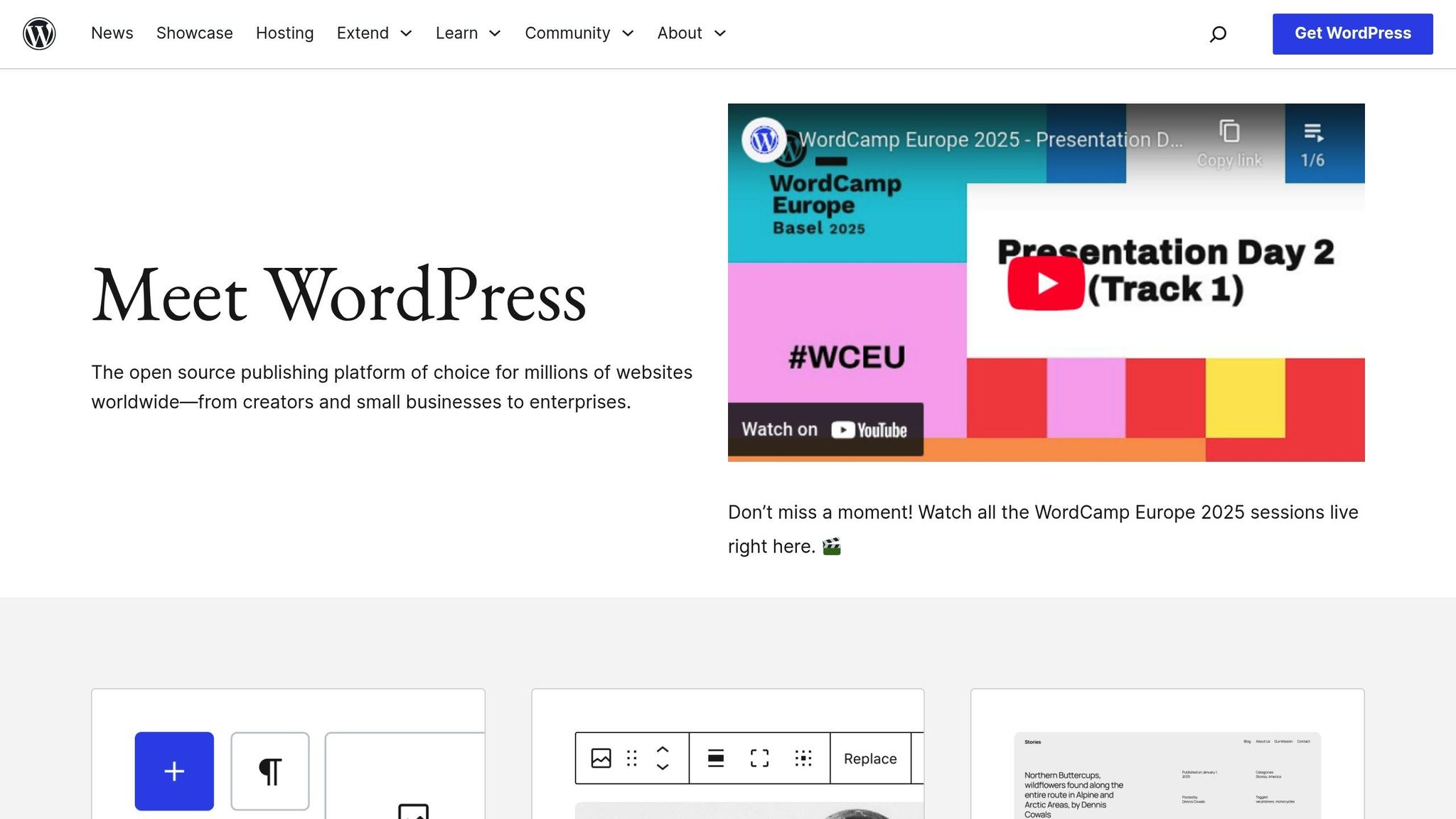
WordPress is a favorite among bloggers, and for good reason – it powers over 43% of all websites on the Internet. This popularity speaks to its versatility and ability to help beginners create professional blogs with ease. WordPress isn’t just a blogging platform; it’s also a robust website builder that can adapt to your needs, whether you’re launching a personal blog, an online store, or even a membership site.
Despite its powerful features, WordPress is beginner-friendly. You can create polished, professional content without knowing how to code. Plus, its built-in SEO tools help your posts rank higher on search engines, making it easier for readers to find you. The WordPress community is massive, offering countless tutorials, forums, and resources, so help is always just a click away.
The WordPress software itself is free, but you’ll need to invest in hosting and a domain name. Hosting providers like Bluehost make this affordable, offering WordPress hosting plans starting at just $1.99 per month, often with a free domain name included.
One of WordPress’s biggest advantages is that you own your content outright and can customize every aspect of your blog. If you want full control and room to grow, WordPress.org is the way to go – it’s designed to handle everything from small personal blogs to large-scale websites.
Step 3: Get Your Domain and Hosting
Once you’ve chosen your blogging platform, it’s time to set up your blog’s digital home by securing the right domain and hosting. These two elements are essential – they act as your blog’s address and foundation, ensuring your site is accessible to visitors 24/7. Getting them right from the start can save you headaches down the road.
Pick a Domain Name
Your domain name is more than just an address; it’s your blog’s identity on the web. As GoDaddy puts it:
"Your domain name is your identity on the web; you want to make sure you choose a domain name that not only fits your business, but is also easy to find and promote."
Keep it simple, catchy, and relevant. A great domain name is easy to remember, straightforward to spell, and reflects your blog’s focus. Including relevant keywords can also give your site a boost in search engine rankings.
Opt for .com whenever possible. The .com extension is the most trusted and widely used, with 44% of websites choosing it. Additionally, research shows that 91% of people find .com, .net, and .org the most reliable extensions. Expect to pay $10–$20 annually for a standard .com domain.
Avoid unnecessary complications. Numbers and hyphens can confuse people trying to remember or share your domain, so it’s best to steer clear of them.
Think long-term. Choose a name that allows for growth and doesn’t limit you to a specific niche.
Secure your brand. If you find a domain you love, consider registering variations, such as common misspellings or other extensions like .net or .org. Lindsay Sutula, founder of Top Fox Marketing, shares her perspective:
"I wanted a name that was easy to spell and remember, especially in an age where a strong online presence is critical. The domain had to resonate with our audience and reflect the essence of what we do – helping businesses navigate the complexities of digital marketing with clarity and strategy."
If your ideal .com domain is already taken, don’t panic. You can add a word like "blog" or "site" to the name, or explore other extensions like .online, .tech, or .shop.
Choose a Web Host
With your domain sorted, the next step is finding a reliable hosting provider. Hosting is what keeps your blog live and accessible to visitors, so it’s important to choose a provider that meets your needs for speed, security, and reliability.
Look for a host that offers 99.9% uptime, strong security features like SSL certificates, daily backups with easy restoration, responsive customer support, and plans that can grow with your blog. Kathryn Schwab, founder of Make It Count Creative Solutions, highlights the importance of uptime:
"A small difference in uptime might not seem like a big deal, but it really is. For example, if your website has 99 percent uptime, that could mean days of downtime each year. But at 99.9 percent, it’s only a few hours. That little boost makes a huge difference in keeping your site reliable."
Don’t base your decision on price alone. While budget-friendly options can be tempting, they often come with hidden downsides. Joe Warnimont, a contributor at HostingAdvice, learned this the hard way:
"For about three or four years of my early professional career, I only used the absolute cheapest hosting accounts I could find. That was a mistake. Most budget hosting accounts increase their prices much higher than competitors after one or two years. I’ve also experienced some of the slowest websites from cheap hosts."
SSL certificates are non-negotiable. These certificates protect user data and help establish credibility. Yasmin Cotton, founder of Elyrium, explains:
"Security certificates are essential for protecting user data, but also for maintaining your website’s credibility. A site without HTTPS can appear untrustworthy and display browser warnings that deter visitors. Ensuring your site is secured with an SSL certificate improves security and professionalism, helping to build trust with your audience."
Backups are critical. Regular backups ensure that your data is safe in case of cyberattacks or server issues. Yasmin Cotton adds:
"Regular backups are essential to protect your website data. You could lose your data due to cyberattacks or server failures, so it’s important to choose a web hosting provider that offers daily backups and an easy restore process to minimize downtime in case of an emergency."
Before committing, test the host’s customer support to ensure they’re responsive and helpful. Many hosting providers also offer WordPress-specific plans with one-click installations, automatic updates, and optimized performance – features that can make your blogging experience much smoother. These extras are often worth the slightly higher cost.
Step 4: Set Up Your Blog Design
With your domain and hosting ready, it’s time to focus on your blog’s design. A thoughtful and appealing design not only welcomes visitors but also builds trust – 48% of users link website design to trustworthiness. A clean, user-friendly layout can turn casual visitors into loyal readers.
Choose and Install a Theme
Picking the right theme is a critical step in shaping your blog. Start by considering your blog’s purpose and audience. Whether it’s a personal journal, a business platform, or a niche-focused blog, your theme should reflect your identity and connect with your readers.
Opt for a simple, mobile-responsive theme to keep your content front and center. With over 54.8% of web traffic coming from mobile devices, ensuring a seamless mobile experience is non-negotiable. Test your chosen theme across various devices to verify consistent performance.
Pay attention to SEO-friendly features like clean coding, fast loading speeds, and editable meta tags. Even a slight improvement in load time – like reducing it by 0.1 seconds – can lead to an 8% boost in conversions for e-commerce platforms. When it comes to cost, free themes can work for basic needs, but premium themes (ranging from $44 to $89 per year) offer greater flexibility, regular updates, and customer support. For serious bloggers, spending under $100 on a premium theme can be a smart investment.
Before committing, explore demos or trial versions to ensure the theme meets your needs – it’s much easier to test early than to make major changes later.
Make Navigation Simple
Good navigation keeps readers engaged. Visitors expect a layout that’s intuitive and familiar. Since 59.16% of visits come from smartphones, prioritize a mobile-first, uncluttered design.
Organize your blog with clear sections: a header for your logo and main menu, a prominent blog title, a clean content area, and a functional footer. Limit your navigation menu to 5–7 main categories for better usability.
Readable text is also crucial. Use font sizes between 15px and 22px for body text, and keep line spacing between 150% and 200%. On desktops, aim for a content width of 780px to 900px, while allowing full-width content on mobile devices for easier reading.
To make your blog scannable, use headings, bullet points, and white space effectively. A visible search bar – ideally in the header or sidebar – helps visitors find what they’re looking for quickly.
Avoid using intrusive pop-ups, especially on mobile devices. These can frustrate users and negatively affect your search rankings. In fact, 40% of users will leave a site if it doesn’t load within 2–3 seconds.
Use Blogger Outline‘s Design Tools
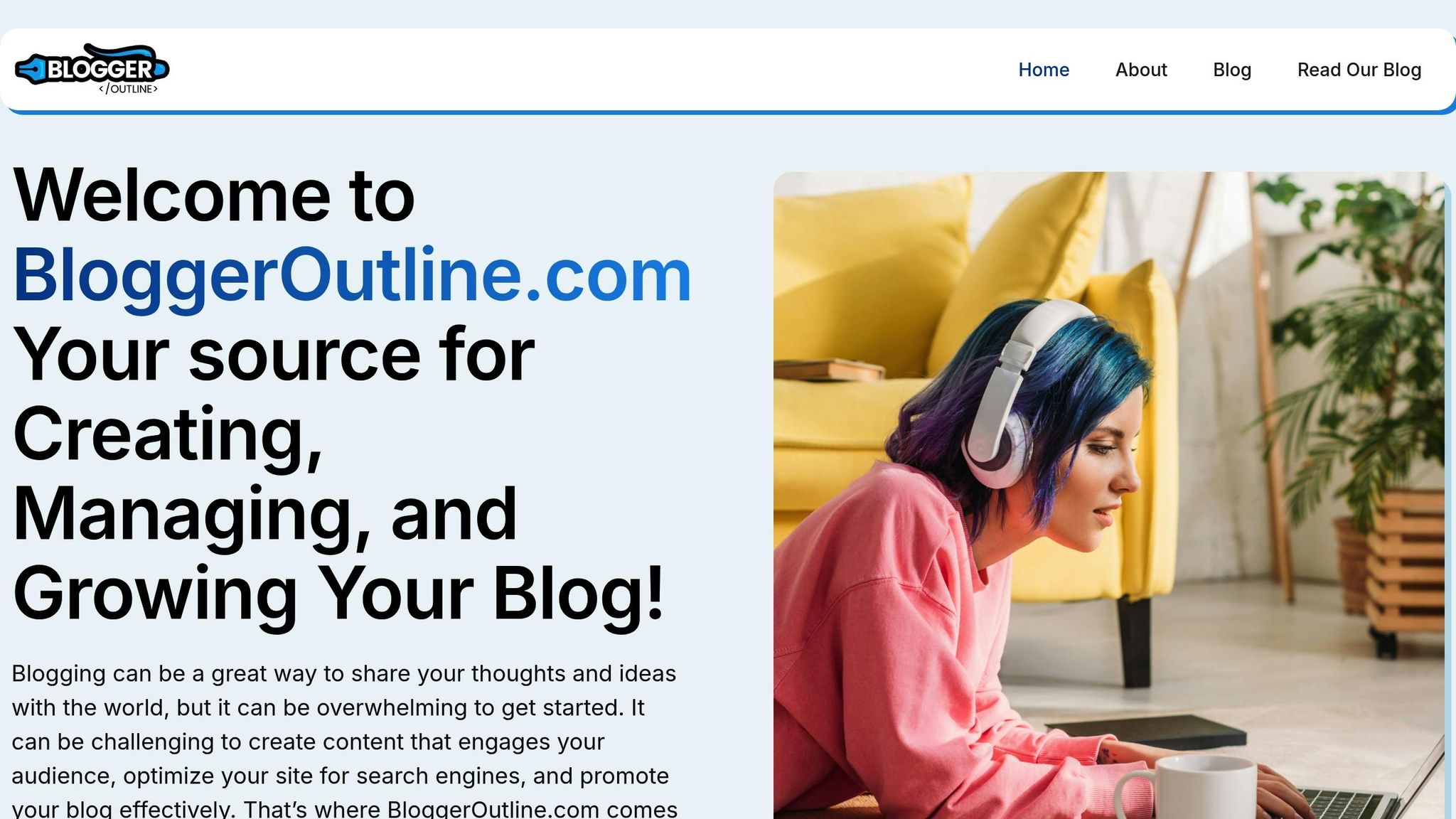
Blogger Outline provides a range of tools to help you design a professional blog, even if you’re not a design expert. Their platform focuses on essential design principles like readability, consistent visuals, and intuitive navigation.
The founders – Ken, Steve, Ben, and Dave – offer expert tips on refining your blog’s color schemes, typography, layout, and mobile responsiveness. They emphasize creating a strong visual hierarchy by clearly differentiating between headings, subheadings, and body text, while maintaining a cohesive look throughout your site.
Blogger Outline also shares strategies to boost engagement, such as placing call-to-action buttons, newsletter signup forms, and social sharing icons strategically. Whether you’re working with a free theme or investing in premium tools, these resources can help your blog leave a lasting impression and encourage visitors to return.
Once your design is polished, you’ll be ready to dive into creating clear, engaging blog posts in the next step.
Step 5: Write Your First Posts
Your blog is set up and looking great – now it’s time to create content that keeps readers coming back. Writing those first posts might feel like a big task, but with a solid plan, you’ll find your rhythm and start producing content that resonates with your audience.
Plan Your Content Schedule
A content calendar is your best friend when it comes to organizing posts and topics. It helps you stick to a regular posting schedule and ensures your ideas stay fresh and engaging. Start by digging into your audience’s interests and behaviors. What are they searching for? What problems do they need solved? Tools like social media metrics and audience feedback can give you valuable clues.
Focus on writing for your readers. Use keyword research tools (as discussed earlier) to uncover popular searches and create content that aligns with what they’re looking for. A mix of timely topics and evergreen content is a smart way to keep your blog relevant. Don’t shy away from repurposing older content either – it’s an efficient way to get more mileage out of your work.
Set a posting frequency that works for you – whether it’s weekly, bi-weekly, or monthly. What matters most is consistency. When you align your topics with your brand and address your audience’s pain points, you’ll not only build trust but also establish yourself as an authority in your niche.
With your content plan ready, focus on creating posts that deliver real value to your readers.
Write Clear, Helpful Posts
The best blog posts do more than just inform – they engage and provide actionable value. Whether it’s step-by-step guides, useful tools, or insightful information, your content should leave readers feeling like they’ve gained something. As Courtney Washington, Marketing Manager at Generational Marketing, puts it:
"Content will engage readers if they perceive value in it… Paid online ads and SEO won’t improve your traffic or convert readers if a post doesn’t add value – actionable steps, useful tools, important information, etc."
Make your posts easy to read by structuring them with clear headings (H2, H3) and using bullet points when appropriate. This improves scannability and helps readers quickly find what they’re looking for. Keep your language simple and avoid heavy industry jargon. With attention spans averaging just eight seconds, you need to grab attention early and deliver value fast.
Courtney Washington also emphasizes the importance of keeping readers engaged:
"The most effective blog posts are crafted to retain the reader’s attention. Good posts should have a distinct voice and clear structure to draw readers down the page and keep them reading."
Adding personal insights can make your posts more relatable, while a consistent tone reinforces your brand’s personality. Always wrap up with a strong call to action – whether it’s encouraging readers to subscribe, share, or explore related content.
The founders of Blogger Outline – Ken, Steve, Ben, and Dave – recommend focusing on solutions-based content. Address the specific problems your audience faces, and ensure every post serves a clear purpose while reflecting your brand’s voice.
Add Images and Videos
Visuals aren’t just nice to have – they’re essential. Posts with images can drive up to 94% more views and help readers process information faster. Use high-quality images (under 100KB) with proper alt text, and consider adding relevant videos to boost engagement. According to the Stanford Persuasive Technology Lab, the overall design of a blog is a top factor in how readers judge credibility. Including pictures of real people can also increase engagement, as users spend 10% more time looking at faces than reading text.
For best results, position a lead image near the top of your post – ideally next to the first paragraph. Posts with one image every 75–100 words are shared nearly twice as often.
Videos can take your posts to the next level. Adding a video can increase the time visitors spend on a page by up to four times. Use eye-catching thumbnails that combine text and faces – LinkedIn found that posts featuring faces saw a 160% jump in click-through rates compared to those with objects.
If you’re creating infographics or data visuals, stick to straightforward formats like pie charts or bar graphs. This ensures your audience can quickly understand the information without feeling overwhelmed. Visuals, when done right, can make your content more engaging and impactful.
sbb-itb-112c64b
Step 6: Help People Find Your Blog
With your blog’s design and content ready to go, the next step is making sure people can actually discover it. This is where search engine optimization (SEO) comes into play. SEO is all about helping search engines understand your blog so they can connect it with the right audience. Since 95% of searchers never scroll past the first page of Google, ranking well is key to attracting readers.
You don’t need to master SEO overnight. By building on the quality content you’ve already created, you can use a few straightforward techniques to help your blog get noticed.
Find and Use Keywords
Keywords are the words or phrases people type into search engines when looking for information. Your goal is to figure out what your audience is searching for and create content that addresses their needs.
Think about the questions your readers might have or the problems they’re trying to solve. Focus on long-tail keywords – phrases with three or more words – that are less competitive and easier to rank for. For example, while “fitness” is a tough keyword to rank for, something like “30-minute home workout for beginners” is more specific and achievable. In fact, about 70% of daily Google searches are estimated to be long-tail keywords.
Professional blogger Eb Gargano explains it well:
"Keyword research is about finding out what your customers (i.e. your readers) are looking for and helping them find it on your website not someone else’s!"
Tools like Google Trends can help you uncover popular search terms in your niche. Google Search Console, on the other hand, shows which search queries are already driving traffic to your blog. Use these insights to identify patterns and create content that aligns with what people are searching for.
When you’ve identified your target keywords, integrate them naturally into your content – titles, the first paragraph, subheadings, and meta descriptions are great places to start. Just make sure your writing stays smooth and readable. Keyword stuffing is a big no-no.
Structure Your Posts for Search
How your content is organized matters just as much as the words you write. A well-structured post not only helps search engines understand your content but also keeps readers engaged, which signals to search engines that your blog is worth showing to others.
Use a clear hierarchy of headings (H1, H2, H3) to break up your content. This makes it easier for search engines to follow and for readers to skim. HubSpot recommends blog posts between 2,100 and 2,400 words for SEO. While that might seem lengthy, you can make it more digestible by using short paragraphs, bullet points, and white space.
Internal linking is another powerful tool. Link to other relevant posts on your blog to help readers explore more of your content. This not only keeps them on your site longer but also helps search engines understand the relationship between your blog posts.
You can also optimize for featured snippets – the boxed answers that sometimes appear at the top of search results. To do this, answer common questions clearly and concisely. Use numbered lists or bullet points when appropriate, and make sure your answers stand alone while fitting naturally into your post.
Search Engine Journal’s senior editor, Ben Steele, highlights the importance of creating content that stands out:
"If an AI can write it, an AI can serve it to users instead of a link"
This underscores the need to go beyond surface-level information and offer readers something truly valuable.
Content marketer Marcus Sheridan emphasizes knowing your audience deeply:
"It starts with an obsession: ‘What is my customer thinking?’ And when I say ‘obsession,’ I really mean that. It extends past ‘What are they thinking?’ to ‘What are they searching, asking, feeling, and fearing?’ Some companies think they understand these questions, but the fact is most do not"
Free SEO Tools for New Bloggers
Once your content is well-structured, free SEO tools can help you refine your strategy even further. You don’t need to spend a fortune to improve your blog’s visibility – plenty of free resources are available to get you started.
Google Search Console is a must-have. This tool monitors your blog’s performance in Google’s search results and shows which keywords are driving traffic to your site. With a 4.7/5 star rating on G2 from 387 reviews, it’s a favorite among bloggers and businesses alike. As one reviewer, Ivan A., puts it:
"This is a must-have tool for any website owner. It is mandatory for SEOs and super helpful for analyzing how Google sees your website. It’s easy to set up and integrate with other Google tools. I use it daily"
Another essential tool is Google Analytics. It provides insights into how visitors interact with your blog – what posts they love, how long they stay, and where they’re coming from.
Some bloggers also swear by plugins like Rank Math for WordPress. For example, Justin T. used Rank Math to optimize his posts, achieving scores of 90+ and growing his website traffic from 1,000 to over 10,000 monthly visitors.
The SEO landscape is competitive, with the global SEO software market valued at $68.34 million in 2023 and projected to grow at a CAGR of 12.9% from 2024 to 2030. While this shows how important SEO is, it also highlights the need to start small and build a solid foundation. Free tools are an excellent way to begin.
The founders of Blogger Outline – Ken, Steve, Ben, and Dave – suggest starting simple. Focus on understanding your audience’s search habits and creating content that genuinely helps them. As you grow more comfortable with SEO, you can explore advanced tools and strategies to take your blog’s visibility to the next level.
Step 7: Launch and Build Your Audience
With your blog’s design and content fine-tuned, it’s time to officially launch and start growing your audience. Launching a blog requires careful preparation, smart promotion, and consistent engagement to make an impact.
Pre-Launch Checklist
Before you unveil your blog, make sure everything is in top shape. Here’s a quick rundown of what to double-check:
- Technical setup: Ensure your CMS, hosting, and domain are ready to go.
- Permalink structure and homepage: Verify settings for a clean, functional layout.
- Site title and tagline: These should clearly reflect your blog’s focus.
- Essential plugins: Tools like Yoast SEO can help optimize your site.
- Mobile-friendly design: Make sure your blog looks great on any device.
- Legal pages: Include a privacy policy and other required documents.
Don’t forget the finishing touches. A compelling "About Me" page helps build trust, while cornerstone content should be polished and ready for readers. These small but essential details can make a big difference when your blog goes live.
Share Your Blog
Once your blog is ready, it’s time to let the world know. Start by planning your promotion strategy early – it’s not just about writing great content but making sure people see it. Announce your launch on your personal social media, tell friends and family, and tap into your professional network to spread the word.
Building an email list is one of the most effective ways to drive traffic. In fact, email newsletters can generate up to seven times more traffic than social media shares. To encourage sign-ups, consider offering a free incentive, like an ebook or checklist. You can also repurpose your blog content for different platforms and craft attention-grabbing headlines – those between 14 and 17 words tend to get the most shares.
Collaborating with other bloggers can also expand your reach. Guest posts and partnerships open doors to new audiences. Platforms like Reddit and Facebook are great for joining communities where you can contribute meaningful insights rather than just promoting your blog.
Sharon Gourlay from Digital Nomad Wannabe captures this perfectly:
"Every time I hear the mostly pointless advice of it all being about writing quality content, I just want to barf. What does it matter how quality your content is if no one reads it?"
This highlights the importance of focusing on promotion. A handful of well-marketed posts will always outperform a flood of unnoticed ones. After launching, track your blog’s performance to keep improving and growing.
Track Progress and Keep Improving
Launching is just the beginning. Long-term success depends on monitoring your performance and making data-driven improvements. Free tools like Google Analytics and Search Console can help you track key metrics, such as:
- Engagement: Time on page, pages per session, and bounce rate.
- Traffic sources: Understand where your audience is coming from.
- Conversions: Measure email sign-ups, purchases, or other goals.
Use this data to identify what’s working and where there’s room to improve. For example, A/B testing headlines and visuals can reveal what resonates most with your audience. Adding multimedia like images, videos, or infographics can also boost engagement – longer blog posts, in particular, tend to get 56% more social shares.
Regularly updating older content is another great way to keep your blog fresh and relevant. Set SMART goals (Specific, Measurable, Achievable, Relevant, Time-bound) to guide your growth. Instead of saying, "I want more traffic", aim for something concrete like, "I want to grow organic traffic by 25% in six months."
One trend to watch is the increasing use of AI by bloggers – 80% are expected to use it in 2024. However, there’s no strong link yet between AI and better results. Success still comes down to knowing your audience and delivering value consistently.
As Ryan Robinson from crowdspring puts it:
"The most critical element in this equation is creating great content that resonates with your audience… Try to give your audience something worth their time, and don’t be afraid to go a little (or a lot) further than your competition while you do it."
The team behind Blogger Outline – Ken, Steve, Ben, and Dave – reminds us that building a successful blog takes time and patience. It’s a marathon, not a sprint. Focus on serving your audience, learn from your data, and stay consistent. With effort and smart strategies, your blog can grow into a trusted resource that keeps readers coming back.
Conclusion
Following these seven steps lays the groundwork for a strong start to your blogging journey.
The most important part? Taking action. As Scott Chow, Founder of TheBlogStarter.com, explains:
"To be successful as a blogger there is really just one requirement: a passion for your topic".
That passion will help you navigate the learning curve and keep you motivated when things get tough.
Blogging is a long-term commitment. With over 600 million blogs accounting for a third of the web, standing out takes consistency and delivering real value to your readers. Even now, quality content is in demand – data shows that weekly readership among Gen Z is on the rise.
As you refine your content and promotion strategies, your audience will grow along with your success. Focus on creating posts that excite you, promote them wisely, and stick to a consistent schedule. The most successful bloggers are those who stay in tune with their readers’ needs and adjust their approach accordingly.
To make the process smoother, Blogger Outline offers tools and resources to guide you every step of the way. Whether you need help with SEO, content planning, or monetization strategies, the platform provides expert support to simplify your blogging journey.
So, why wait? Pick your topic, choose your platform, and start building your blog. Your future readers are ready to hear your voice and see the perspective only you can share.
FAQs
What are the best ways to promote my blog and grow my audience after launching?
Promoting your blog and growing your audience starts with a few simple but effective strategies. Share your content on social media platforms like Instagram, Facebook, or X (formerly Twitter). Make sure to tailor your posts to match each platform’s unique vibe and audience. This way, you’ll boost visibility and encourage more interaction. At the same time, optimize your blog for search engines (SEO) by using relevant keywords, crafting clear meta descriptions, and ensuring your content is easy to read. These steps can help your posts rank higher and bring in more organic traffic.
Don’t forget to interact directly with your readers. Respond to comments, create polls, or ask for feedback to keep your audience engaged. Another smart move? Start an email newsletter to share updates about new posts or exclusive content – it’s a great way to stay connected. Collaborating with other bloggers through guest posts or partnerships can also help you reach a broader audience. Lastly, join online communities or forums that align with your blog’s niche. These spaces are perfect for connecting with potential readers and sharing your content in a natural, meaningful way. Focus on building genuine relationships and offering value to keep your audience coming back.
How can I make sure my blog content is optimized for SEO and ranks higher on search engines?
How to Optimize Your Blog Content for SEO
If you want your blog to perform well in search rankings, start by researching relevant keywords. Focus on long-tail keywords – these are more specific phrases that align closely with what your audience is searching for. Use these keywords naturally in your title, headings, and throughout your content. But remember, stuffing your content with keywords can backfire and hurt your rankings.
Next, prioritize creating engaging, value-driven content. Address your readers’ questions, offer solutions to their problems, and keep your writing straightforward and easy to follow. To strengthen your content’s authority, include internal links to other posts on your blog and external links to reputable sources.
Don’t forget about your images! Add descriptive alt text to all visuals to make them more accessible and improve your SEO. Keep your content fresh by updating it regularly, and use analytics tools to monitor your performance. By consistently refining your approach, you can steadily improve your blog’s visibility and rankings.
What should I consider when picking a domain name and hosting service for my blog?
Choosing the Right Domain Name and Hosting Service
Picking the perfect domain name and hosting service can make a big difference in your blog’s success. When it comes to your domain name, keep it short, easy to remember, and simple to spell. A .com extension is usually the best choice since it’s the most familiar and trusted by users. Steer clear of numbers or hyphens – they can confuse visitors – and, if possible, include a relevant keyword that fits naturally. Before finalizing, double-check that the name isn’t already trademarked or too similar to an existing brand to avoid legal troubles down the road.
For hosting, focus on reliability and uptime – you don’t want your blog going offline unexpectedly. Choose a provider with strong security measures to keep your site safe and ensure they offer responsive customer support to help with any issues. Compare pricing plans to find one that balances cost and features, and make sure the service allows for scalability so your blog can grow without limitations.