

Blogging doesn’t have to break the bank. This guide highlights 20 free tools that can help you manage, optimize, and grow your blog without spending a dime. From content creation to SEO and social media management, these tools cover every aspect of blogging. Here’s a quick breakdown:
- Content Writing & Editing: Tools like Grammarly, Hemingway App, and Google Docs refine your writing and ensure clarity.
- SEO Optimization: Rank Math, Yoast SEO, and Google Search Console improve your site’s visibility in search engines.
- Visual Content Creation: Canva simplifies graphic design, while ShortPixel optimizes images for faster load times.
- Social Media & Scheduling: Buffer and Trello help manage posts and streamline workflows.
- Analytics & Performance: Google Analytics, Hotjar, and Pingdom provide insights into user behavior and site performance.
- Email Marketing & Content Planning: Mailerlite and Notion organize your campaigns and blogging strategy.
Quick Tip: Start with Google’s free suite (Docs, Analytics, Search Console, and Calendar) to build a solid foundation. Then, add tools like Canva for visuals and Rank Math for SEO as your blog grows.
These tools save time, improve efficiency, and help you focus on creating high-quality content that resonates with your audience. Let’s dive into the details of each tool and how they can help your blog succeed.
My Favorite Blogging Tools I Recommend for 2024
1. Blogger Outline

Blogger Outline serves as a go-to resource for tackling common blogging hurdles. Whether you’re wrestling with writer’s block, struggling to stick to a consistent posting schedule, or unsure how to structure your posts, this platform provides the tools and strategies to help you stay on track.
Addressing Blogging Challenges
The toughest part of blogging often isn’t coming up with ideas – it’s turning those ideas into well-structured, engaging posts. Blogger Outline simplifies this process by offering a clear framework that eliminates the frustration of staring at a blank page or ending up with disorganized drafts. This structured approach not only streamlines your workflow but also ensures your content stands out in the crowded digital landscape.
A polished and professional blog builds trust with readers, and Blogger Outline helps you achieve that standard. By providing a consistent structure for your posts, it ensures your audience gets the high-quality content they expect.
Free Tools and Resources
Blogger Outline goes beyond basic structure by offering a variety of free resources to improve your blogging process. These include detailed guides on content creation, SEO strategies, and affiliate marketing tips. You’ll also find blog posts packed with actionable advice, covering topics like WordPress shortcuts and social media promotion techniques – all at no cost.
Additionally, the platform offers curated recommendations for tools that can optimize your blogging workflow. From writing assistants to SEO analyzers and analytics platforms, these suggestions – handpicked by experienced bloggers – integrate smoothly with popular platforms and save you time while delivering better results.
Seamless Integration into Your Workflow
One of the best things about Blogger Outline is how easily it fits into your existing routine. It works well with tools you’re probably already using, like Google Docs or WordPress, and its resources are accessible from any device. Whether you’re jotting down ideas on your phone during a coffee break or drafting a post on your laptop, Blogger Outline is there to support you.
The platform’s step-by-step guidance makes it easy to adopt new strategies without overhauling your current process. Rather than forcing you to learn complicated systems, it enhances what you’re already doing, saving you time – especially if you’re juggling blogging with other commitments.
Benefits for US-Based Bloggers
Structured outlines can make a real difference for bloggers. Users report up to 30% faster content creation and a 20% improvement in reader engagement.
For bloggers aiming to turn their passion into a source of income, Blogger Outline offers detailed insights into monetization strategies. From affiliate marketing to exploring other revenue streams, the platform teaches you how to earn ethically while providing genuine value to your audience – a critical balance in today’s market, where readers demand both transparency and quality.
Blogger Outline also includes tips to localize your content, like adapting spelling conventions, date formats, and currency symbols, which can enhance your professionalism and credibility with a U.S.-based audience.
2. Grammarly
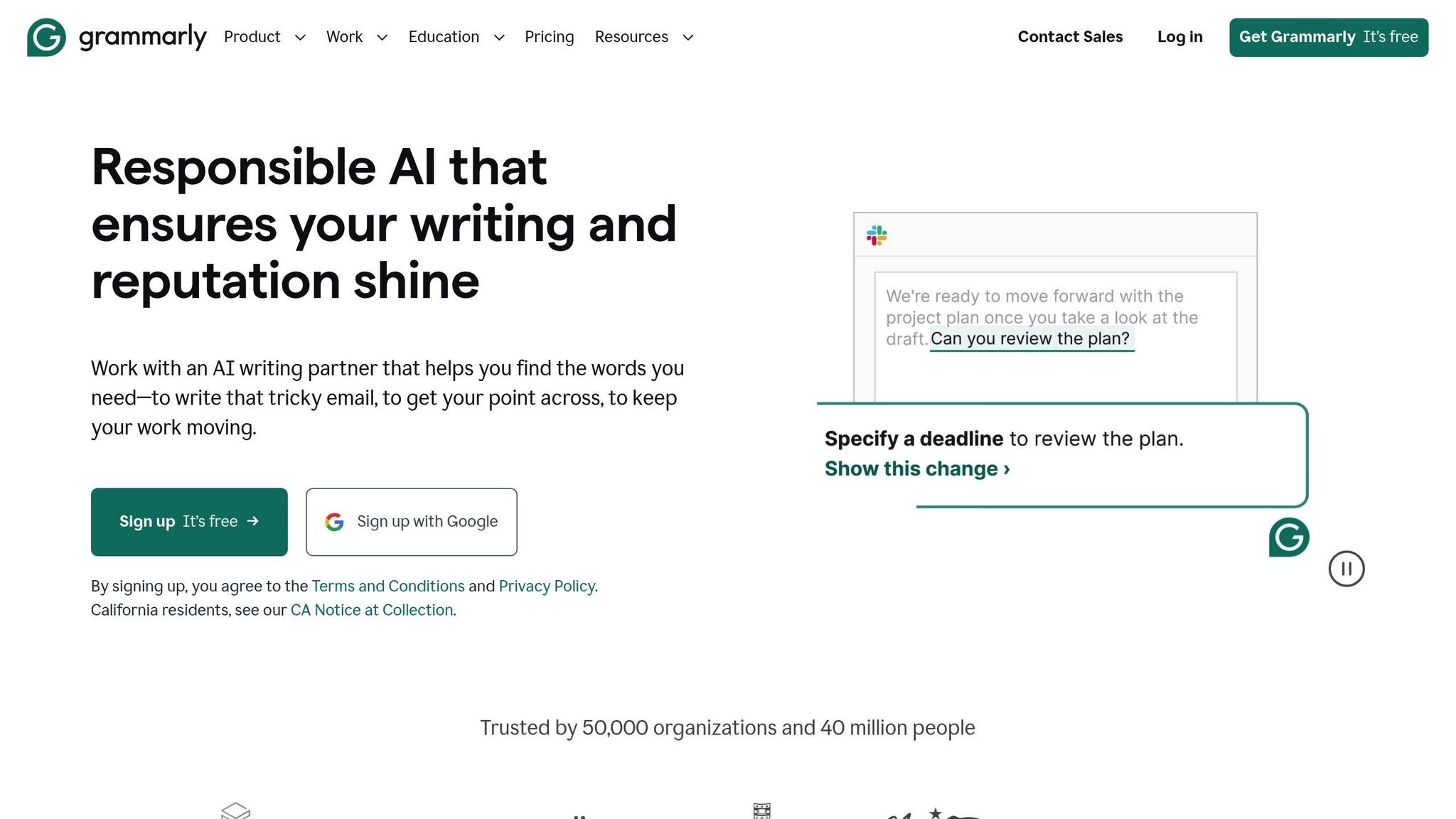
Once you’ve set up a solid structure with Blogger Outline, Grammarly steps in to polish your writing and ensure it meets professional standards. Even small writing errors can chip away at your credibility, no matter how insightful your content is. Grammarly acts as your personal writing assistant, catching mistakes in real time and helping you deliver error-free, polished blog posts.
Why Grammarly Matters for Bloggers
Even experienced writers can struggle with grammar rules or maintaining a consistent tone, especially when juggling multiple deadlines. Grammarly provides instant feedback, correcting errors and suggesting tone adjustments to keep your writing sharp and engaging. It helps maintain a consistent voice, even when you’re tackling a wide range of topics.
Features in the Free Version
Grammarly’s free version offers essential tools that instantly improve your writing. Its grammar checker identifies common mistakes like subject-verb mismatches, punctuation errors, and incorrect word usage. It also goes beyond basic spell-checkers by catching context-specific mistakes – like mixing up "their" and "there."
The free version includes basic tone detection, helping you understand how your writing might come across – whether it’s confident, friendly, or formal. Plus, the personal dictionary feature allows you to add commonly used terms, technical jargon, or brand names, ensuring Grammarly won’t flag them as errors. Over time, this makes editing faster and smoother.
Seamless Integration for Bloggers
Grammarly integrates effortlessly into popular platforms like WordPress, Medium, and Google Docs through its browser extension. For those who prefer offline drafting, the desktop app offers a clean, distraction-free space to write. And with automatic syncing across devices, you can start drafting on your laptop and pick up where you left off on your tablet without losing Grammarly’s suggestions.
Tailored for US-Based Bloggers
Grammarly’s free version is designed with American English in mind, using US-specific spelling and grammar rules. For instance, it ensures you write "color" instead of "colour" and follow American punctuation conventions. This attention to detail helps you connect with US readers and maintain a professional image. Whether you’re writing regular blog posts or promotional content, Grammarly ensures your work stays polished and credible.
3. Hemingway App
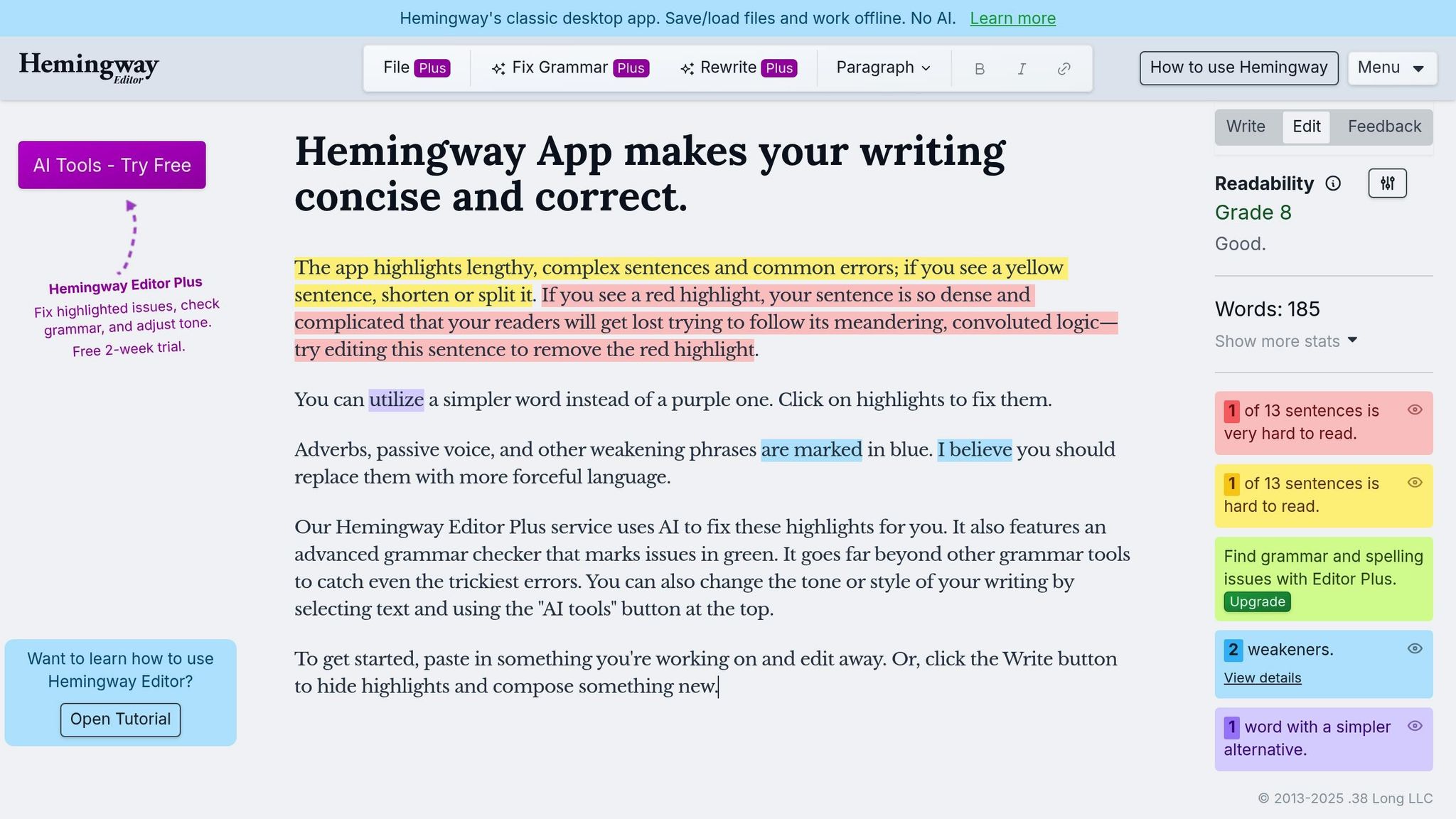
Once you’ve tackled grammar and spelling, the Hemingway App steps in to refine your writing for clarity. This free tool zeroes in on readability, helping you craft content that resonates with your audience. It highlights complex sentences, passive voice, and excessive adverbs that can bog down your blog posts.
Why It Matters for Bloggers
Many bloggers face the challenge of writing too densely, losing readers before they finish the post. Hemingway App addresses this by flagging sentences that are tough to follow and suggesting simpler alternatives. It even assigns a grade level to your text, showing how easy it is for your intended audience to understand.
Using a color-coded system, the app pinpoints readability issues, making it simple to identify and fix problem areas. For bloggers aiming to reach a broad audience, keeping your writing at a Grade 10 level or below is ideal. The Hemingway App helps you achieve this by breaking down complicated sentences and explaining why they might confuse readers.
This tool seamlessly integrates into your blogging routine, ensuring your posts are engaging and accessible.
Features of the Free Version
The web-based Hemingway App is free and loaded with practical tools. Paste your draft directly into the editor, and it immediately flags readability concerns. It counts adverbs, highlights passive voice, and points out overly complicated words that could be simplified.
One standout feature is its readability score, which reveals the minimum education level needed to understand your writing. For example, if you’re writing about personal finance and the app gives you a "Grade 16" score, it’s a sign to simplify. Additionally, it provides a word count, character count, and an estimated reading time.
As you make edits, the app updates its highlights instantly, making it easy to track your progress toward clearer writing.
How It Fits Into Your Workflow
Hemingway App slides effortlessly into most blogging workflows. Many bloggers use it as a final clarity check after completing their first draft. Simply write in your preferred editor, then paste your text into Hemingway to polish it before hitting publish.
Since it runs entirely in your browser, there’s no need to download software or create an account. Just open the website, paste your content, and start editing. For those who work on multiple devices, this browser-based setup means you can access it anywhere with an internet connection.
While the desktop version is available for $19.99, the free web version covers the essential features most bloggers need to improve their posts.
Why It’s Valuable for US Bloggers
For American bloggers, the Hemingway App aligns perfectly with US writing standards and preferences. It’s especially helpful in competitive niches like cryptocurrency, health advice, or DIY projects, where clear communication can set you apart. The app ensures your expertise shines through without drowning readers in jargon.
Its focus on active voice also matches American writing styles, which favor direct, straightforward language. For instance, instead of saying, "Mistakes were made in the campaign", Hemingway suggests, "The team made mistakes in the campaign" – a more engaging and clear option for US readers.
4. Google Docs
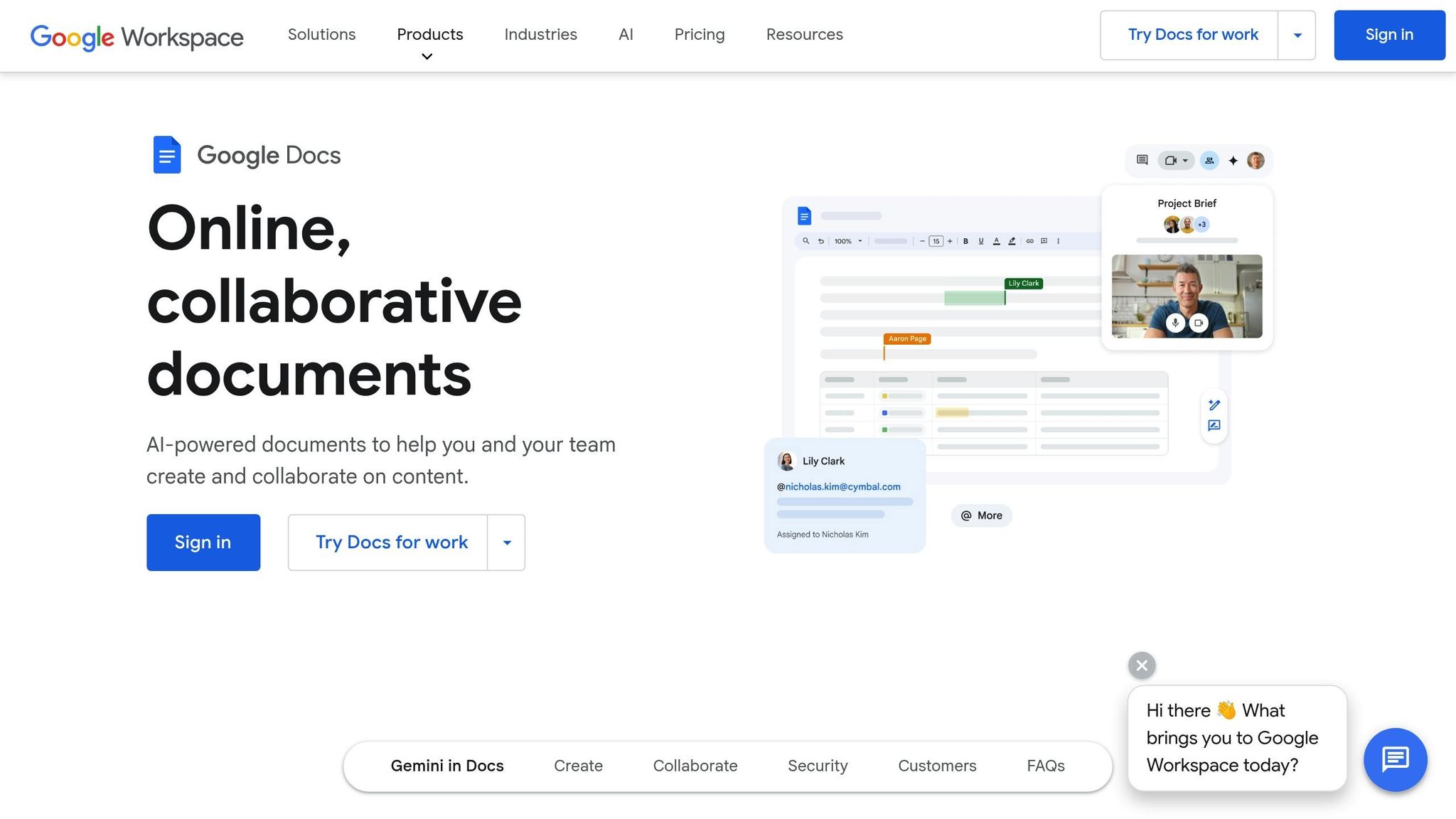
When it comes to collaborative writing and managing documents with ease, Google Docs is a must-have tool. This cloud-based word processor eliminates headaches like lost drafts, version conflicts, and compatibility issues that often come with traditional software. It’s particularly valuable for projects that involve multiple contributors.
Relevance to Blogging Challenges
Blogging often requires teamwork – writers, editors, clients, and collaborators all contribute to the same piece. Google Docs makes this process seamless with real-time collaboration tools. Multiple users can work on a document simultaneously, with changes tracked in real time. This eliminates versioning chaos and ensures everyone stays on the same page.
Another lifesaver? Automatic saving. Google Docs continuously saves your work to Google Drive, so you don’t have to worry about losing progress due to a crash or power outage. Plus, its folder organization and robust search features make it easy to manage and locate drafts.
Free Features That Stand Out
The free version of Google Docs is packed with helpful tools. You get 15 GB of storage (shared across your Google account) and the ability to collaborate with unlimited users, each with custom permissions like view, comment, or edit.
For editors, the suggestion mode is a game-changer. It allows proposed changes and comments to attach directly to the text, simplifying feedback. Need to draft quickly? The voice typing feature lets you dictate content straight into the document.
Google Docs also includes built-in research tools so you can search the web, find images, and even cite sources without leaving your workspace. And for bloggers working under strict word count limits, the detailed word count tool tracks pages, words, characters, and even characters excluding spaces.
Seamless Integration Into Blogging Workflows
Google Docs fits effortlessly into most blogging workflows, thanks to its web-based nature. The mobile apps provide full functionality, so you can work on the go without missing a beat.
Sharing drafts is a breeze – just send a link to your editor or client, and they can provide feedback instantly. No need for endless email threads or downloading attachments. The integrated comment system keeps communication organized and tied to specific parts of your content.
For bloggers working with teams or virtual assistants, Google Docs serves as a central hub. You can create templates for different types of posts, share them with your team, and ensure consistency in formatting and style. The revision history feature adds transparency, showing exactly who made changes and when.
Why It’s Practical for US-Based Bloggers
For bloggers in the US, Google Docs offers clear advantages. Its widespread use means most clients and collaborators are already familiar with it, which minimizes onboarding time for new projects. The suggestion and comment features align perfectly with the direct, documented communication style often preferred in business settings.
Google Docs also integrates seamlessly with other Google tools. For example, you can connect it with Google Sheets for tracking content calendars, Google Calendar for scheduling posts, and Gmail for client communication. This creates an efficient ecosystem that reduces the need to switch between platforms.
Another bonus? Google Docs supports US English spell-check and grammar tools, ensuring your content meets American spelling conventions and professional standards. This is particularly important for bloggers looking to maintain a polished, professional tone that appeals to competitive US audiences. With its ability to streamline teamwork and enhance communication, Google Docs is an essential tool for any blogger aiming to stay organized and efficient.
5. Notion
Notion offers a powerful all-in-one workspace for content management, combining features like notes, databases, project management, and content planning. It’s a tool designed to simplify the complexities of blogging by organizing everything in one place.
Relevance to Blogging Challenges
Running a blog means juggling a lot – content ideas, editorial calendars, research, and performance metrics. Notion helps cut through this chaos by giving you the tools to create custom workflows tailored to your process. Instead of bouncing between different apps for brainstorming, planning, and tracking, you can manage it all within Notion’s interconnected pages and databases.
You can link posts to dates, keywords, and performance data, making it easy to see which topics resonate with your audience and which posts might need updating. It also simplifies research by allowing you to build repositories with embedded web clips, tags, and templates, keeping everything neatly organized.
Free Functionality and Features
Notion’s free plan is perfect for individual bloggers, offering unlimited pages and blocks for personal use. It supports a variety of content formats, including text, databases, kanban boards, calendars, and embedded media, making it adaptable to different aspects of your workflow.
One standout feature is its database functionality. You can create content calendars that automatically organize posts by status, due date, or topic. Gallery views let you see your content visually with featured images, while timeline views help you spot scheduling conflicts or gaps in your content plan. Filtering and sorting tools make managing your workflow even easier.
Templates are another highlight. Notion’s template gallery includes options for content calendars, editorial workflows, and social media planning, all of which can be customized to suit your needs.
Ease of Integration Into a Blogging Workflow
Notion integrates seamlessly into your workflow with tools like a web clipper and import features, making it simple to save and migrate content. Its mobile apps and offline sync ensure you can capture ideas, update statuses, or check your calendar anytime, even without an internet connection.
The platform’s cross-referencing capabilities are especially useful. You can link related blog posts, reference earlier research, or set up content series that automatically update. This interconnected system helps you maintain consistency and stay organized across all your projects.
Practical Value for US-Based Bloggers
For bloggers in the US, Notion’s database-driven approach aligns with a results-focused mindset. By tracking key metrics alongside your content planning, you get a clear picture of your blog’s performance.
Collaboration tools also make it easy to scale your blogging efforts. Whether you’re running a solo blog or managing a team, Notion provides the flexibility to build systems that grow with your needs.
6. Reword
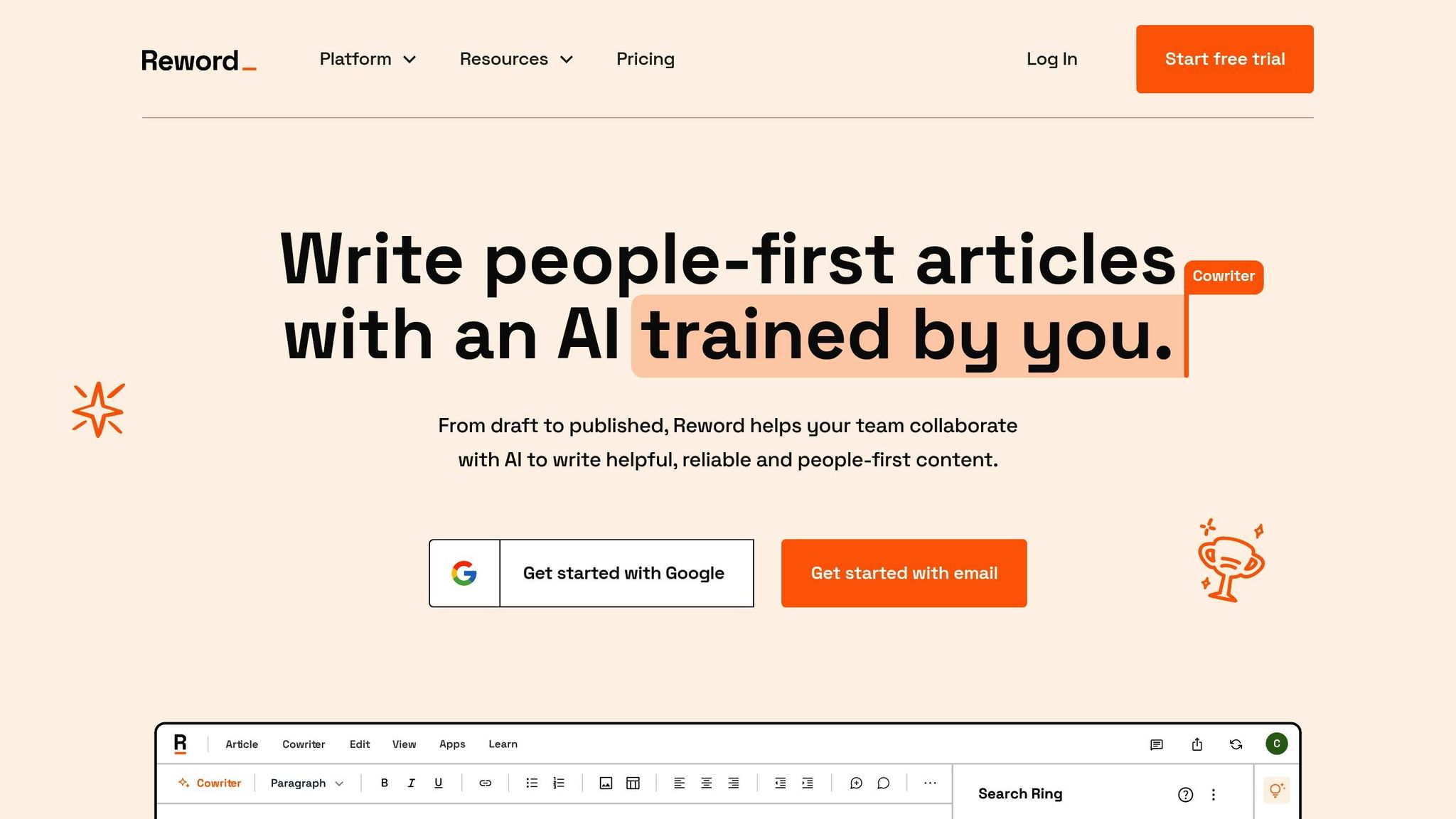
Reword is a collection of AI-powered tools designed to tackle common hurdles bloggers face. Unlike general writing assistants, Reword zeroes in on the specific needs of bloggers, offering solutions for everything from brainstorming ideas to polishing the final draft.
Tackling Blogging Challenges
One of the biggest obstacles for bloggers is writer’s block, and Reword offers several tools to help overcome it. The Topic Idea Tool suggests fresh blog post ideas tailored to your blog’s focus, while the Headline Tool crafts eye-catching titles. If you’re unsure how to structure your content, the Subheading Idea Tool helps outline your article, and the Introduction Tool helps you get past the dreaded blank page.
For refining your content, Reword’s editing tools are a game-changer. The Paraphrasing Tool allows you to rework sentences without losing their meaning, which is a lifesaver when you need to avoid repetition or present ideas in a new way. The Shortening Tool trims unnecessary words, keeping your writing concise and engaging – perfect for holding readers’ attention.
When it comes to planning and organization, the Cluster Ideas Tool helps you brainstorm related topics, ensuring your content aligns with your audience’s interests and builds a cohesive strategy.
Free Tools for Every Step
Reword offers an impressive lineup of free tools to support every stage of content creation. The Headline Tool generates multiple title options to make your posts stand out in crowded feeds, while the Topic Idea Tool analyzes your blog’s focus to suggest relevant and engaging subjects.
For structuring your content, the Subheading Idea Tool helps you break your article into logical sections, and the Listicle Tool provides ready-made frameworks for list-style posts that are popular on social media. The Introduction Tool crafts compelling openings to hook readers, while the Conclusion Tool helps wrap up your posts in a way that encourages continued engagement.
Need to add credibility? The Quote Ideas Tool finds quotes to back up your points. For editing, the Paraphrasing Tool and Shortening Tool refine your writing for clarity and style. And the Cluster Ideas Tool helps you develop interconnected content themes to strengthen your overall strategy.
Seamless Workflow Integration
Reword is designed to integrate effortlessly into your blogging workflow. Simply input a topic, description, or text snippet, and the tools provide instant suggestions you can use immediately. Whether you’re brainstorming, drafting, or editing, these tools offer quick, actionable support.
You can also use the tools individually based on your needs. For example, start with the Topic Idea Tool during planning, use the Headline and Introduction Tools when drafting, and finish with the Paraphrasing and Shortening Tools during the editing process.
Benefits for US-Based Bloggers
For bloggers focused on the competitive US market, Reword’s tools are especially useful. The Headline Tool is invaluable for crafting titles that boost social media shares and improve search engine visibility. Meanwhile, the Cluster Ideas Tool helps you adopt a content marketing approach, building authority in your niche by creating connected, well-thought-out topics.
The editing tools also cater to the fast-paced preferences of US readers. The Shortening Tool ensures your content is concise and easy to skim, while the Paraphrasing Tool keeps your writing fresh, even when covering similar topics across multiple posts. These features make Reword an essential companion for bloggers aiming to stand out in the crowded American digital landscape.
7. Google Search Console
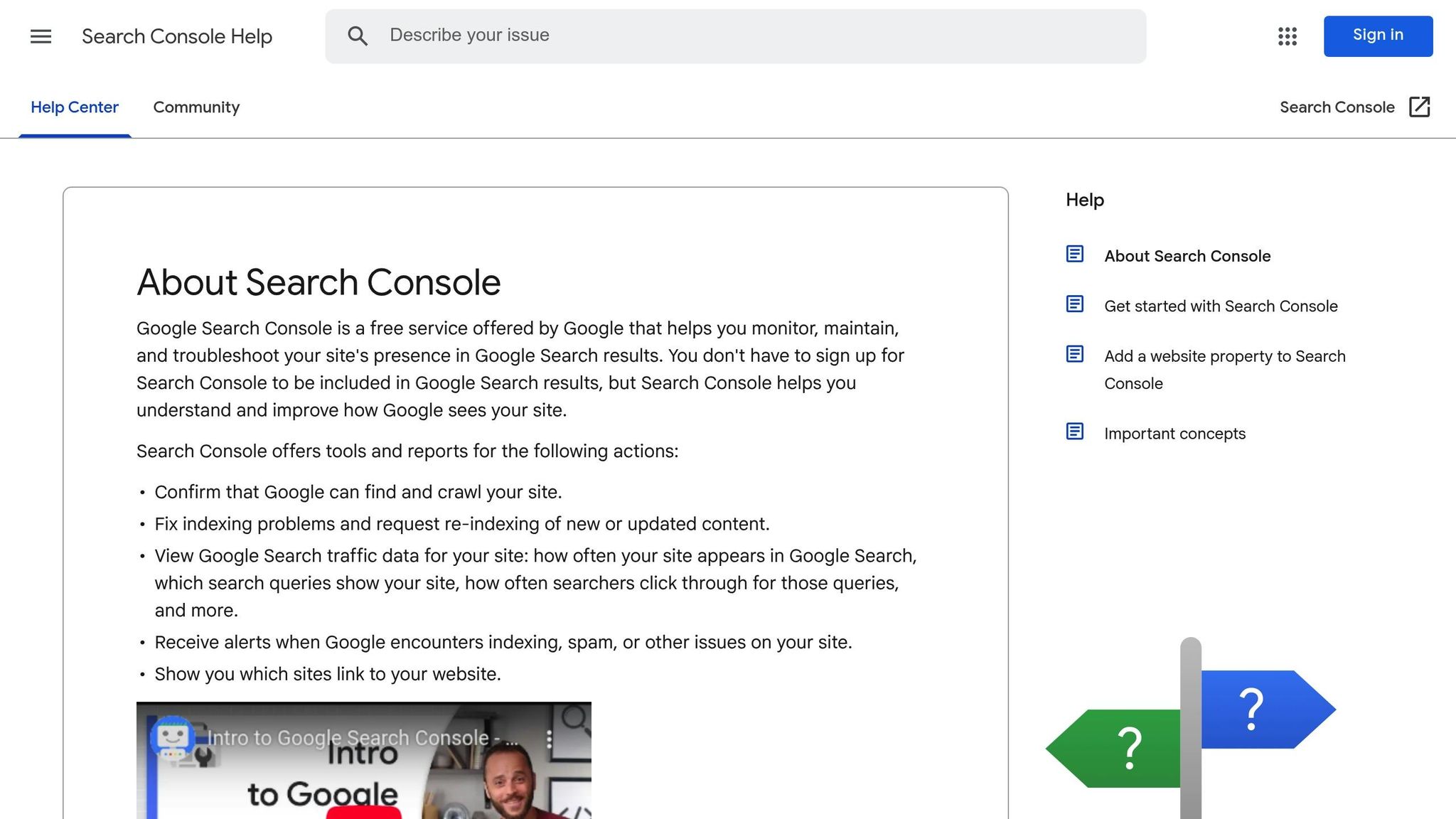
Google Search Console is a free tool from Google that provides essential insights into your website’s search visibility, traffic, and technical performance – key factors for improving your organic reach.
How It Helps Solve Blogging Challenges
One of the toughest hurdles bloggers face is figuring out why their content isn’t ranking or attracting the traffic they anticipated. Google Search Console tackles this head-on by showing you which search queries bring visitors to your site, which pages perform well, and where there’s room for improvement.
The tool provides detailed data about your search performance, such as keywords driving impressions but not clicks. This type of information can guide you in tweaking titles or meta descriptions to grab more attention. In short, it turns raw data into actionable steps you can take to enhance your blog’s performance.
Key Features You Get for Free
Google Search Console comes packed with useful features, all available at no cost:
- Performance Report: Tracks how often your content appears in search results, how many clicks it gets, and its average ranking over a 16-month period.
- Coverage Report: Flags technical issues like crawl errors or pages blocked by robots.txt that could prevent proper indexing.
- URL Inspection Tool: Lets you check the status of specific pages and request Google to re-crawl them after updates.
- Mobile Usability Report: Identifies mobile-related issues affecting user experience.
- Core Web Vitals Report: Measures key performance metrics like loading speed and provides suggestions for improving user experience.
These features give you a comprehensive view of your site’s health and performance.
Seamless Integration Into Your Blogging Routine
Getting started is simple: add your blog’s URL, verify ownership (via an HTML file upload or meta tag), and data will start populating in a matter of days.
Once set up, Google Search Console can easily fit into your content strategy. For example, reviewing the Performance report weekly helps you spot which topics resonate most with your audience, guiding your future content. When you publish new posts, the URL Inspection tool can speed up the indexing process, ensuring your content appears in search results sooner.
Additionally, keeping an eye on pages with high impressions but low click-through rates can highlight opportunities to refine your titles and meta descriptions for better engagement.
Benefits for US-Based Bloggers
For American bloggers, the geographic data in Google Search Console is particularly useful. It shows where your traffic is coming from, helping you better understand your audience’s location. This can be especially helpful for tailoring content to specific regions or demographics.
The tool also provides historical performance data, allowing you to track seasonal trends. For instance, you can analyze how interest in certain topics shifts around major U.S. holidays or events and plan your content calendar accordingly. If you’re monetizing through affiliate marketing or local partnerships, these insights can help you create content that better connects with your audience and drives results.
8. Rank Math
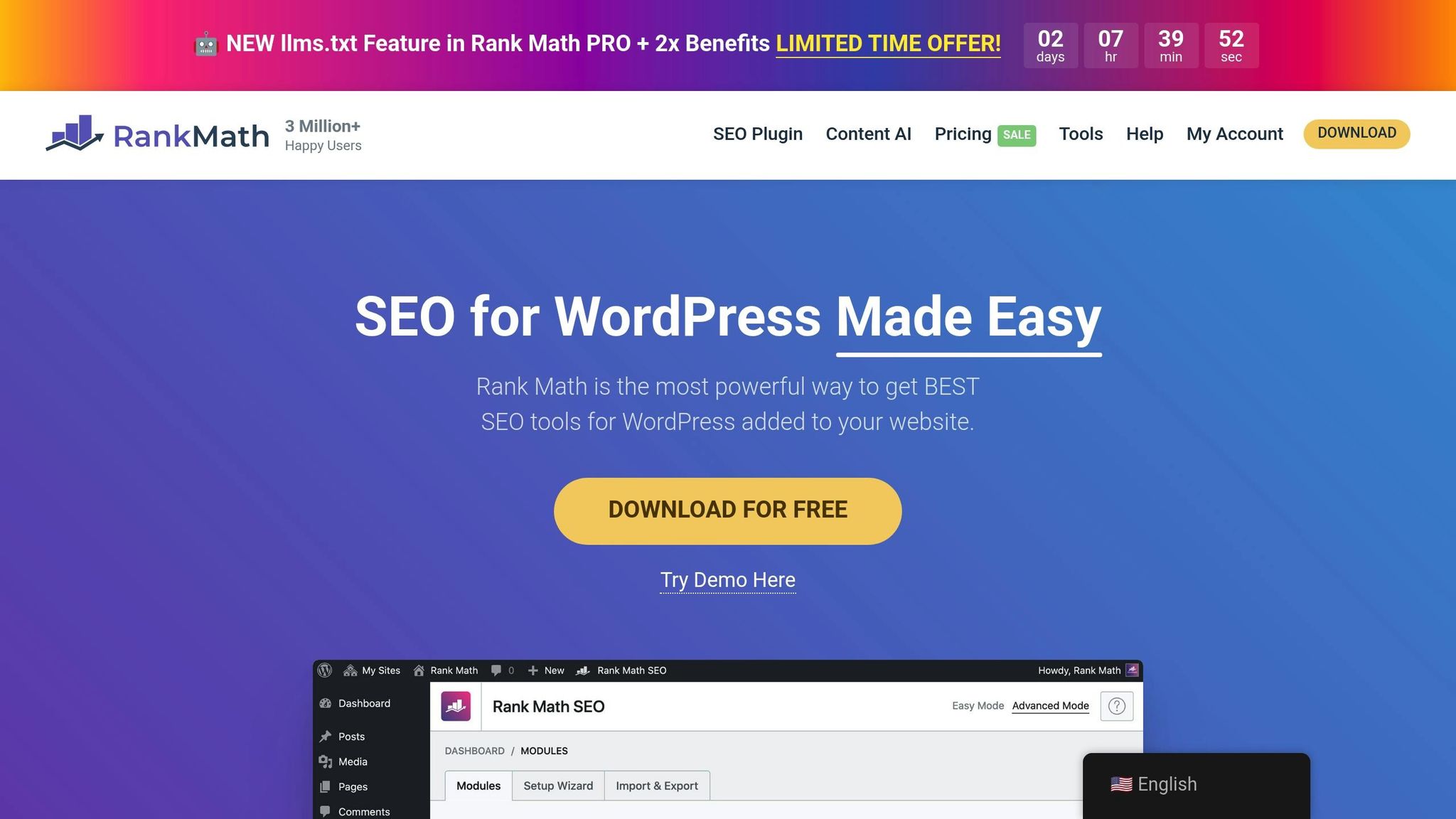
Rank Math is a WordPress SEO plugin designed to help bloggers improve their content’s visibility in search engines. It’s user-friendly, packed with features, and doesn’t require advanced technical know-how or expensive upgrades.
Addressing Common Blogging Challenges
For many bloggers, making their content more discoverable is a major hurdle. Often, this stems from a lack of technical SEO knowledge. Rank Math simplifies this process by offering real-time analysis and actionable suggestions as you write.
The plugin helps with key SEO tasks like keyword optimization, crafting meta descriptions, and internal linking. It provides a clear SEO score and highlights areas for improvement, such as low keyword usage or overly long meta descriptions.
Rank Math also identifies technical issues that could hurt your rankings, such as missing alt text for images, slow page speeds, or broken links. These tools are part of its free suite of features, which are designed to make SEO more approachable and manageable.
Features Available in the Free Version
Rank Math’s free version is packed with tools that many other plugins reserve for paid tiers. Its content analysis tool evaluates your posts against over 30 SEO factors, assigning a numerical score to show how well your content is optimized.
Key features include:
- XML sitemaps
- Schema markup
- Keyword tracking for up to five keywords
One standout feature is the built-in keyword rank tracker, which lets you monitor how your content performs over time. Additionally, the plugin offers a detailed SEO audit for your website, flagging issues like duplicate content or missing meta descriptions. The redirect manager handles broken links and URL changes, while the 404 monitor keeps you informed about pages visitors can’t access.
Seamless Integration with Blogging Workflows
Rank Math’s setup wizard makes getting started easy. It walks you through connecting Google Search Console, configuring basic settings, and even importing data from other SEO plugins if you’re making a switch.
The plugin integrates directly into the WordPress post editor, displaying SEO suggestions in a sidebar as you write. This real-time feedback helps you optimize your posts before they go live. It also works smoothly with popular page builders like Elementor and Gutenberg, offering automated internal linking suggestions to strengthen your site structure without extra effort.
Benefits for US-Based Bloggers
For bloggers in the US, Rank Math includes local SEO tools in its free version. You can set up location-based schema markup and optimize for regional search terms – perfect for covering local topics or businesses.
The plugin’s Google Analytics integration provides valuable insights into how your SEO efforts translate into traffic and engagement. You can track which posts perform best and adjust your strategy accordingly.
Rank Math also supports AMP (Accelerated Mobile Pages), ensuring your content loads quickly on mobile devices. This is especially important given the high volume of mobile web traffic in the US. Used alongside an AMP plugin, Rank Math helps your mobile pages stay fast and user-friendly.
9. Yoast SEO
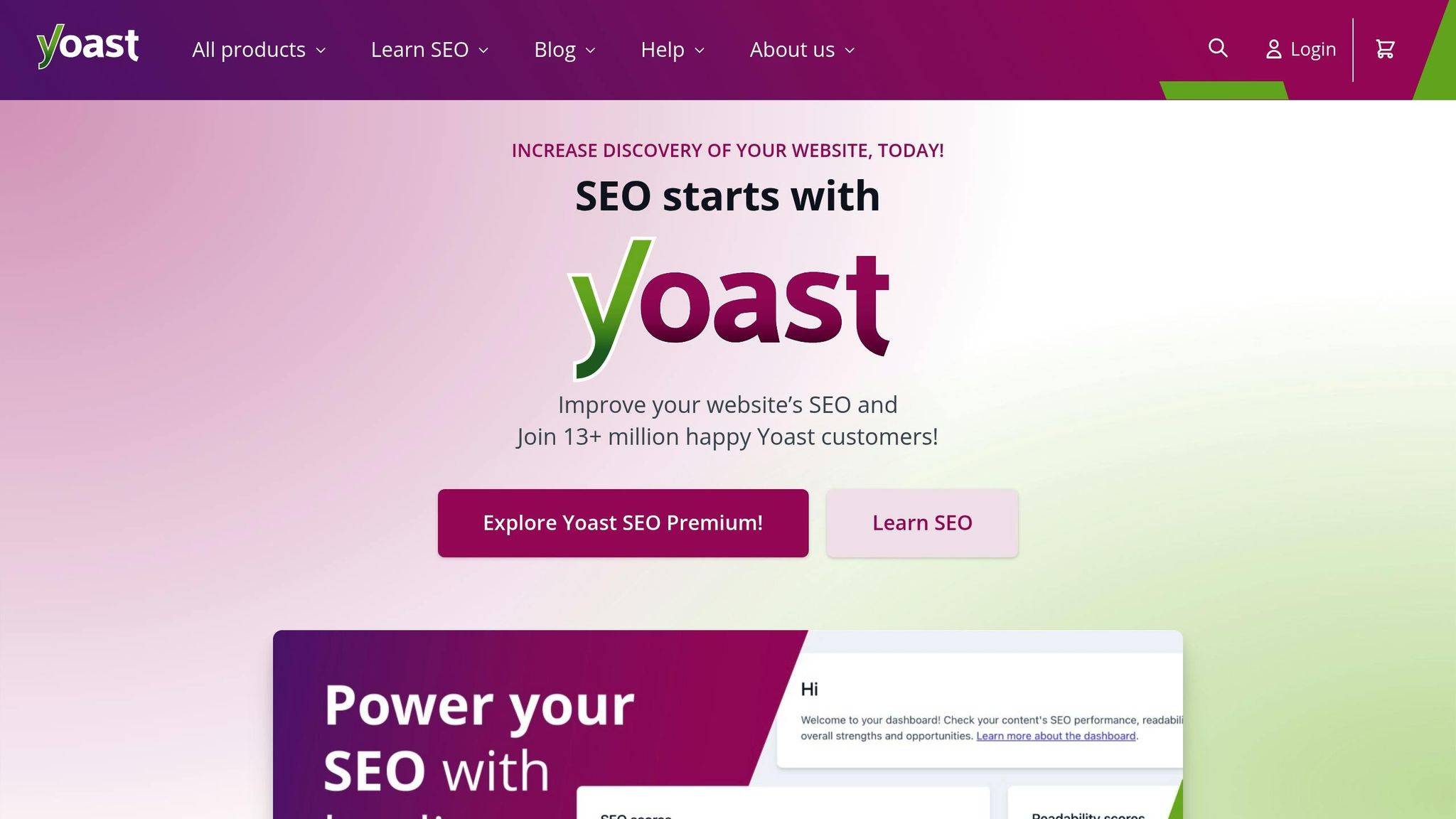
Yoast SEO is a WordPress plugin designed to make search engine optimization easier for bloggers, no matter their experience level. Its standout feature is an intuitive traffic light system that provides clear guidance for optimizing your content. This tool fits seamlessly into your workflow and offers features that distinguish it from alternatives like Rank Math.
Tackling Blogging Challenges
One of the biggest hurdles for bloggers is creating content that resonates with readers while also ranking well on search engines. Yoast SEO tackles this by offering real-time analysis of your content’s readability and SEO performance. It suggests practical improvements, such as shortening overly long sentences, restructuring paragraphs, and using transition words to improve flow. It also helps fine-tune keyword usage, meta descriptions, and title tags, ensuring your content stays engaging without falling into traps like keyword stuffing or neglecting focus keywords. These actionable insights make it easier to refine your writing while keeping SEO in check.
Features in the Free Version
The free version of Yoast SEO is packed with tools to boost your site’s visibility. You can preview how your titles and meta descriptions will appear in search results using its snippet editor. It automatically generates XML sitemaps to aid search engine crawling and manages canonical URLs to prevent duplicate content issues. Additional features include Open Graph and Twitter Cards support for better social media sharing, breadcrumb navigation to improve site structure, and built-in schema markup to help search engines better understand your content. These tools work together to streamline your SEO process without disrupting your creativity.
Smooth Integration with Your Workflow
Yoast SEO integrates effortlessly into WordPress, thanks to its user-friendly metabox. The plugin’s signature traffic light system – red, orange, and green – offers an at-a-glance overview of your content’s optimization status. For beginners, a step-by-step configuration wizard simplifies the initial setup, walking you through essentials like linking to Google Search Console and adding social media profiles. While you write, the plugin provides live feedback in a sidebar, so you can make adjustments on the fly without breaking your creative rhythm. It’s also compatible with popular page builders like Elementor and Gutenberg, ensuring its features work seamlessly across different editing tools.
Benefits for US-Based Bloggers
For bloggers targeting American audiences, Yoast SEO is optimized for American English, making it especially useful for crafting content tailored to this demographic. Its integration with major social platforms like Facebook, Twitter, and LinkedIn ensures your posts are well-optimized for sharing, helping to drive traffic and engagement. Overall, Yoast SEO’s free features provide the tools you need to follow SEO best practices, improve visibility, and create a better experience for your readers.
10. Ubersuggest
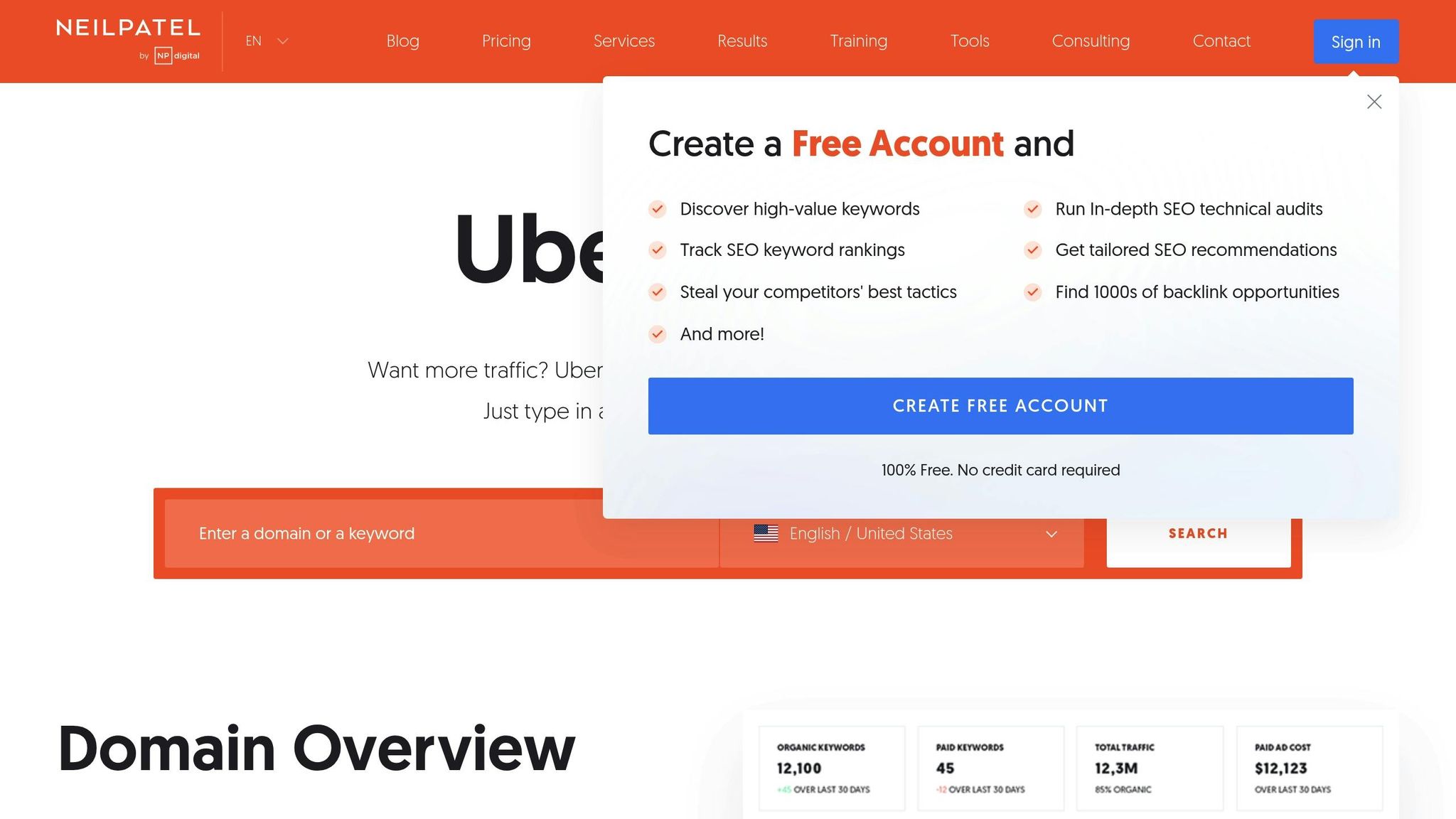
Ubersuggest is a powerful tool for SEO and keyword research, designed to help bloggers uncover content opportunities and monitor their website’s performance. It combines keyword research, competitor analysis, and site audits into one user-friendly platform. Even its free version offers a wealth of insights that can reshape your content planning and SEO approach.
Addressing Blogging Challenges
Ubersuggest tackles common blogging obstacles like keyword discovery and optimizing content for search engines. Identifying the right keywords and understanding what your audience is searching for can be a major hurdle, especially for newer blogs. Ubersuggest provides essential data like keyword difficulty, search volume, and long-tail keyword suggestions that are often easier to rank for. For bloggers competing with established sites, these insights are invaluable.
The tool’s competitor analysis feature allows you to see the keywords your rivals are ranking for, helping you spot content gaps to target. Its site audit function digs into technical SEO issues – like broken links or slow page speeds – that might be holding your blog back in search engine rankings. With these features, Ubersuggest equips you to address keyword and technical challenges effectively.
Free Features and Capabilities
The free version of Ubersuggest allows for three searches per day, offering up to 100 keyword suggestions per search. It includes key metrics like search volume, SEO difficulty, and cost-per-click data. The content ideas feature highlights high-performing articles related to your keywords, complete with estimated traffic and social shares.
The site audit tool can scan up to 100 pages, identifying issues like broken links, missing meta descriptions, and page speed problems. You also get a basic backlink checker to analyze competitors’ backlink profiles, which can guide your outreach efforts. Additionally, the free version includes basic rank tracking for your target keywords, though daily checks are limited.
Seamless Integration into Blogging Workflows
Ubersuggest fits smoothly into your blogging routine with its easy-to-use web interface. Enter your seed keywords, export the results, and incorporate them into your content calendar. The Chrome extension adds another layer of convenience, letting you view keyword data directly as you browse the web.
The content ideas section is particularly useful during brainstorming sessions, showing you which topics are already gaining traction in your niche. You can also schedule site audit reports to keep tabs on your blog’s technical health, making it easier to share updates with team members or assistants.
Benefits for US-Based Bloggers
For bloggers in the United States, Ubersuggest offers location-specific data tailored to American search behavior. This includes search volumes and trends that reflect how US audiences interact with search engines, which can differ significantly from global averages. The competitor analysis feature is especially helpful for identifying successful US-based blogs in your niche.
The content suggestions also cater to American readers, highlighting topics that resonate with local audiences, including seasonal trends and region-specific interests. By focusing on these localized insights, you can create content that connects with US readers while optimizing for the search terms they actually use.
11. Pingdom
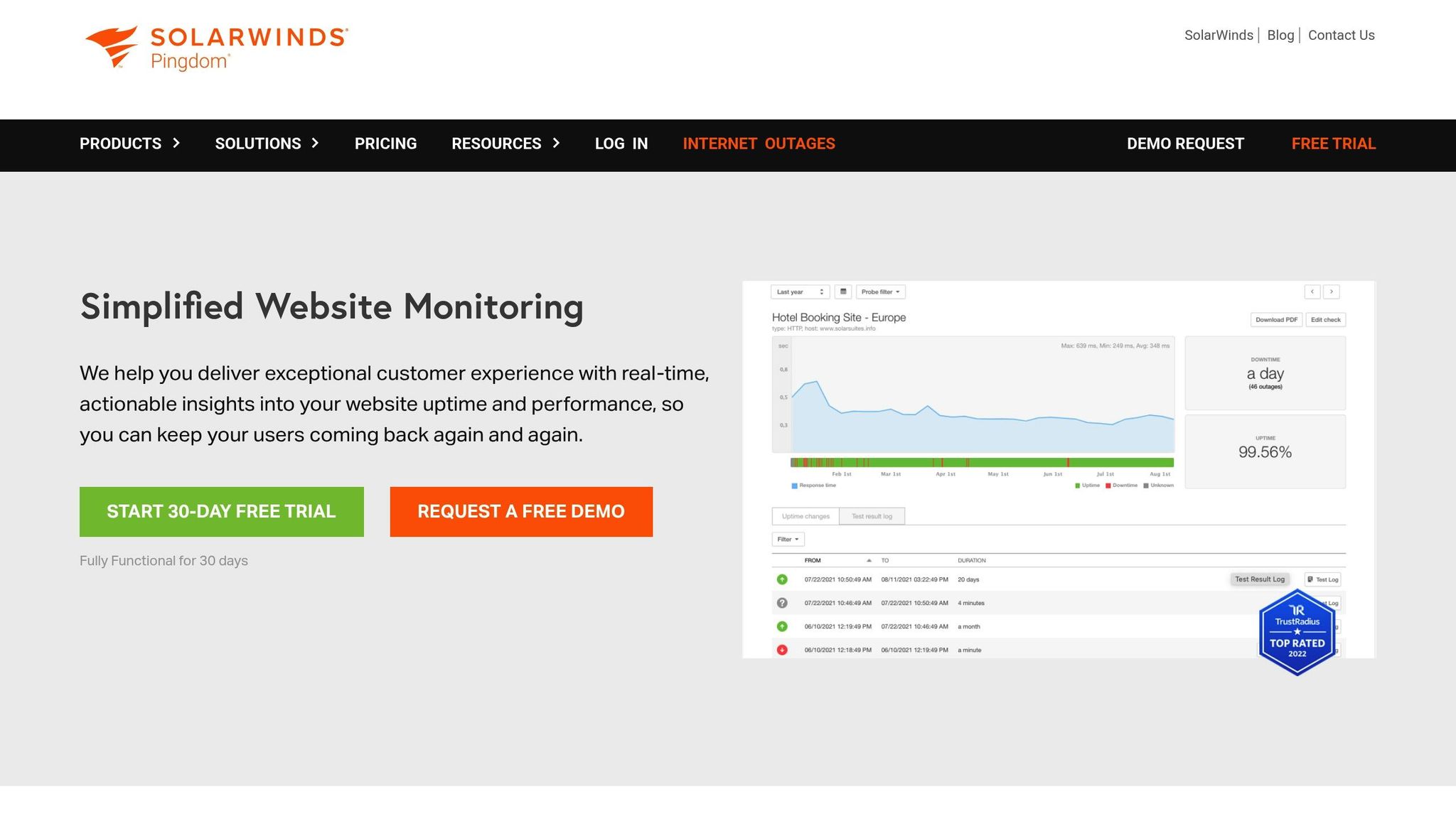
Pingdom is a website monitoring tool designed to track your blog’s uptime, performance, and loading speed from various global locations. The free plan gives bloggers essential insights to identify and fix performance issues before they affect readers. It continuously monitors your site’s accessibility and load times, delivering real-time data to keep you informed. Let’s dive into how these features address common blogging challenges.
Relevance to Blogging Challenges
Downtime and sluggish load times can frustrate visitors and harm your SEO – Google considers page speed an important ranking factor. With Pingdom’s 24/7 monitoring from multiple geographic locations, you’ll be alerted to any issues as they arise. If your site becomes unavailable or its performance dips, Pingdom sends instant email alerts so you can address the problem quickly. It also helps you spot patterns in downtime, making it easier to decide if it’s time to switch hosting providers or upgrade your plan.
Free Functionality and Features
The free version of Pingdom allows you to monitor one website, running checks every 5 minutes from a location of your choice. Monitoring locations include New York, San Francisco, London, and Sydney, among others. The tool tracks uptime percentages, response times, and stores historical data for 30 days. If an outage occurs, you’ll receive an email detailing the duration and affected location. The dashboard provides a clear overview of your site’s average response time, uptime percentage, and a timeline of incidents, alongside key performance metrics.
Ease of Integration into a Blogging Workflow
Setting up Pingdom is quick and straightforward. Enter your blog’s URL, select a monitoring location, and verify your email to get started. Once set up, it runs automatically in the background. You can customize alert thresholds to avoid unnecessary notifications, such as ignoring brief network hiccups. The email alerts include links to detailed incident reports, making it easy to share technical information with your hosting provider’s support team.
Practical Value for US-Based Bloggers
For blogs targeting U.S. audiences, Pingdom’s monitoring locations in New York and San Francisco offer a clear picture of how your site performs for American visitors. It measures loading times from major U.S. data centers, giving you an accurate sense of your site’s speed. This is especially helpful during high-traffic periods, like Black Friday or viral moments on social media, when keeping your site accessible is crucial. Plus, the historical data helps you identify trends, such as slower load times during peak evening hours, allowing you to optimize accordingly.
sbb-itb-112c64b
12. Buffer
Buffer makes it simple to schedule and manage posts on Facebook, Twitter, Instagram, LinkedIn, and Pinterest. Its free plan offers the basic tools bloggers need to maintain an active social media presence, helping drive traffic to your blog without the hassle of constant manual updates.
Relevance to Blogging Challenges
Keeping up with regular social media promotion can feel like a full-time job. Buffer solves this by letting you schedule posts in advance, making it easier to maintain a steady posting schedule even when you’re busy creating content or away from your computer. By batching and scheduling posts, you can ensure your social media accounts stay active and engaging, no matter how packed your schedule gets.
Another common challenge is figuring out the best times to post. Buffer simplifies this with suggested posting times, tailored to when your audience is most active. This feature helps you get the most engagement without spending hours researching optimal times for each platform. For bloggers, this means more visibility for your content with less effort.
Free Functionality and Features
Buffer’s free plan is ideal for beginners. It allows you to connect three social media accounts and schedule up to 10 posts per account, giving you a total of 30 scheduled posts across your platforms. You can create posts directly within Buffer or use its handy browser extension to share content while browsing online.
One standout feature is the content calendar view, which displays all your scheduled posts in one place. This visual tool helps you spot any gaps in your schedule and ensures a balanced mix of content. Additionally, Buffer provides basic analytics, tracking metrics like clicks, likes, and shares, so you can see what’s working.
The Buffer browser extension is a game-changer for bloggers. When you come across an article or resource you want to share, you can add it to your Buffer queue directly from the webpage. The extension pulls the page title, description, and featured image automatically, but you can tweak the text before scheduling.
Ease of Integration into a Blogging Workflow
Buffer integrates seamlessly into most blogging routines. Once your social media accounts are connected, you can start scheduling posts right away. It’s also compatible with popular blogging platforms, making it easy to promote new blog posts across all your social channels as soon as they’re published.
With Buffer’s queue feature, you can spend just 30 minutes planning your weekly posts, and the platform will handle the rest. Mobile apps make it even easier to manage your content on the go, ensuring you’re never out of touch with your audience.
Practical Value for US-Based Bloggers
For bloggers targeting American audiences, Buffer’s suggested posting times are especially useful. These recommendations are based on US time zones and social media usage patterns, typically aligning with peak activity between 9:00 AM and 3:00 PM on weekdays. This ensures your posts are going live when your audience is most likely to see them.
Buffer also presents analytics in familiar formats for US users, using standard American date formats (MM/DD/YYYY) and straightforward metrics. The click tracking feature helps you identify which posts are driving the most traffic to your blog, giving you the insights needed to fine-tune your strategy.
Another time-saving feature is Buffer’s ability to handle character limits automatically for different platforms. Whether you’re adapting a post for Twitter’s restrictions, LinkedIn’s longer format, or Facebook’s algorithm preferences, Buffer takes care of it for you, so you don’t have to adjust each post manually. This makes promoting your blog content across multiple platforms a breeze.
13. Canva
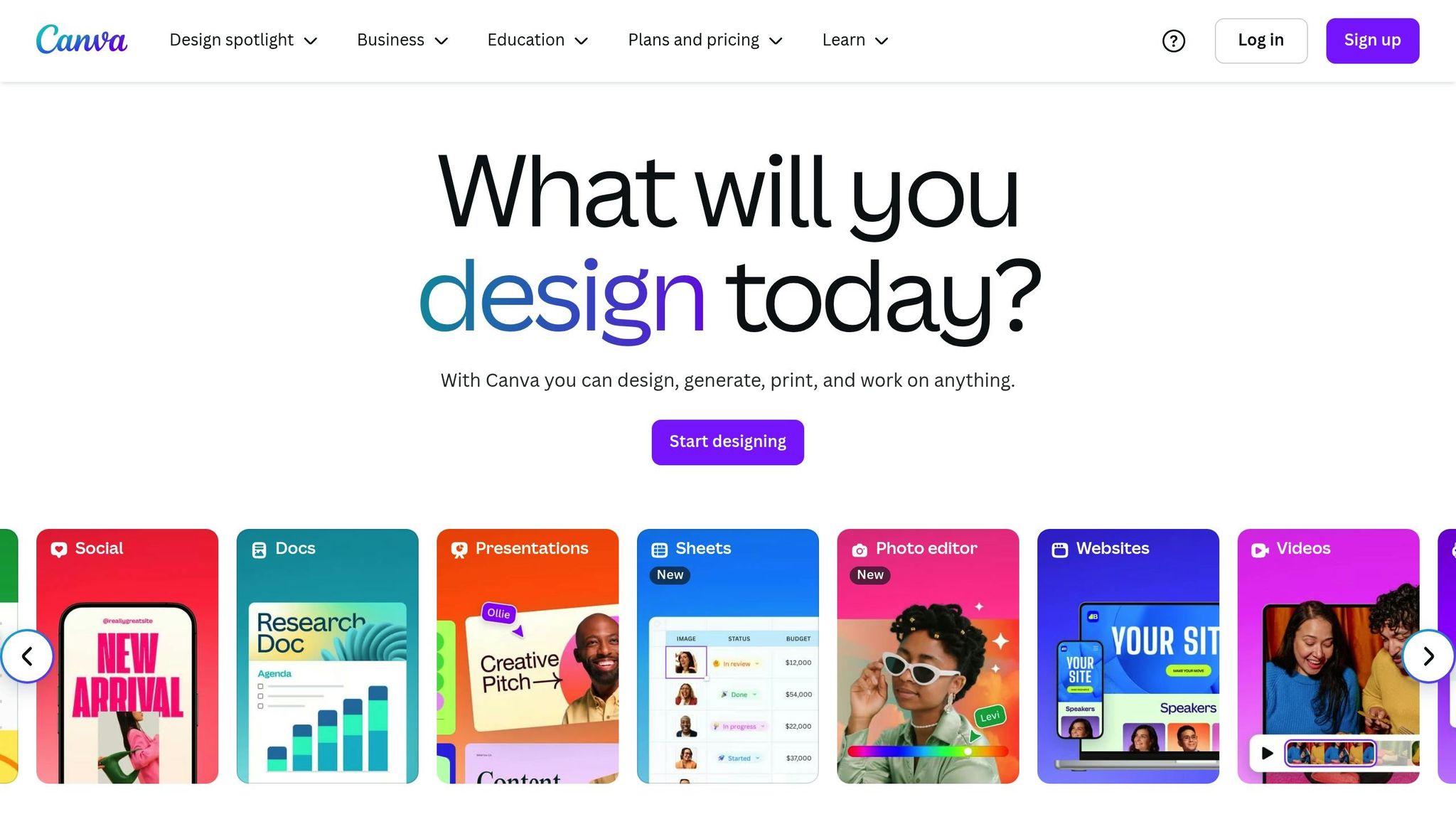
Canva has completely changed how bloggers approach visual content creation, making it simple for anyone to design high-quality graphics. This online design tool provides access to thousands of templates and design elements, enabling bloggers to create striking featured images, social media graphics, infographics, and promotional materials – without needing pricey software or hiring a designer. It’s a game-changer for tackling some of the most common design hurdles bloggers face.
Relevance to Blogging Challenges
Visuals play a huge role in grabbing readers’ attention, but many bloggers find it tough to create engaging designs. Bland, text-heavy posts just don’t cut it in today’s visually driven digital world. Canva solves this problem with its collection of pre-designed templates that follow modern design trends, ensuring your blog always looks polished and professional.
Another challenge is maintaining a consistent visual identity across platforms. Canva makes this easier by letting you save your brand’s colors, fonts, and logos in one place. This consistency helps your audience instantly recognize your content, whether it’s on social media, in newsletters, or on your blog.
And let’s not forget time constraints. For busy bloggers, Canva’s drag-and-drop interface makes it quick and easy to create professional-looking graphics like Pinterest pins or blog headers in just minutes.
Free Functionality and Features
Canva’s free plan packs a lot of value. It offers access to over 250,000 templates for everything from blog headers to social media posts and infographics. You’ll also find thousands of free photos, icons, and illustrations. Premium elements are clearly labeled, so you know exactly what’s available at no cost.
The free plan comes with 5GB of cloud storage, allowing you to save and access your designs from any device. Plus, features like basic animations and text effects (think shadows and curved text) help your visuals stand out without requiring advanced design skills.
Ease of Integration into a Blogging Workflow
Canva fits seamlessly into your blogging routine. With its browser-based platform and mobile apps, you can access your designs from anywhere, making it easy to create graphics on the go. The platform automatically saves your work, so you never have to worry about losing progress.
It also simplifies content promotion. Canva’s content planner lets you schedule social media posts directly from the platform. Once you’ve created graphics for a blog post, you can schedule them to publish across multiple platforms – all without juggling different tools.
For bloggers working with virtual assistants or collaborators, Canva’s sharing and collaboration features are a big help. You can give team members access to designs, maintain brand consistency, and streamline the approval process for visual content – all of which make creating and managing content much smoother.
Practical Value for US-Based Bloggers
For bloggers targeting American audiences, Canva offers templates tailored to standard US dimensions for both digital and print materials. The platform’s library includes designs that align with American preferences, such as holiday-themed graphics and layouts ideal for professional blogs, making it easier to connect with your audience.
The font library features popular typefaces suited for all kinds of niches, whether you’re running a tech blog with clean sans-serif fonts or a lifestyle blog with elegant script options.
Canva also provides templates sized for 8.5" x 11" paper, perfect for creating printable materials like lead magnets or flyers. With seasonal templates for events like Memorial Day and Black Friday, Canva ensures your visuals are timely and relevant to your audience.
14. Trello
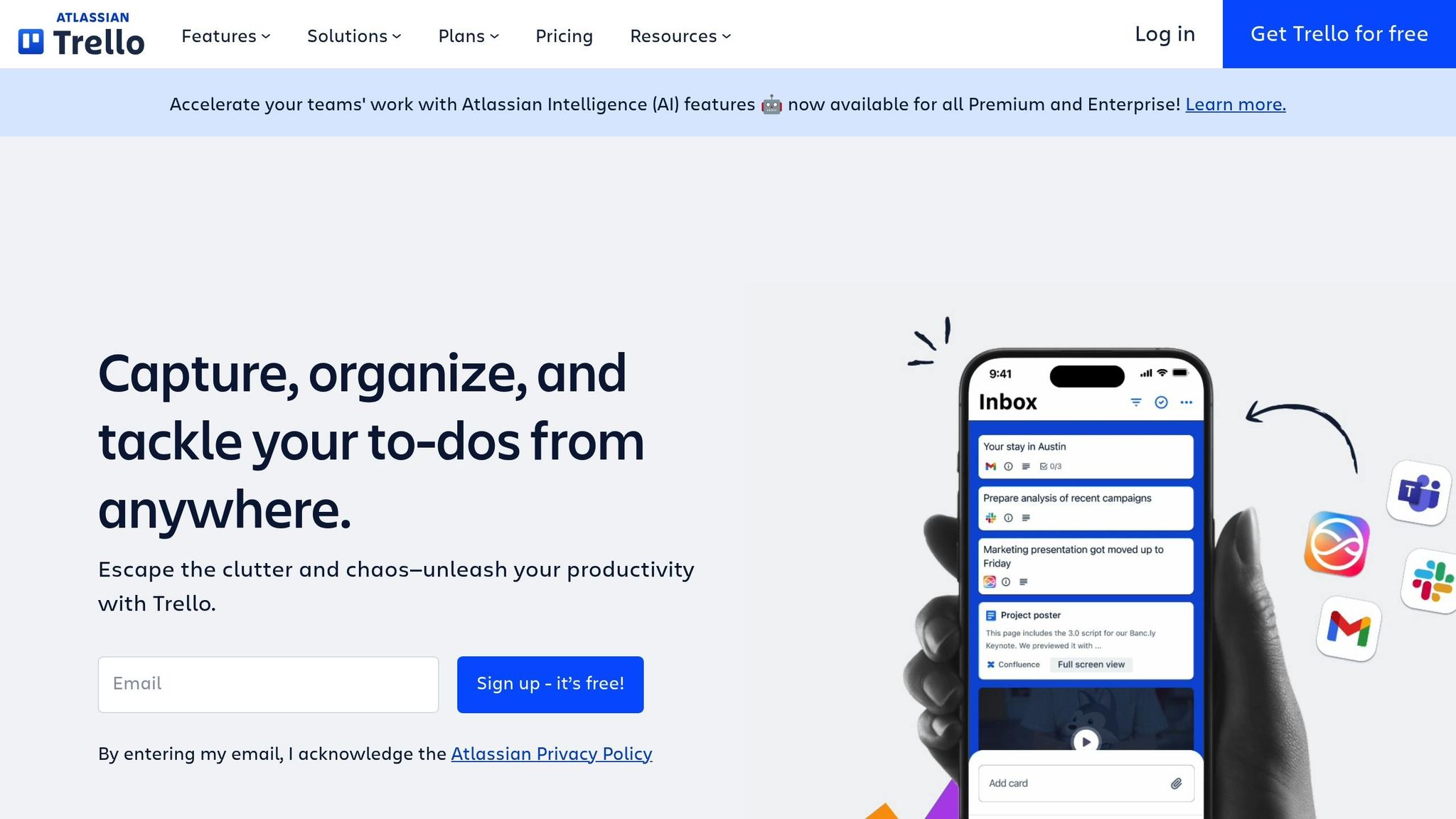
Trello is a tool that brings order to the chaos of blog management. Using a simple card-and-board system, it visually organizes tasks in a way that feels intuitive. Whether you’re juggling content calendars, guest posts, affiliate campaigns, or social media schedules, Trello provides a clear structure to keep everything on track. It’s a natural fit for bloggers looking to streamline their workflow without getting overwhelmed.
Tackling Common Blogging Challenges
Bloggers often face the challenge of keeping tabs on posts at various stages – research, writing, editing, and approval. Without a solid system, deadlines can be missed, and great ideas might disappear into a sea of scattered notes.
Trello solves this by letting you create boards tailored to your blog’s needs. Think of your editorial calendar as a pipeline, where you can visually track the progress of each post. Dragging a card from "Ideas" to "In Progress" to "Ready to Publish" makes it easy to see what’s moving forward and what might be stuck.
It’s also a fantastic tool for collaboration. Unlike endless email threads, Trello provides a shared workspace where everyone can see updates and progress in real time.
Features That Come Free
For solo bloggers and small teams, Trello’s free plan offers plenty of functionality. You’ll have access to unlimited personal boards, so you can organize everything from editorial calendars to social media plans and affiliate projects without worrying about running out of space.
Each board allows unlimited cards and lists, making it simple to break down big tasks into smaller, manageable steps. On top of that, cards can include due dates, checklists, attachments, and comments – ideal for keeping track of research, feedback, or post requirements.
Collaboration tools are built right in. You can assign team members to specific cards, ensuring everyone knows their role. Notifications keep everyone updated, and comments or file attachments make communication straightforward.
Trello’s Power-Ups add extra functionality, and even the free plan includes one Power-Up per board. The Calendar Power-Up, for example, is perfect for bloggers – it transforms your editorial board into a visual calendar, making it easy to spot upcoming deadlines.
Fitting Seamlessly Into Your Workflow
Trello is designed to adapt to how you already work, not the other way around. Setting up an editorial calendar is simple: create lists like "Ideas", "Research", "Writing", "Editing", "Ready to Publish", and "Published." From there, cards can be moved through the process as tasks progress.
The mobile app ensures you’re always connected. Whether you’re jotting down ideas during a commute or checking on deadlines while traveling, updates sync instantly across all your devices.
Trello also integrates well with email. By forwarding emails directly to your Trello boards, you can turn feedback or requests into actionable tasks without having to retype or copy-paste.
For bloggers using platforms like WordPress, Trello can serve as a central hub for post details. Use cards to store everything from keywords and meta descriptions to image requirements and internal linking notes, creating a handy checklist for publishing.
Benefits for US-Based Bloggers
For bloggers in the United States, Trello offers features that cater to local needs. The activity feed and notifications help keep teams in sync, even when working across time zones. Updates, comments, and flagged issues are easy to track, ensuring no detail gets missed while you’re offline.
Trello’s due date system works perfectly with American date formats (MM/DD/YYYY), making deadlines easy to set and follow. Calendar views and email notifications also align with standard US time conventions.
Planning seasonal content? Trello makes it easy to organize posts around American holidays like Black Friday, Memorial Day, or back-to-school season. You can create cards for holiday-specific content, set deadlines to match your production schedule, and track progress to ensure everything is ready on time.
For affiliate marketing campaigns, Trello helps keep things organized. Use cards to track FTC compliance, affiliate links, and performance metrics, so all critical information is stored in one accessible place. It’s a simple way to stay on top of your campaigns and ensure nothing slips through the cracks.
15. Mailerlite
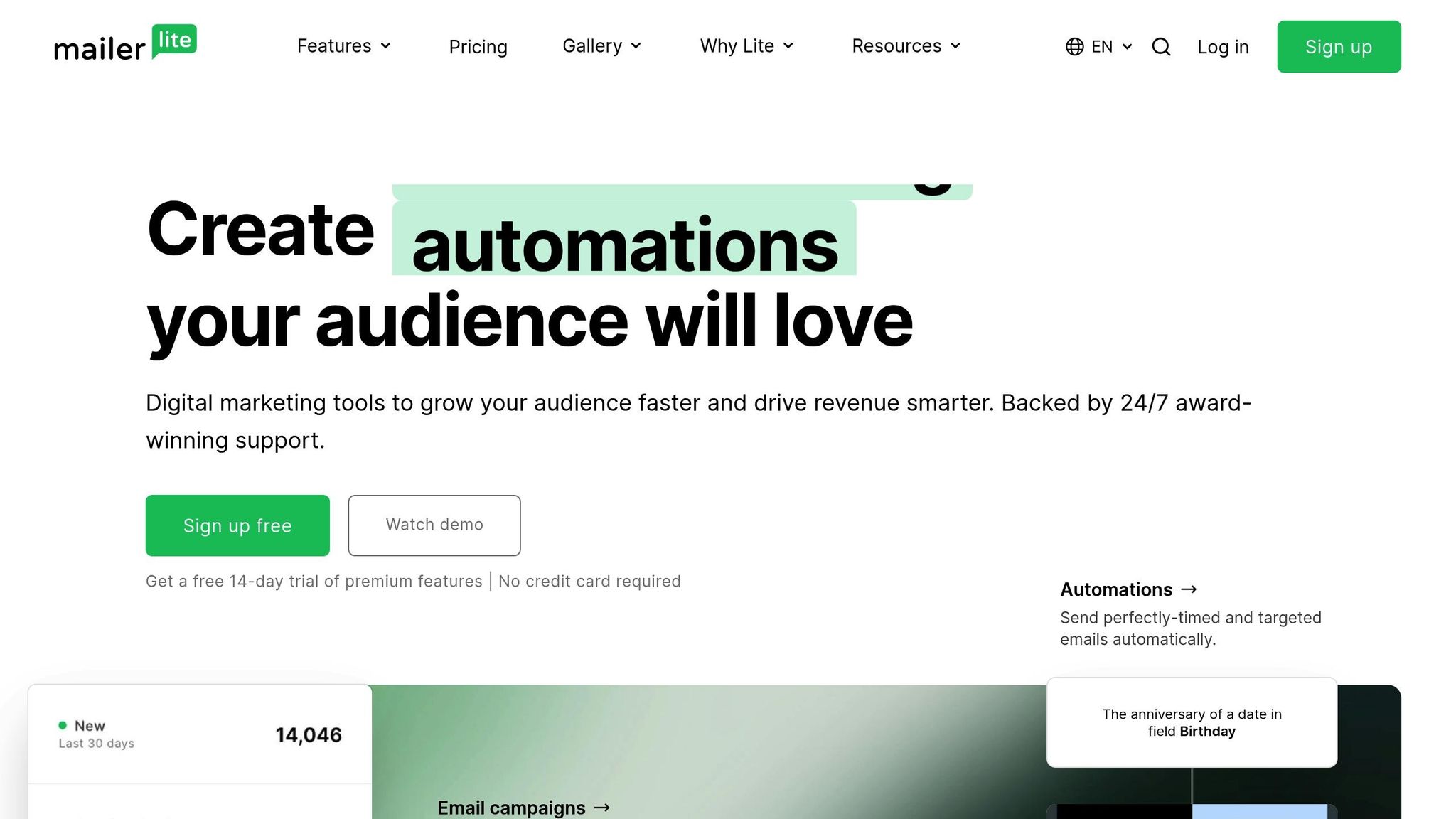
Email marketing is still one of the most effective ways to turn casual visitors into dedicated subscribers. Mailerlite makes it easy to build and manage your email list, helping you keep things organized and efficient.
This tool, like many others on this list, simplifies how you connect with your audience, making your blogging workflow smoother.
How It Fits Into Your Blogging Workflow
Mailerlite works seamlessly with a variety of popular web services and applications. For WordPress users, there’s a dedicated Mailerlite plugin that allows you to effortlessly collect subscribers. Just install the plugin, connect your account, and you’re good to go!
It also teams up with major website builders like Squarespace, Wix, and Webflow. Plus, it integrates with popular form tools such as Gravity Forms, WPForms, Jotform, MailMunch, Thrive Leads, OptinMonster, and Convert Pro. This means you can easily sync sign-ups and grow your subscriber base without a hassle.
On top of that, Mailerlite supports no-code automation through platforms like Zapier, Uncanny Automator, Make, and Integrately. With these tools, you can connect Mailerlite to over 5,000 other applications, making automation a breeze.
16. Google Calendar
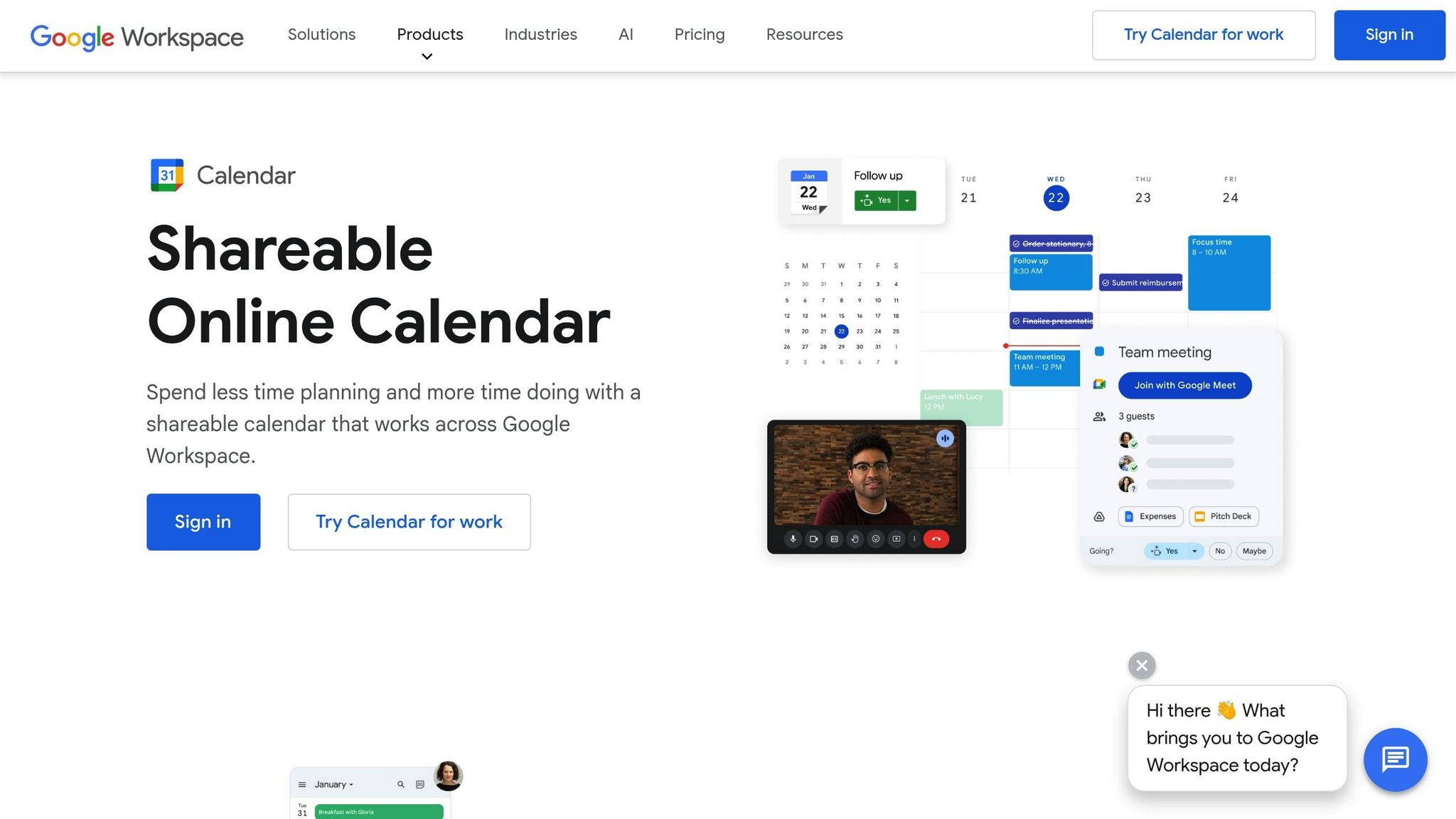
Managing a blog means keeping up with writing deadlines, meetings, and social media tasks – all while staying organized. Google Calendar simplifies this process, helping you stay on top of your schedule and keep your blogging business running smoothly.
How It Addresses Blogging Challenges
Google Calendar lets you map out your blogging tasks visually. You can block time for writing, editing, or promoting your posts – and use color coding to separate these tasks at a glance. With automatic phone and email alerts, you’ll never miss a deadline. Plus, you can batch similar tasks into dedicated time slots. For instance, set aside Tuesday mornings for content creation and Wednesday afternoons for Pinterest scheduling. And the best part? These features are completely free.
Features That Make Blogging Easier
Google Calendar offers several tools that make it indispensable for bloggers:
- Unlimited calendars: Keep your blogging tasks separate from personal commitments. Create calendars for content publishing, social media posts, affiliate campaigns, or networking events.
- Recurring events: Automate repetitive tasks like weekly newsletter creation, monthly analytics reviews, or daily social media updates. Once set, these events appear in your schedule without extra effort.
- Goal tracking: Set goals like “Write for 2 hours daily” or “Spend 30 minutes on SEO research.” Google Calendar finds open time slots for these activities and tracks your progress.
- Time zone support: If you’re working with international clients or aiming for global engagement, this feature ensures you can schedule posts or meetings at the right time for all parties involved.
Seamless Integration Into Your Workflow
Google Calendar doesn’t just offer great features – it also integrates effortlessly with other tools you already use. For example:
- Gmail integration: Got an email about a collaboration deadline? Google Calendar can create an event directly from the email with a single click.
- WordPress plugins: Tools like WP Simple Booking Calendar let you display your availability on your blog – handy if you offer consulting services or accept guest post submissions.
- Mobile app: Stay productive on the go. The app allows you to create, edit, and manage events, plus receive notifications in real time.
- Third-party tools: Apps like Zapier can connect Google Calendar with other platforms. For instance, you can automatically create calendar events when you publish a blog post, schedule social media content, or gain new email subscribers.
Why It’s a Game-Changer for US-Based Bloggers
For bloggers in the US, Google Calendar can do more than just manage your schedule – it can also help streamline other aspects of your work:
- Tax preparation: Track business-related activities like networking events, conference attendance, or client meetings. Create a dedicated calendar for tax-deductible events to simplify your records.
- Conference planning: Maximize the value of industry events by scheduling pre-event research, blocking time for follow-up emails, and setting reminders to connect with new contacts on LinkedIn within 48 hours.
- Seasonal content planning: Align your content with US holidays and shopping seasons. For example, start planning Black Friday promotions in September or Valentine’s Day posts in December.
- Time zone coordination: Whether you’re on the West Coast working with East Coast brands (or vice versa), Google Calendar ensures you schedule calls and deadlines in the correct time zone – no confusion, no missed appointments.
Google Calendar isn’t just a tool – it’s a productivity partner that helps keep your blog and business organized, efficient, and ready to grow.
17. Google Analytics

Google Analytics is a powerful, free tool that gives you detailed insights to shape your content strategy and better connect with your audience. Let’s explore how it can tackle key blogging challenges and streamline your workflow.
How It Helps with Blogging Challenges
Google Analytics shows you which posts bring in the most traffic, tracks user behavior with metrics like bounce rate and session duration, and identifies the pages where visitors tend to leave. This information helps you fine-tune your content layout and create effective calls-to-action that turn casual readers into loyal subscribers or paying customers.
Features That Come at No Cost
This tool goes beyond just tracking traffic. The Audience Overview provides vital stats like the number of users, page views, session lengths, and bounce rates. Meanwhile, Acquisition and Behavior reports break down how people discover your blog and engage with it. With real-time tracking, you can monitor performance as it happens, and the Goals feature lets you measure specific actions, such as signups or link clicks.
Simple Integration for Bloggers
Setting up Google Analytics is straightforward. Create a free account, link your blog, and add a tracking code to your site. If you’re using platforms like WordPress, plugins make this process even easier. Plus, it works seamlessly with tools like Google Search Console, Google Ads, and Google Tag Manager. With the mobile app, you can keep tabs on your blog’s performance anytime, anywhere.
Tailored Insights for US-Based Bloggers
For bloggers in the U.S., Google Analytics offers Geographic reports that show which states and cities generate the most traffic. Time-based data reveals when your audience is most active, helping you schedule posts and promotions for maximum impact. E-commerce tracking and demographic data also allow you to refine your content and monetization strategies to better connect with American readers.
18. Hotjar

Hotjar combines heatmaps, session recordings, and user feedback to help you understand why visitors interact with your blog the way they do.
Why It Matters for Bloggers
Sometimes, traffic stats alone don’t tell the whole story – like why readers leave your site or why engagement is low. That’s where Hotjar steps in. With heatmaps, you can see which parts of your page grab attention and which areas are ignored. Session recordings show exactly where your readers might be getting lost or confused, helping you make adjustments that reduce bounce rates and improve conversions. Once you integrate Hotjar, these insights can be turned into actionable changes to improve your blog.
What You Get for Free
Hotjar’s free plan gives you just enough to get started. You can access heatmaps, watch session recordings, and use a feedback widget where visitors can share their thoughts directly. There’s also the option to create basic surveys to dig deeper into what your audience thinks about your content or site design – all without spending a dime.
Easy Setup for Bloggers
Setting up Hotjar is straightforward. You’ll get a tracking code to paste into your blog’s header. If you’re on WordPress, you can use a plugin or add the code directly through your theme settings. Once it’s in place, Hotjar starts collecting data automatically, and you can view everything – heatmaps, recordings, and feedback – through its simple, user-friendly dashboard.
Why US-Based Bloggers Should Care
Hotjar doesn’t just show you numbers; it gives you a peek into the why behind your audience’s actions. For bloggers in the U.S., it’s especially useful for seeing how readers interact with your site on both desktop and mobile. Whether you’re tweaking your layout, refining your content, or figuring out the best way to monetize, real-time feedback from Hotjar ensures your blog is designed to engage and perform across all platforms. It’s like having a direct line to your audience’s thoughts.
19. ShortPixel
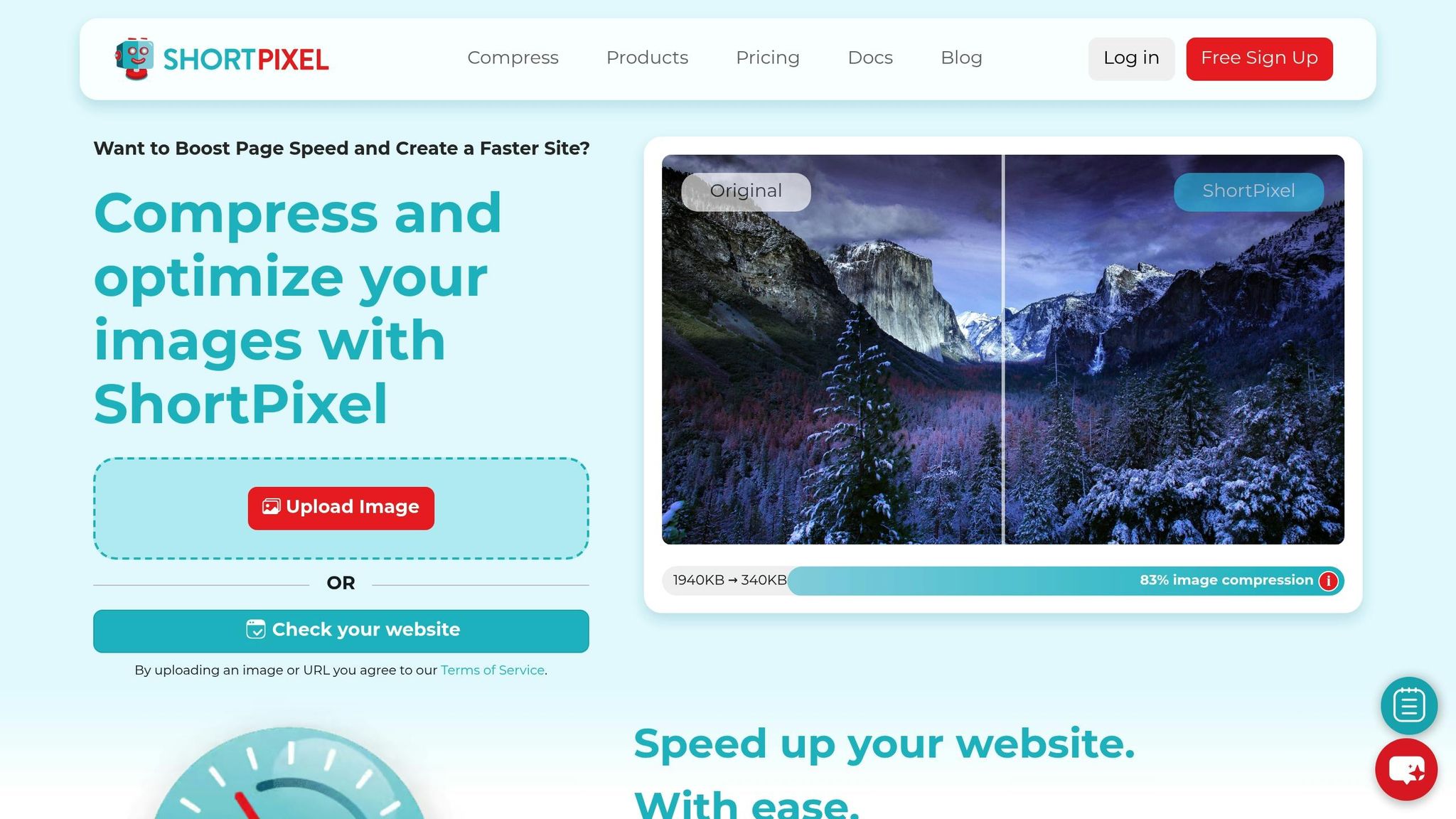
ShortPixel is a handy tool for compressing blog images without sacrificing quality. By optimizing image sizes, it speeds up page load times and improves SEO – tackling some of the most common hurdles bloggers face.
Why It Matters for Bloggers
Slow-loading pages can be a major setback for your blog. Large image files often drag down site speed, which frustrates readers and hurts your search rankings. Since Google considers page speed in its algorithm, this issue can’t be ignored. ShortPixel addresses this by shrinking image file sizes while keeping them visually appealing. The result? Faster load times, a smoother user experience, and a boost to your blog’s SEO.
Free Features That Pack a Punch
ShortPixel’s free plan is perfect for smaller blogs or those just starting out. It allows a set number of image compressions per month and supports popular formats like JPEG, PNG, GIF, and WebP. You can choose from three compression methods – lossless, lossy, or the balanced "glossy" option – to match your needs. Plus, it can automatically convert images to the efficient WebP format. The tool also provides detailed stats on space savings and works with images up to 10MB in size.
Seamless Integration for Bloggers
ShortPixel fits effortlessly into your blogging routine. If you’re on WordPress, the plugin integrates directly with your media library to compress new uploads and bulk-optimize existing images. Not using WordPress? No problem – you can use the web interface or API. Advanced users can even automate the process with the API. Once set up, ShortPixel works quietly in the background, ensuring your images are optimized without disrupting your workflow.
Why It’s a Must-Have for US Bloggers
For bloggers in the United States, where mobile traffic is high, fast-loading images are non-negotiable. American users expect quick and seamless browsing experiences, and slow sites can lead to lower engagement and conversion rates. ShortPixel helps you meet these expectations with ease. Its integration with a content delivery network ensures optimized images load quickly across the country, keeping your readers engaged and your SEO strong. If you’re looking for a free, effective way to maintain a fast, reader-friendly blog, ShortPixel is a tool worth exploring.
20. WP Rocket Free Features
Wrapping up our list, WP Rocket showcases how hosting providers can offer premium optimization tools at no extra cost. While WP Rocket itself is a paid WordPress performance plugin with no standalone free version, some hosting plans include it, giving bloggers a powerful way to enhance their site’s performance.
Tackling Blogging Challenges
Website speed is a major hurdle for bloggers striving to grow their audience and climb search rankings. Slow-loading pages can frustrate readers and hurt SEO. WP Rocket tackles these issues head-on by automatically applying essential performance optimizations as soon as it’s activated – no technical know-how required.
For example, a WooCommerce store running the Twenty Twenty-Four theme with just 12 products saw impressive results after installing WP Rocket. The Performance Grade improved from B (85%) to A (94%), the Largest Contentful Paint dropped from 1.7 seconds to 1.3 seconds, and the Fully Loaded Time was cut from 4.1 seconds to 2.1 seconds. Even the number of HTTP requests plummeted from 91 to 11.
Free Access Through Hosting Plans
Although WP Rocket doesn’t directly offer free features, some hosting providers include it in their packages. Rocket.net, for instance, provides a licensed copy (worth $59) with their Starter, Pro, and Enterprise plans. As long as customers stick with these hosting plans, they gain full access to WP Rocket’s features.
This partnership unlocks WP Rocket’s complete toolkit, including page caching, file optimization, and database cleanup. The plugin works seamlessly with popular themes and plugins, ensuring smooth integration into various blogging setups. With this arrangement, bloggers benefit from a free and effortless way to supercharge their website performance.
Seamless Integration Into Blogging Workflows
WP Rocket is designed for ease of use and instant impact. Setup takes just three minutes, and it immediately starts optimizing your site right from the WordPress dashboard.
Benefits for US-Based Bloggers
For bloggers in the United States, where competition for readers is fierce, faster site speeds can be a game-changer. WP Rocket delivers measurable improvements, helping blogs stand out in crowded niches. WP Fix It, a WordPress optimization service, has relied on WP Rocket for over a decade, consistently achieving PageSpeed Insights scores in the 90+ range for most sites, with real-world load times often halved.
"WP Rocket is a great caching plugin that hits all the marks, and their team has been a delight to work with. Our customers love it because it speeds up their sites, simple as that! When a Divi customer asks us what the best caching plugin is, we are happy to recommend WP Rocket." – Nick Roach, CEO at Elegant Themes
For US bloggers targeting mobile audiences, these speed improvements can lead to better engagement and stronger search rankings, making WP Rocket a valuable tool for staying ahead.
Tool Comparison Chart
This chart breaks down 20 tools by their category, standout features, free plan limits, and ideal use cases.
| Tool | Category | Key Features | Free Plan Limits | Best For |
|---|---|---|---|---|
| Blogger Outline | Content Planning | Blog outlines, SEO tips, WordPress-specific tricks | Access to public content only | Bloggers seeking structured guidance |
| Grammarly | Writing & Editing | Grammar checks, tone suggestions | Basic suggestions only | Polishing writing and fixing errors |
| Hemingway App | Writing & Editing | Readability analysis, sentence simplification | Web version only; no cloud saving | Making writing clearer and easier to read |
| Google Docs | Content Creation | Real-time collaboration, voice typing, revision tracking | 15 GB shared storage across Google services | Collaborative writing and drafting |
| Notion | Content Management | Databases, templates, task management | Unlimited blocks; 5 MB file uploads | Organizing workflows and content calendars |
| Reword | AI Writing | AI-generated content, SEO optimization | Limited monthly credits | Quickly producing SEO-friendly content |
| Google Search Console | SEO Analysis | Search data, indexing status, mobile usability | No direct limits; Google account needed | Tracking search visibility and technical SEO |
| Rank Math | WordPress SEO | On-page optimization, keyword tracking, schema markup | Tracks up to 5 keywords; basic features | Comprehensive SEO for WordPress sites |
| Yoast SEO | WordPress SEO | Content analysis, XML sitemaps, breadcrumbs | 1 focus keyword per post; basic analysis | Beginner-friendly SEO for WordPress users |
| Ubersuggest | Keyword Research | Keyword ideas, competitor analysis, backlink data | 3 searches per day; limited results | Quick keyword research and competitor insights |
| Pingdom | Site Monitoring | Uptime tracking, performance testing | 1 check location; 1-month data retention | Monitoring basic site performance |
| Buffer | Social Media | Post scheduling, analytics, team collaboration | 3 social accounts; 10 posts per account | Managing multiple social platforms |
| Canva | Design | Templates, stock images, brand kits | Access to select templates; 5 GB storage | Designing blog graphics and social media visuals |
| Trello | Project Management | Kanban boards, task assignments, due dates | 10 team boards; basic automation | Managing workflows and editorial calendars |
| Mailerlite | Email Marketing | Newsletter creation, automation, landing pages | 1,000 subscribers; 12,000 emails/month | Growing and managing email lists |
| Google Calendar | Scheduling | Event scheduling, reminders, team sharing | No direct limits; Google account needed | Planning content and tracking deadlines |
| Google Analytics | Website Analytics | Traffic analysis, user behavior, conversion tracking | Data sampling on high-traffic sites | Analyzing audience and content performance |
| Hotjar | User Experience | Heatmaps, session recordings, feedback polls | 35 daily sessions; 3 heatmaps; 3 surveys | Understanding user behavior and improving your site |
| ShortPixel | Image Optimization | Image compression, WebP conversion, bulk processing | 100 images per month | Speeding up site load times with optimized images |
| WP Rocket | Site Performance | Caching, file optimization, database cleanup | No free version (sometimes bundled with hosting) | Boosting WordPress site performance |
Key Insights on Tool Categories
These tools tackle common blogging challenges head-on. For content creation, Blogger Outline, Grammarly, and Google Docs help streamline writing and editing. SEO tools like Google Search Console, Rank Math, and Ubersuggest ensure your content is ready to be discovered online. Meanwhile, design and social media tools such as Canva and Buffer assist in crafting visuals and managing platforms effectively.
Analytics tools like Google Analytics, Hotjar, and ShortPixel provide data to improve user experience and site speed. Productivity tools such as Notion, Trello, and Google Calendar keep your content planning and workflows on track. These tools are designed to save time and simplify processes without adding extra expenses.
Free Plan Limitations
Free plans vary significantly. Some tools, like Google Search Console and Google Analytics, offer extensive features with minimal restrictions, making them great for beginners. On the other hand, tools like Ubersuggest and Hotjar have daily usage caps, which might require upgrading as your blog grows. Email marketing tools like Mailerlite limit subscriber counts, while design platforms like Canva restrict access to premium templates and features.
For new bloggers, starting with Google’s free suite – Search Console, Analytics, Docs, and Calendar – is a smart move. These tools provide a solid foundation at no cost, and you can expand your toolkit as your blog evolves. Bloggers in the U.S. should also prioritize tools with strong U.S. support and compliance with local privacy regulations.
Conclusion
These 20 free tools prove that you don’t need a big budget to tackle blogging challenges and find success. Each tool is designed to solve specific pain points that often slow bloggers down or drain their energy. The real power comes from how these tools complement each other, forming a complete system – without costing you a dime.
To avoid feeling overwhelmed, start with just five essential tools: one each for planning, writing, SEO, visuals, and scheduling. Use them consistently to create a routine that builds momentum over time. This approach helps you stay focused, turning detailed plans into effective actions while laying the groundwork for steady productivity.
When these tools take care of the heavy lifting, your daily blogging tasks become much smoother. From content creation to optimization and promotion, everything falls into place. Set aside time each week to review analytics, refine your strategy, and ensure your site is running efficiently with the help of optimization tools.
Keep an eye on straightforward metrics like publishing consistency, page speed, keyword rankings, and email signups. These will help you figure out which tools are making an impact and which ones may not be worth your time.
Finally, align your strategies with U.S. audience preferences to boost engagement and get more accurate analytics. Small adjustments like these can make a big difference in connecting with your readers and achieving your blogging goals.
FAQs
What are the best free tools to boost my blog’s SEO?
To boost your blog’s SEO without spending a penny, start with Google Search Console. This tool offers in-depth data on how your blog is performing in search results, including metrics like keyword rankings, impressions, and clicks. Another handy resource is MozBar, a browser extension that lets you quickly check metrics like domain authority and backlinks as you browse. For more advanced keyword research and backlink analysis, explore the free features of tools such as the Ahrefs SEO Toolbar or Semrush. These tools can help you improve your blog’s visibility and fine-tune your content – all without dipping into your wallet.
What’s the best way to incorporate free blogging tools into my workflow?
To get the best results from free blogging tools, start by figuring out what you need most. Are you looking to boost SEO, craft more engaging content, or handle social media more effectively? Once you know your priorities, pick tools that align with those goals and introduce them gradually to keep things manageable.
Create simple routines to stay consistent. For example, you could schedule posts on a weekly basis or review your analytics at the end of each month. Use automation features where possible to cut down on repetitive tasks, and regularly assess how well these tools are supporting your goals. By taking it step by step, you can streamline your blogging process and grow your platform – all without spending a penny!
What are the best free tools for managing a blog’s social media accounts?
If you’re trying to streamline how you manage your blog’s social media, Buffer, Hootsuite, and SocialBu are three solid free tools to consider.
Buffer is a great pick if you want something straightforward and easy to use. It simplifies scheduling posts, helping you maintain a steady flow of content across your platforms. For those looking for more in-depth tools, Hootsuite steps it up with advanced features like analytics and engagement tools, which are perfect for tracking performance and connecting with your audience. Meanwhile, SocialBu is an all-in-one solution, combining scheduling, analytics, and even content creation, making it a practical option for juggling multiple accounts.
These tools can help you stay consistent, save time, and expand your reach – all without spending a penny.