

Choosing the right blogging platform is crucial for new writers. Here’s a quick summary of the 10 best platforms to help you decide:
- Blogger Outline: Free, simple, and beginner-friendly. Great for experimenting with blogging.
- WordPress.org: Highly customizable but requires hosting and basic technical skills.
- WordPress.com: Free option available; great for beginners but limited on free plans.
- Hostinger Website Builder: Affordable, AI-powered, and easy to set up.
- Wix: Drag-and-drop interface with extensive design options. Free plan available.
- Substack: Focused on newsletters and monetization through subscriptions.
- Medium: Simple, content-focused, and free. Monetization via the Partner Program.
- Squarespace: Paid platform with sleek, professional templates and design tools.
- Weebly: Affordable, easy to use, and ideal for small-scale blogs.
- Ghost: Designed for professional writers with advanced monetization options.
Quick Comparison
| Platform | Starting Price | Free Option | Ease of Use Rating | Customization Level | Best For |
|---|---|---|---|---|---|
| Blogger Outline | Free | Yes | Beginner-friendly | Moderate | New writers |
| WordPress.org | $7.99/month + domain | No | 3.2/5 | Extensive | Advanced customization |
| WordPress.com | Free plan | Yes | Beginner-friendly | Limited on free plan | Easy WordPress experience |
| Hostinger | $2.69/month | No | 4.7/5 | AI-powered setup | Affordable professional sites |
| Wix | Free (paid $17+) | Yes | 4.9/5 | Extensive | Visual site builders |
| Substack | Free (10% fee) | Yes | Very easy | Minimal | Newsletter-focused writers |
| Medium | Free | Yes | Very easy | Very limited | Pure content focus |
| Squarespace | $12/month | Free trial | 4.8/5 | Professional | Design-conscious writers |
| Weebly | Free (paid $6+) | Yes | Easy | Moderate | Small business blogs |
| Ghost | $9/month | 14-day trial | Moderate | Extensive with coding | Professional publishers |
Key Takeaway
If you’re just starting out, go for free or beginner-friendly platforms like Blogger, Medium, or Substack. For more control and scalability, consider WordPress.org, Squarespace, or Ghost. Platforms like Wix and Hostinger strike a balance between ease of use and customization. Pick the one that aligns with your goals and budget!
The 10 BEST Blogging Platforms – Which One Is Right For You?
1. Blogger Outline
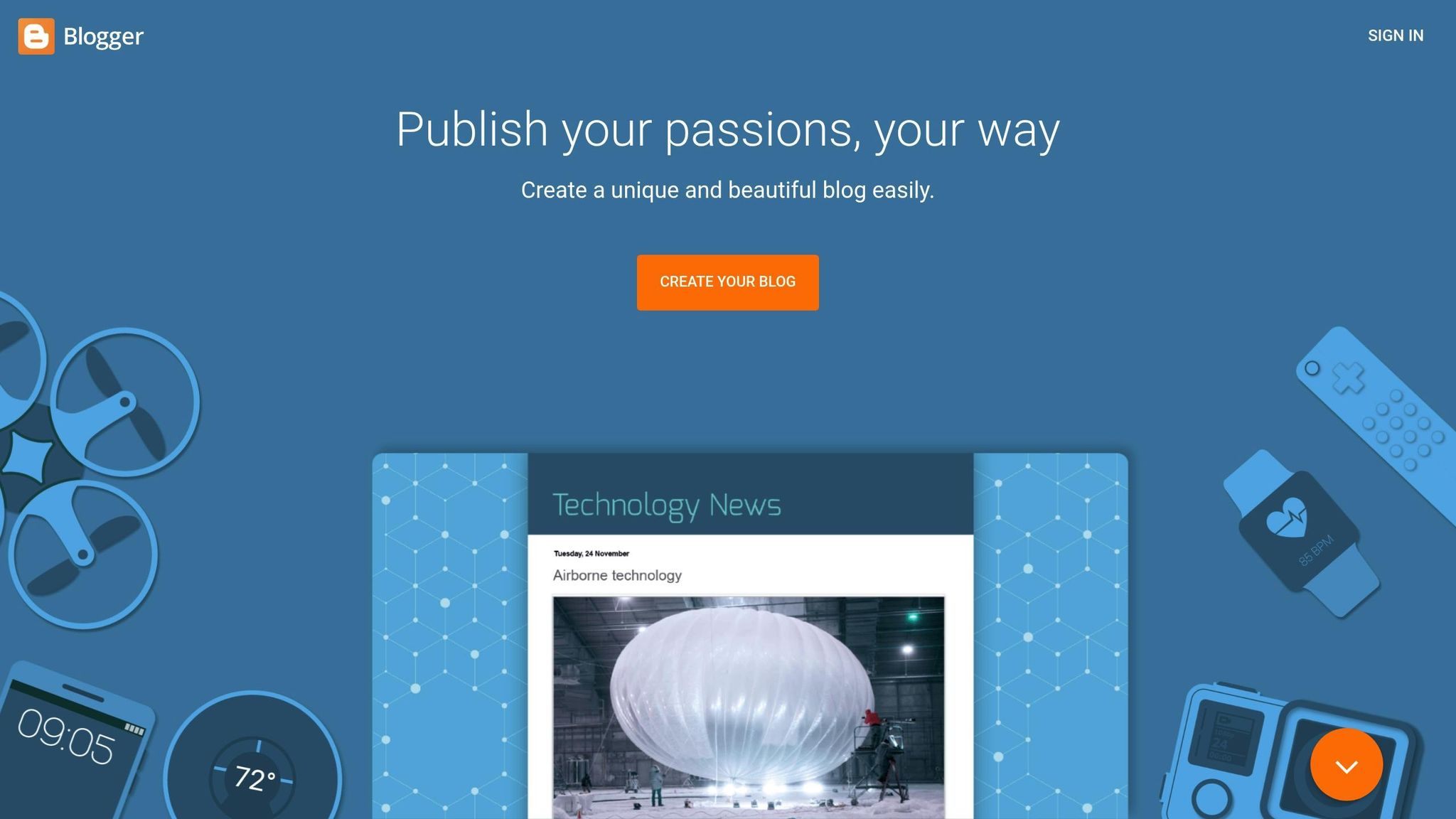
Blogger Outline is a solid choice for anyone new to blogging, offering a simple and user-friendly platform that helps you focus on writing instead of getting bogged down by technical details. It’s a great entry point for writers who want to get started quickly and efficiently.
Beginner-friendliness
This platform keeps things straightforward with an easy-to-navigate dashboard that doesn’t require any coding skills. From picking a template to hitting “publish,” the process is smooth and intuitive. If you’re already familiar with Google tools like Gmail or Google Drive, you’ll find the integration seamless, making your blogging experience feel like an extension of the tools you already use.
Getting started is quick: create an account, select a blog name, pick a template, and you’re ready to write. There’s no need to worry about hosting or maintenance – Google takes care of it all.
Affordability
One of Blogger Outline’s biggest draws is that it’s completely free. This makes it an appealing option for those who want to experiment with blogging without spending a dime. Even better, you can use your own custom domain (like “yourname.com”) without additional costs, giving your blog a professional appearance without breaking the bank.
Customization options
While Blogger Outline focuses on simplicity, it does come with some trade-offs in terms of customization. The available themes are functional but fairly basic, and the platform doesn’t support third-party plugins for advanced features. For those who prioritize content over design, though, these limitations may not be a dealbreaker.
Monetization opportunities
Blogger Outline makes monetizing your blog accessible, especially for beginners. Its integration with Google AdSense allows you to set up ads with minimal effort – no technical expertise needed. Beyond ads, you can explore other revenue streams like affiliate marketing, sponsored posts, and selling digital products such as ebooks.
For context, sponsored posts can earn anywhere from $100 to $5,000 per post, depending on your blog’s traffic, while paid reviews typically bring in $50 to $500. With these options, Blogger Outline offers a straightforward path to turning your blog into a potential income source.
2. WordPress
WordPress is the world’s leading content management system, powering nearly 43% of all websites online. For new writers, it offers a platform that combines simplicity with powerful customization options, making it a great choice for building and growing a website. Here’s a closer look at why it’s so popular among beginners.
Beginner-Friendliness
Even with its wide range of features, WordPress is designed to be approachable for newcomers. Its Gutenberg block editor allows you to arrange text, images, and other elements without needing any coding skills. The dashboard acts as your control hub for managing content, tweaking your site’s design, and adding new features. While there is a bit of a learning curve, the platform is built with beginners in mind. As WordPress itself promises: "Don’t worry – you won’t need any technical skills or coding knowledge. Simply follow our simple instructions, and you’ll have your website up and running today".
Another big plus is the support network available. For example, WPBeginner has been helping users for over 16 years, guiding more than 2 million people in building WordPress websites. Whether you’re stuck or looking for tips, you’ll find countless blogs, video tutorials, and forums to help you out.
Affordability
WordPress offers options for every budget. If you’re just starting, WordPress.com has a free plan that’s perfect for beginners. For those ready to take the next step, WordPress.org gives you full control over your website, though you’ll need to pay for hosting.
Customization Options
Customization is where WordPress truly shines. It boasts a massive library of themes and thousands of plugins, allowing you to tailor your site’s appearance and functionality. Writers, in particular, will find themes designed specifically for authors, offering features like book showcases, eBook sales, and blog-friendly layouts.
The Gutenberg block editor and Full Site Editing tools make it easy to design your site with drag-and-drop simplicity. If you’re looking for even more control, advanced page builders are available to help you create a truly personalized website with minimal effort.
Monetization Opportunities
WordPress opens up multiple ways for writers to earn money from their content. You can set up an online store, offer premium content for a fee, run ads, or dive into affiliate marketing. Fun fact: the global affiliate marketing industry is valued at $17 billion, with $6 billion coming from the U.S. alone. Sponsored posts are another option, though it’s wise to focus on building a loyal audience before exploring this route.
The beauty of WordPress lies in its scalability. You can start small and gradually expand your monetization efforts as your blog grows, making it an excellent platform for writers looking to turn their passion into income.
3. Hostinger Website Builder
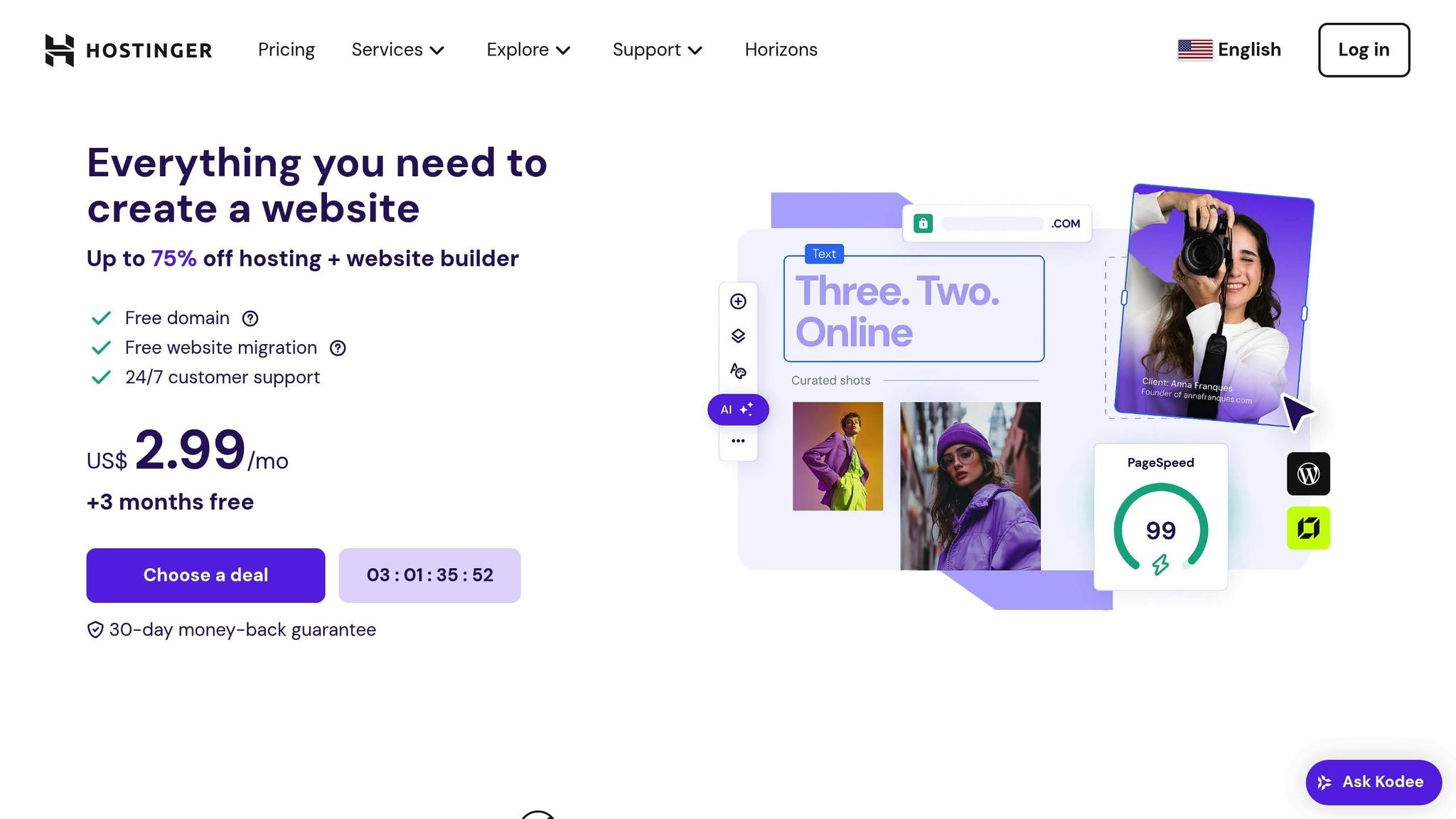
Hostinger Website Builder provides an affordable, AI-driven platform that makes it easy for beginners to create professional-looking blogs in no time.
Beginner-Friendliness
With Hostinger’s drag-and-drop editor and AI-powered tools, you can design your site in just minutes – no coding required. Their 24/7 customer support, available through live chat and email, ensures help is always at hand. Plus, a 7-day free trial lets you test the platform without any commitment .
Affordability
Hostinger stands out for its budget-friendly pricing. Plans start as low as $2.99 per month, with promotional rates dipping to $2.49 per month for up to three years before increasing to $6.99 . For writers just getting started, the Premium Website Builder plan at $2.99 per month includes everything needed to launch a professional blog.
Customization Options
Despite its low price, Hostinger offers plenty of customization options. You can choose from over 150 templates and tweak fonts, colors, animations, or even upload your own custom fonts. The platform includes a dedicated blogging section with features like writer profiles, post scheduling, and social sharing. To top it off, AI-powered SEO tools help you optimize your content for better visibility . These features make it easier to set up a blog that’s ready to grow and monetize.
Monetization Opportunities
Hostinger makes monetizing your blog straightforward. Built-in analytics, photo galleries, and eCommerce tools are all part of the package. For $3.99 per month, the Business Website Builder plan adds even more customization options and eCommerce capabilities, enabling you to sell digital products, books, or courses directly through your blog .
"Turning my vision into a website using Hostinger Website Builder was a breeze, all thanks to its simplicity and speed."
With a TrustScore of 4.7 from 46,569 reviews and an "Excellent" rating of 4.0 from PCMag, Hostinger Website Builder has built a reputation as a dependable choice for aspiring writers .
4. Wix
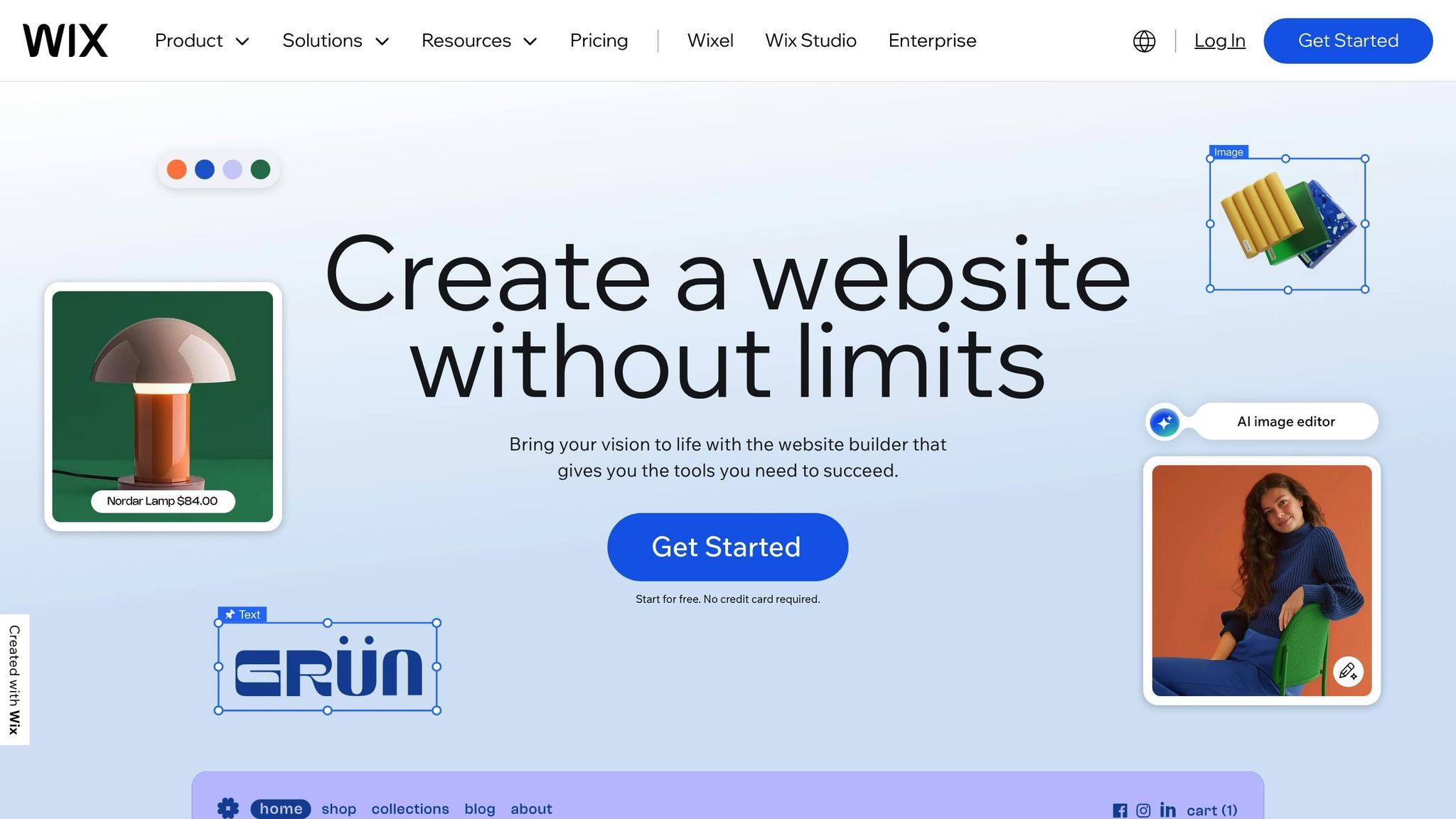
Wix is a straightforward blogging platform, perfect for writers who want to focus on their craft without getting bogged down by technical hurdles. Thanks to its user-friendly design tools and reliable support system, Wix has become a go-to choice for beginners.
Beginner-Friendliness
Starting your blog on Wix is a breeze. An AI chatbot guides you through the setup process, helping you make key decisions about your blog’s design and functionality. Its drag-and-drop editor gives you complete creative control – no coding skills needed. Plus, with 24/7 support, help is always available when you need it. Wix also offers a free plan, so you can test out its features before committing to a paid upgrade. With a stellar 4.8 out of 5 rating, users frequently highlight how easy it is to build a professional-looking site without any technical expertise. The platform’s customer support also gets high marks.
Customization Options
Wix boasts over 900 free templates, giving you plenty of options to kickstart your blog design. Once you select a template, the customization options are nearly endless. You can tweak colors, fonts, and button styles to align with your personal brand. The platform even allows you to adjust your blog feed and individual post pages separately, so your content can be displayed exactly how you envision it.
"Wix’s drag-and-drop editor is easy to use, and the builder offers a range of built-in features and 900+ free templates. Because of this, Wix caters to a diverse audience, from personal portfolios to growing online businesses, and it’s an easy recommendation for me to make if you’re looking to get online."
– Emma Ryan, Lead Writer, Website Builder Expert
In addition to its design flexibility, Wix comes packed with tools to help you monetize your blog.
Monetization Opportunities
Wix provides several ways for writers to turn their blogs into income. You can display ads using Google AdSense, sell products or services, offer gated content through paid subscriptions, or dive into affiliate marketing to promote external brands. Other options include accepting tips or donations, selling eBooks, writing sponsored posts, or even offering freelance blogging services. If you’re interested in eCommerce, Wix makes it easy to sell digital products, courses, or physical merchandise directly through your site.
While Wix offers a free plan, its scalable paid options unlock even more features. The platform also provides resources and tutorials to help you learn the ropes of blog monetization. Although some users have raised concerns about site speed and the extra costs for premium features, Wix’s combination of ease-of-use, design flexibility, and monetization tools makes it a strong choice for writers looking to establish their online presence.
5. Substack
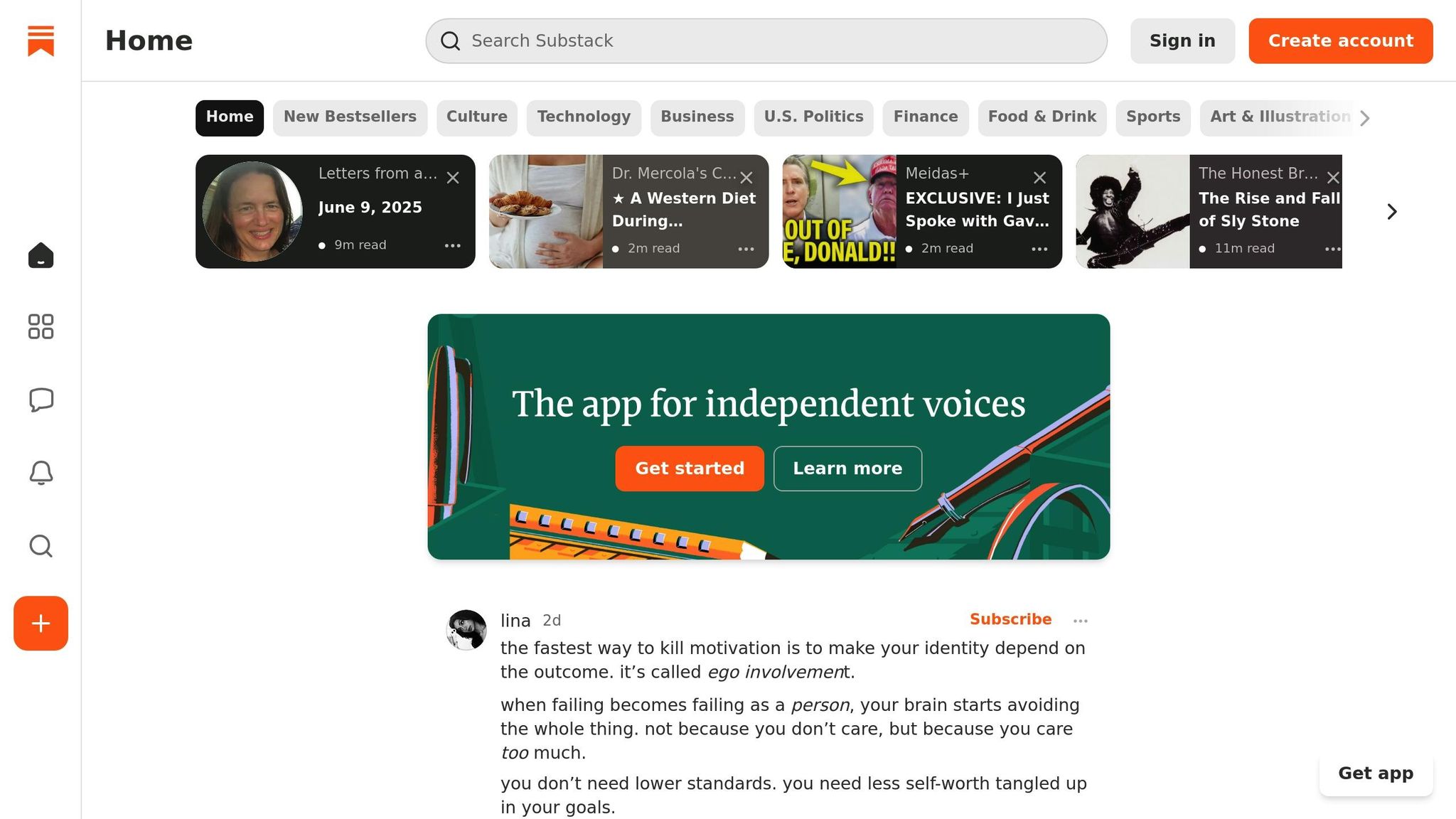
Substack has carved out a niche in the blogging world by focusing on what truly matters: your writing. As a newsletter-first platform, it eliminates technical headaches – taking care of billing, admin tasks, and backend management – so you can focus entirely on creating.
Beginner-Friendliness
Substack is designed to be accessible, even for those with no technical experience. It handles all the behind-the-scenes work, offering a low-pressure environment where writers can share their thoughts without the constant demands of social media trends or engagement metrics.
"As a business owner and content creator, I’ve found it to be a welcoming and pressure-free platform where I can share my thoughts, expertise, and creative work without the overwhelm of social media."
– Dallas Gordon
This simplicity encourages writers to dive in and learn as they go, making it an easy starting point for anyone looking to publish and monetize their content.
Affordability
Substack operates on a free-to-use basis unless you choose to offer paid subscriptions. If you do decide to monetize, the platform’s fee structure is clear and straightforward: Substack takes a 10% cut of your subscription revenue, while Stripe charges 2.9% plus $0.30 per transaction. This setup ensures no upfront costs and makes it easy to start earning as soon as you’re ready.
Monetization Opportunities
Substack keeps monetization simple and effective. On average, 5–10% of free subscribers convert to paying subscribers, with 10% being a strong benchmark. Most writers set subscription prices between $5 and $15 per month, giving you full control over your pricing strategy.
The platform also supports other revenue options, such as founding member subscriptions for early supporters, one-time payments for special editions, or exclusive content like courses. Substack’s built-in community effect further boosts growth, with over 40% of new free subscriptions and about 20% of paid subscriptions coming directly from the platform’s ecosystem.
"Start monetizing from Day 1 – no need to wait for perfection."
– Wes Pearce
Customization Options
While Substack prioritizes simplicity, it also offers tools to help your publication reflect your personal brand. You can tweak your welcome page, logos, layout styles (feature, magazine, or newspaper modes), fonts, and color schemes to match your vision.
"I think the key is finding something that appeals to you personally and is also endlessly malleable. When I created the branding for Unruly Figures, I made files of dozens of imagery motifs, little sketch accents that I can pull in whenever I start a new section or feel like the look needs a bit of a refresh."
– Valorie Clark, Writer of Unruly Figures
Many writers use tools like Canva, The Noun Project, or Adobe Express to design professional logos and visuals. Choosing high-contrast accent colors ensures interactive elements stand out while maintaining a cohesive look across your publication.
Substack shines by blending ease of use with useful features, making it a smart option for writers who want to monetize their work without wrestling with technical details.
6. Medium
Medium is a platform designed with writers in mind, removing technical barriers so you can focus on connecting with your audience. Launched in 2012 by Evan Williams, co-founder of Twitter and Blogger, Medium now boasts an impressive 170 million monthly readers.
Beginner-Friendliness
Medium shines in its simplicity, making it easy for anyone – regardless of technical expertise – to start blogging. Its minimalist interface allows you to create and publish content effortlessly, no coding required. All it takes is signing up with your email, and you’re ready to write in just a few minutes. Forget about hosting headaches, plugins, or design complexities that often discourage new bloggers.
"The first thing that attracted me to Medium the most was its simplicity (almost bordering banality). The whole thing was set up in about 20–30 minutes, and I was writing my first story. It was dreamy for a non-tech person like me." – Lipika Sahu, Writer
To hit the ground running, start by crafting a short bio, uploading a profile photo, and picking a memorable username. Follow writers and publications that inspire you, experiment with Medium’s editing tools, and focus on creating attention-grabbing titles and subtitles. This straightforward setup makes Medium an excellent starting point for new writers.
Affordability
Medium offers a free platform for creating and sharing your content, with an optional premium membership priced at $5 per month or $60 annually. For beginners, the free model is perfect. Plus, you retain full ownership of everything you publish – Medium doesn’t claim any rights to your work.
Monetization Opportunities
Medium isn’t just a place to share your writing; it’s also a platform where you can earn. Through the Medium Partner Program, writers are paid based on the amount of time members spend reading their content and their level of engagement. The platform distributes over $2 million every month to writers, editors, and publication owners.
"We pay out over two million dollars per month to writers, editors, and publication owners." – Ev Williams, Founder of Medium
That said, only 6% of writers earn more than $100 per month. For instance, Victoria Kurichenko made $25,446.69 between March 2020 and January 2025 by publishing 354 stories. Her top-performing article earned $1,253.77, with bonuses adding up to $2,000, and she even made $3,000 from a single article via affiliate marketing. Beyond the Partner Program, other income options include selling ebooks and leveraging affiliate marketing. Medium’s audience, primarily aged 18–34 and with a strong presence in the U.S., provides additional opportunities for monetization.
Customization Options
Medium prioritizes simplicity but still offers enough customization to make your content stand out. You can add a company logo, adjust accent and background colors, and select fonts to suit your style. For your profile, you can upload a high-quality picture, write a compelling bio, link your social media accounts, and customize your header image and background colors. A professional username and cohesive use of brand colors can help make your profile memorable.
"Medium’s engagement signals and UX design make it a perfect platform for highly engaged users to keep coming back for high-quality content." – Bence Bathi, Former Head of Paid Media at RBBideas
If your focus is on delivering clear, impactful content rather than elaborate design, Medium is an excellent choice for reaching a wide audience.
sbb-itb-112c64b
7. Squarespace
Squarespace is a premium website builder that combines powerful tools with sleek, professional designs – perfect for writers looking to create a polished blog without diving into technical complexities. Its drag-and-drop interface makes building a site straightforward, even if you have no coding experience.
Beginner-Friendliness
Squarespace is designed with beginners in mind. Its intuitive content management system ensures you can focus on your writing rather than wrestling with technology. Starting is as simple as selecting a template, swapping out text and images, and exploring its features during a 14-day free trial. This simplicity doesn’t mean sacrificing style – Squarespace’s robust design options let your blog showcase your unique personality.
"This is why I recommend Squarespace as a great platform for building an author website. It’s a powerful all-in-one platform, easy to use, and creates beautiful, professional-looking websites." – Jen Terpstra
Affordability
While Squarespace operates on a premium pricing model and doesn’t offer a free tier, it provides excellent value for those aiming for professional results. The 14-day free trial allows you to explore all its features risk-free. After the trial, the paid plans deliver a comprehensive suite of tools that can support your long-term blogging goals – ideal for writers serious about growing their online presence.
Customization Options
Customization is a standout feature of Squarespace. You can craft a blog that feels entirely your own without touching a line of code. Choose from flexible layouts, custom color schemes, cohesive fonts, and a library of high-quality stock images. Its built-in image editor lets you crop, resize, and fine-tune visuals, while advanced users can tweak their site further with custom CSS. Plus, all templates are mobile-responsive, ensuring your blog looks great on any device.
Monetization Opportunities
Squarespace makes it easy to turn your blog into a revenue generator. Writers can sell digital products, display ads, offer consulting services, or implement paywalls for exclusive content. For instance, Kerstin Martin earned over $100,000 in 2021 through digital products and ads, showcasing the platform’s potential. Similarly, High Alpine Creative earns approximately $1,500 per month from Mediavine ads and an additional $500 from affiliate marketing. Fashion blogs like The Daileigh also highlight how combining ebook sales with ad revenue can create a steady income stream.
"If you’re making genuine recommendations, people will trust you – and you deserve to be remunerated for directing people to good things." – High Alpine Creative
Squarespace’s monetization tools empower writers to turn their passion into profit. By focusing on a niche you love, leveraging the platform’s built-in SEO features, and consistently producing engaging content, you can build a successful blog without technical headaches.
8. Weebly
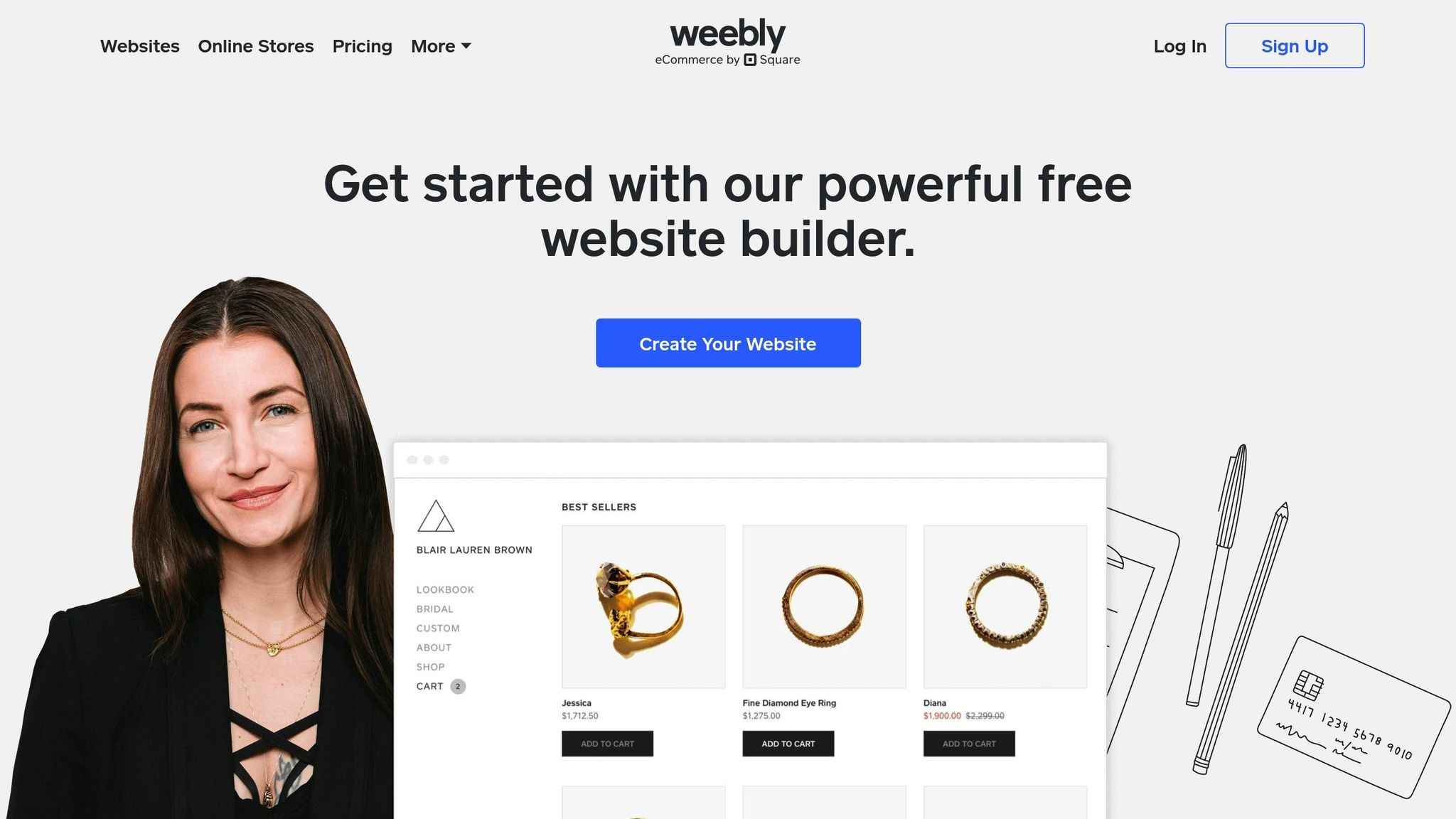
Weebly is a wallet-friendly website builder that’s perfect for new writers looking to dip their toes into blogging without breaking the bank. Its drag-and-drop interface makes building a blog straightforward, even if you have zero coding experience. With a 4 out of 5 rating for ease of use and functionality, it’s a solid choice for beginners [84, 86]. On top of that, Weebly’s pricing options are designed to fit a range of budgets.
Affordability
Weebly’s pricing is a big plus for writers on a budget. It offers a free plan packed with useful features like SSL security, SEO tools, and lead capture forms – great for testing the waters without spending a dime [91, 92]. If you’re ready to take things up a notch, the Connect plan costs just $5 per month (billed annually) and allows you to use a custom domain. For $12 per month (also billed annually), the Pro plan removes ads, includes a free domain, and even adds phone support. These affordable options make Weebly an accessible platform for writers who are just starting out.
Customization Options
Weebly doesn’t skimp on customization. Its free blog templates are fully adjustable, letting you tailor your blog to match your personal style and writing goals. You can organize your content with categories, tagging systems, and sidebar settings [87, 88]. Plus, adding photos, videos, and other media is a breeze, helping you create engaging posts. For better visibility, Weebly also makes it easy to optimize your site with custom URLs, title tags, and meta descriptions.
A report by Kerry A. Thompson Website Design in July 2024 highlighted how small tweaks – like adding social links and a search box while removing the RSS feed block – boosted site navigation and engagement by 15%.
For those with a bit of technical know-how, Weebly includes a built-in code editor that supports advanced customizations using HTML and CSS. Its App Center also offers premium tools to expand your blog’s design and functionality [89, 90].
All in all, Weebly offers an affordable, beginner-friendly platform that balances simplicity with enough customization options to help new writers carve out their unique blogging space.
9. Bluehost WonderSuite
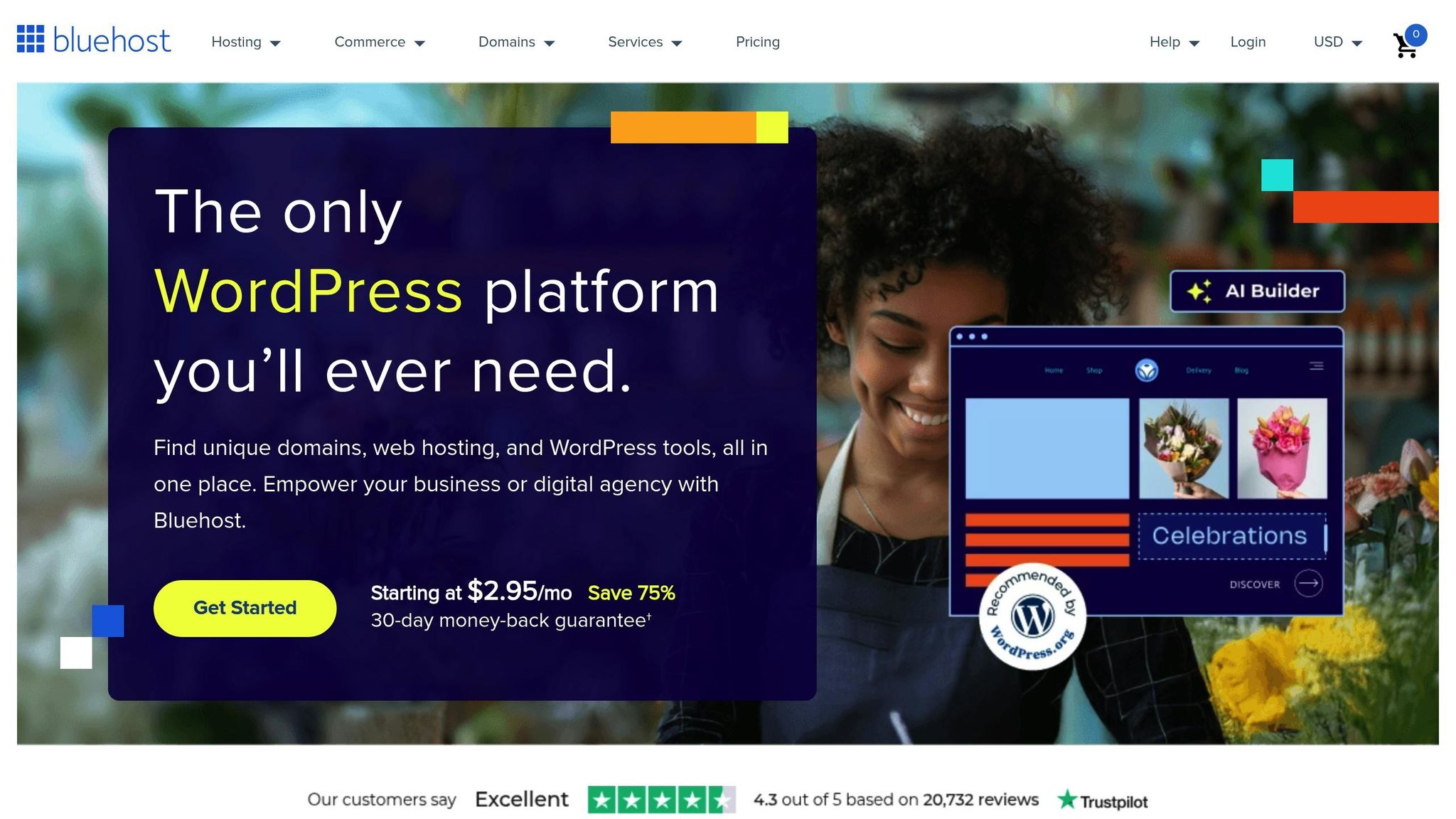
Bluehost WonderSuite is a WordPress-based solution designed to simplify the process of building a website, especially for those without technical expertise. With a solid 4.3 out of 5 rating from Cybernews and a ranking of #7 out of 32 website builders, it has become a go-to platform for millions of small business owners and individuals looking to establish their online presence.
Beginner-Friendliness
WonderSuite makes WordPress accessible for beginners by offering AI-powered tools and an easy-to-navigate interface. Its standout feature, WonderStart, provides a personalized onboarding experience that helps users get their blogs up and running quickly. Meanwhile, WonderHelp offers step-by-step guidance directly within the site builder. Cybernews describes WonderSuite as "an innovative solution for anyone who finds WordPress CMS a bit too complicated", applauding its AI-driven design and beginner-friendly setup. The platform’s intuitive design tools are tailored to eliminate technical hurdles, making it easier than ever to get started.
Customization Options
Although WonderSuite uses a single WordPress theme, it compensates with WonderBlocks, a robust library of pre-designed sections like hero banners and testimonials, complete with images and sample text. The WonderTheme system allows users to customize static patterns through WonderBlocks, enabling adjustments to fonts, background colors, and other visual elements. You can also preview your blog on both desktop and mobile devices to ensure it looks polished across platforms. By entering your social media handles during the WonderStart process, the platform automatically integrates them into social buttons, enhancing SEO optimization. Consistent and professional design plays a key role in brand recognition, which can increase by up to 80% with cohesive visuals. Beyond aesthetics, WonderSuite also provides tools to help bloggers monetize their efforts.
Monetization Opportunities
WonderSuite offers a range of monetization features for bloggers aiming to turn their content into income. With built-in support for WooCommerce, users can sell digital downloads, physical products, or subscription services directly from their blogs. The platform’s WonderCart feature is designed to drive sales by offering promotional and discount options. Additionally, you can easily incorporate affiliate links, digital products, or subscription models. For those looking to generate revenue through ads or donations, WonderSuite supports Google AdSense, tipping systems, and donation widgets. Freelancers and coaches can use plugins like MemberPress to create gated content or membership areas. All of these features come at a budget-friendly starting price of $2.95 per month, which includes a free domain for the first year and an SSL certificate.
10. Ghost
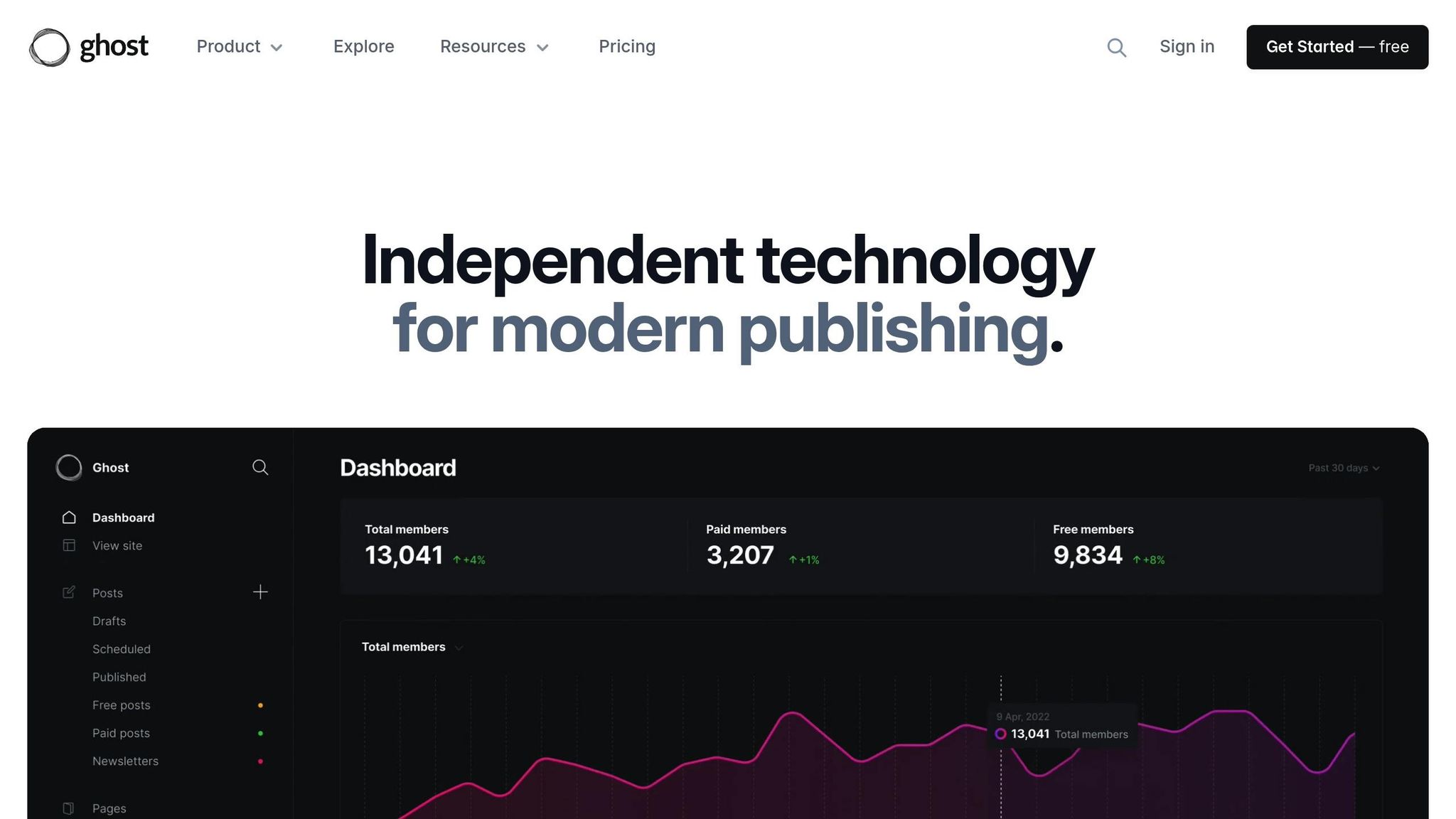
Ghost is a platform built for writers who want to focus on creating professional content while also building a sustainable business. With thousands of new publications launching every week, it’s become a go-to choice for writers looking for a clean, distraction-free space to work. Let’s take a closer look at why Ghost is gaining traction, particularly in terms of design, usability, and income potential.
Beginner-Friendliness
Ghost is designed with bloggers and writers in mind, offering a straightforward interface that supports Markdown for seamless post creation. For those sticking to basic content creation, it’s simple to use right out of the box. However, if you’re looking to dive into deeper customization, you’ll need some coding skills – think Handlebars and CSS. Setting up Ghost on your own can also be tricky if you’re not technically inclined, though their support team is known for being responsive and helpful.
Customization Options
When it comes to personalizing your site, Ghost gives you plenty of room to make it your own. It offers a marketplace filled with hundreds of themes, along with built-in tools to tweak colors, fonts, and layouts to match your brand . If you’re more technically savvy, you can take it further by using code injection and Ghost’s APIs to create a truly unique experience.
"The smoother & simpler the writing experience is, the more motivated I feel to write. Ghost makes me want to draft my articles straight inside their app."
– Tobias Van Schneider
Beyond design, Ghost also stands out for its robust monetization features.
Monetization Opportunities
For writers aiming to earn from their work, Ghost provides tools that make monetization straightforward and efficient. Publications powered by Ghost collectively bring in over $25,000,000 annually, and the platform doesn’t charge payment processing fees. You can set up both free and paid subscriptions using native signup forms, keeping 100% of your earnings. Some publications using Ghost report monthly revenues ranging from $39,000 to $281,000.
To put it into perspective, with 500 members paying $10 per month, your publication could bring in $60,000 a year. Double that to 1,000 members, and you’re looking at $120,000 annually. Most Ghost-based membership sites charge between $25 and $49 per month, while B2B-focused publications often go above $50.
Ghost also supports advanced features like tiered content access, built-in email newsletters, and integrations for promoting your work – all tools designed to help you grow your subscriber base. Its combination of simplicity, design flexibility, and monetization options makes it a strong choice for writers who want to establish a lasting online presence.
Platform Comparison Chart
Building on our in-depth platform reviews, this chart provides a straightforward summary designed for new writers. Choosing the right blogging platform is easier when you can compare the essentials side by side. This breakdown highlights the key factors that matter most to beginners: pricing, ease of use, and customization options. Check out the table below for a quick overview of your options.
| Platform | Starting Price | Free Option | Ease of Use Rating | Customization Level | Best For |
|---|---|---|---|---|---|
| Blogger Outline | Free | Yes | Beginner-friendly | Moderate | New writers seeking guidance |
| WordPress.org | $7.99/month + $14.99/year domain | No | 3.2/5 | Extensive | Writers wanting full control |
| WordPress.com | Free plan available (premium from $4/month) | Yes | Beginner-friendly | Limited on free plan | Easy WordPress experience |
| Hostinger Website Builder | $2.69/month | No (30-day guarantee) | 4.7/5 | AI-powered setup | Quick, professional sites |
| Wix | Free (paid from $17/month) | Yes (limited) | 4.9/5 | Drag-and-drop extensive | Visual site builders |
| Substack | Free (10% fee on paid subscriptions) | Yes | Very easy | Minimal | Newsletter-focused writers |
| Medium | Free | Yes | Very easy | Very limited | Pure content focus |
| Squarespace | $12/month | Free trial only | 4.8/5 | Professional templates | Design-conscious writers |
| Weebly | Free (paid from $6/month) | Yes (with branding) | Easy | Moderate | Small business blogs |
| Ghost | $9/month | 14-day trial | Moderate | Extensive with coding | Professional publishers |
The cost of these platforms varies widely. For example, Blogger Outline is completely free, making it a great starting point for beginners. On the other hand, WordPress.org requires hosting and domain costs, starting at $7.99 per month plus $14.99 annually for a domain. If budget is a concern, Hostinger Website Builder offers an affordable entry point at just $2.69 per month.
Ease of use is another important factor, and the ratings make it clear. Wix leads the pack with a 4.9/5 rating, followed closely by Squarespace at 4.8/5. Platforms like WordPress.org, while powerful, score lower (3.2/5) due to their steeper learning curves.
Customization options vary greatly depending on the platform. Medium offers minimal control, focusing purely on content. In contrast, WordPress.org provides nearly unlimited customization with thousands of themes and plugins. Ghost also allows extensive customization but requires coding skills for advanced features. Platforms like Wix and Squarespace strike a balance, offering significant customization through simple, user-friendly tools.
Substack stands out with a different pricing model. While free to use, it takes a 10% cut from paid subscriptions and adds a 2.9% + 30¢ transaction fee. If you want a custom domain, there’s an additional $50 annual cost. This setup works well for writers focused on growing a paid subscriber base.
Choosing the right platform depends on your current needs and future goals. If you want to start writing immediately, platforms like Medium are perfect but may limit long-term growth. For those looking to scale, WordPress.org offers unmatched flexibility but requires more effort upfront. Platforms like Wix and Squarespace provide a middle ground, delivering professional results without overwhelming complexity. This chart simplifies the decision-making process and helps pinpoint the platform that aligns with your writing journey.
Conclusion
As we’ve explored, each platform shines in its own way. Your choice should hinge on your writing goals, budget, and technical comfort level.
WordPress.org stands out for its flexibility and control, making it a great pick for those aiming for long-term growth. However, it does come with a steeper learning curve and ongoing costs.
Wix, on the other hand, offers an intuitive drag-and-drop interface, perfect for writers seeking quick and easy setup without diving into complex technicalities.
For those starting on a tight budget, platforms like Blogger, Medium, or even cost-effective options like Hostinger Website Builder (priced at $2.69 per month) provide excellent starting points.
"The best blogging platform for you is one that meets your needs in terms of cost, the purpose of your blog, the customization options you require, and your level of technical know-how".
If you’re new to blogging, consider starting with beginner-friendly options and transitioning to more advanced platforms as your skills and needs grow. Let this guide be the first step toward building your blogging success.
FAQs
What should new writers look for when selecting a blogging platform?
When selecting a blogging platform, it’s important to focus on a handful of factors that align with your goals and needs. Start by identifying the purpose of your blog – whether it’s for personal expression, professional branding, or a business venture. Then, think about your target audience and the kind of content you’ll be sharing, like articles, photos, or videos.
Your level of technical expertise is another key consideration. Choose a platform that matches your comfort level, especially if you’re new to blogging – look for one with a user-friendly interface to make the process smoother. Features like SEO tools, multimedia capabilities, and customizable templates can also help you achieve your goals and bring your vision to life.
Budget is another factor – ensure the platform’s cost aligns with what you’re willing to spend while still delivering good value. Lastly, having access to dependable customer support and an active user community can be a huge help, especially as you navigate the early stages of blogging.
How do different blogging platforms handle monetization for new writers?
Monetization opportunities can differ greatly depending on the blogging platform you choose. Some platforms, especially those offering extensive customization options, open the door to earning through ads, affiliate marketing, or even selling your own products. These platforms give you the freedom to shape your strategy and potentially boost your income.
In contrast, platforms with fewer customization features often come with predefined earning programs. For example, they might pay writers based on reader engagement metrics. While this can simplify the process, it may also limit how much – and how – you can earn.
Another critical factor is content ownership. Platforms that allow you to fully own your work generally provide more monetization flexibility. On the flip side, platforms that retain ownership of your content might restrict your earning potential. If you’re just starting out, it’s important to pick a platform that matches both your income goals and your technical comfort level.
What is the best blogging platform for beginners that combines simplicity and customization?
For those new to blogging, Wix is a great starting point, offering a mix of ease and flexibility. Its drag-and-drop editor is incredibly user-friendly, making it simple to set up and manage a blog – even if you have zero technical skills.
What makes Wix stand out is its wide selection of templates and design tools, giving you the freedom to craft a blog that matches your personal style and objectives. Whether you’re writing for fun or building a platform for a specific purpose, Wix provides the tools to get you started while also being adaptable enough to grow with you as your needs evolve.